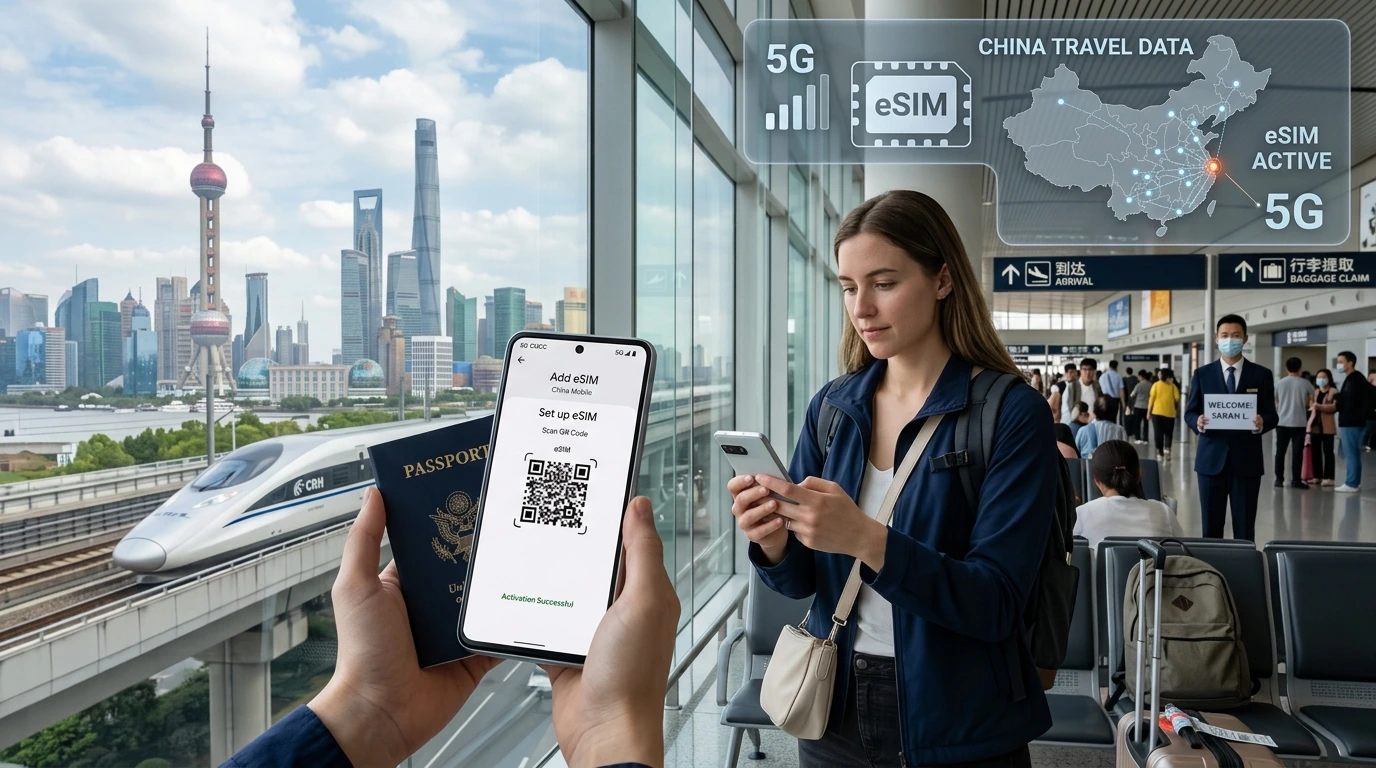
If you delete your travel eSIM you lose the profile and immediate connectivity. This guide explains what stops working, how to recover or re‑install, device steps, a support message template, and NexaEsim recovery options.
What happens if I delete my travel eSIM? If you delete a travel eSIM, your device immediately loses the cellular service tied to that profile and the eSIM profile is removed from the phone — but the plan or purchase record often remains with the provider and can usually be reissued or repurchased.
Quick Answer
If you delete a travel eSIM the phone immediately loses the eSIM’s cellular service and the profile is removed. You can often re‑download the same profile using the original QR/activation link or contact your provider for a re‑issue; if not, buy a replacement eSIM.
Immediate effects of deleting a travel eSIM
- Instant loss of mobile data: Data, roaming, and any voice/SMS tied to that eSIM stop working right away.
- Apps and services: Apps using mobile data fall back to Wi‑Fi; background updates or two‑factor SMS to that profile won’t arrive.
- The profile is removed from the device: Deleting removes the eUICC profile from your phone’s eSIM manager — not necessarily the account or order with your provider.
Does deleting cancel your plan or billing?
Not usually. Deleting the profile removes it from the device but does not automatically cancel the provider’s account or billing in many cases. Policies vary by provider — check your purchase confirmation or contact support. For NexaEsim customers, see the support instructions below for re‑issue and replacement options.
Delete vs Disable: choose the safer option
Disabling (turning off the eSIM profile) keeps the profile on your phone and is reversible; deleting permanently removes the profile from the device until reinstalled. When unsure, disable first.
How to disable an eSIM on iPhone
- Open Settings > Cellular (or Mobile Data).
- Tap the eSIM plan and toggle "Turn On This Line" or switch off data/voice for that plan.
How to disable an eSIM on Android
- Open Settings > Network & Internet > SIMs or SIM manager.
- Find the eSIM profile and toggle it off (or set data preference to the other SIM).
Can you get a deleted travel eSIM back? Recovery options
- Re‑download with the original QR/activation link: If you saved the QR code or activation link when you bought the eSIM, scan or open it to re‑install the profile.
- Provider re‑issue via account or app: Many providers (and NexaEsim) can resend an activation link or re‑issue a new QR from your order history or support ticket.
- When re‑download is not possible: Some one‑time QR activations or temporary offers cannot be re‑installed — you may need a replacement eSIM purchase.
Device‑specific recovery guide
iPhone (iOS 17 / 18) — re‑add an eSIM
- Open Settings > Cellular > Add eSIM.
- Scan your saved QR code or choose "Enter Details Manually" and paste the SM‑DP+ or activation code if provided.
- Follow on‑screen instructions to label the plan and set data/voice preferences.
Samsung — re‑add an eSIM
- Settings > Connections > SIM manager > Add mobile plan.
- Scan the QR code or use an activation code from the provider app.
Google Pixel — re‑add an eSIM
- Settings > Network & internet > Mobile network > + > Download a SIM instead?
- Scan the QR or paste activation details.
Generic Android notes
Android OEM menus vary. Look for SIM manager, Mobile network, or "Add carrier". If your phone supports eSIM, the device will prompt to scan or enter activation information.
Common causes of accidental deletion
- Trying to manage multiple profiles and selecting "Delete" instead of "Disable".
- Factory reset or using the phone’s reset options without backing up eSIM activation details.
- Clearing profiles during troubleshooting or when transferring ownership of a device.
Pre‑deletion checklist (prevention)
- Save the activation QR/image and store it in secure cloud storage (or save the link from your order email).
- Copy the activation code, SM‑DP+ address or ICCID to a secure note or email to yourself.
- Take screenshots of the activation screen and order confirmation.
- Disable before deleting when you only want to stop service temporarily.
Emergency steps if you’re offline now
- Find Wi‑Fi (hotel, café, or airport) so you can access your purchase email or NexaEsim account.
- Check your photos and email for the original QR/activation link.
- Use the support message template below and contact NexaEsim support for a fast re‑issue.
- If re‑download isn’t possible, get a quick replacement from our eSIM catalog: eSIM for 200+ destinations.
Copy this message to send to NexaEsim support
Order #: [your order number]. Device: [phone model]. OS: [iOS/Android + version]. I accidentally deleted my NexaEsim profile at [time, timezone]. Please help re‑issue or provide a re‑download link. Attached: screenshot of activation QR (if available).
When deletion affects your phone number
Most travel eSIMs are data‑only and don’t include a primary MSISDN (phone number). If your travel eSIM did include a phone number, deletion removes the profile from the device but the provider may retain the number on the account. Contact support to confirm whether your number can be restored or transferred.
How NexaEsim can help
If you bought your plan at NexaEsim, we can usually resend activation details from your order or offer a quick replacement. If re‑download isn’t available, you can purchase a new plan from our all‑country catalog and get an activation link instantly: Buy replacement eSIM. For device compatibility tips before reinstalling, see our compatible devices page and the installation guide for step‑by‑step help.
When deletion is irreversible
Some activation flows use one‑time QR codes or short‑lived links. If your order’s activation is one‑time only and the provider policy disallows re‑issue, you’ll need to purchase a replacement eSIM. In urgent cases, use public Wi‑Fi and a quick purchase from our catalog to restore connectivity.
FAQ
Will I lose my phone number if I delete a travel eSIM?
Usually no — travel eSIMs are often data‑only. If your eSIM included an MSISDN, contact the provider to confirm whether the number is retained on the account.
Can I reinstall a deleted eSIM on a different phone?
Yes, if you have the original QR/activation link or the provider can re‑issue the profile. Hardware and OS must support eSIM transfers.
How long does it take to get a deleted eSIM back?
If you have the QR, reinstallation takes a few minutes. Provider re‑issues depend on support SLA — many respond within hours, but timing varies.
What should I do if I deleted my eSIM while abroad?
Find Wi‑Fi, locate your activation email or QR in photos, and contact NexaEsim support with the prewritten message (above). If recovery isn’t possible, buy a replacement from our eSIM catalog.
Does a factory reset delete my eSIM?
Yes — a factory reset typically removes eSIM profiles from the device. Back up activation details before resetting.
Is deleting an eSIM the same as cancelling the plan?
No — deleting removes the profile from the device. Cancelling requires action with the provider and may have different billing consequences.
How can I prevent accidental deletion of my eSIM?
Save the QR and activation details securely, disable instead of deleting when possible, and keep a copy of order confirmation in cloud storage.
Editorial note / Byline
Editorial note: This article was written by NexaEsim’s content team and reviewed by our support engineers to help travelers recover connectivity quickly. For device screenshots, step videos, and the downloadable Activation Pack, visit our blog.