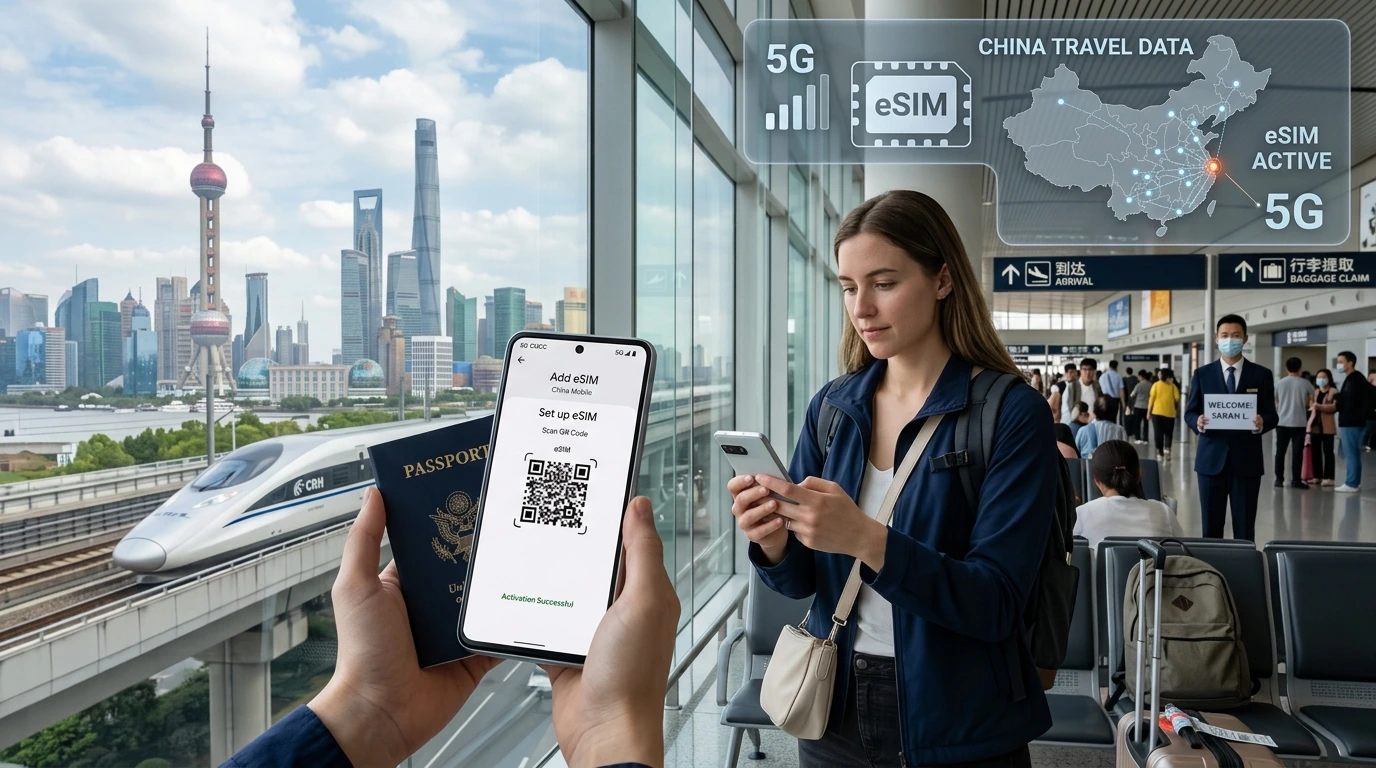
Learn when and how you can move a travel eSIM to a new phone, device-specific steps for iPhone and Android, what to do if transfer fails, and NexaEsim replacement options.
Can I transfer travel eSIM to another phone? Short answer: often yes — but it depends on how your travel eSIM was issued and your device/carrier rules.
Quick Answer
Quick Answer: In many cases you can move a travel eSIM to a new phone. If your NexaEsim profile is saved in your account or your device supports eSIM transfer, you can reinstall it yourself. If you received a one‑time QR/activation link, you may need a reissue from NexaEsim. First check device compatibility, back up any profiles, then follow your phone’s transfer or "Add Cellular Plan" steps below. If you need a replacement plan immediately, find a NexaEsim plan for your destination.
How eSIM transfer works — brief explainer
An eSIM contains a profile (the small file installed on your phone) and the service (the plan tied to that profile). "Transfer" can mean either reinstalling the same profile on a new device or asking your provider to issue a new profile for the same service. Technical limits — like single‑use QR codes, EID binding, or operator restrictions — determine which is possible.
eSIM profile vs service
- Profile: the installed digital SIM file (ICCID/EID identify it).
- Service: the data plan and roaming permission provided by NexaEsim.
- You can remove a profile from one phone and install the same profile on another only when re‑installation is allowed by the issuer or the profile is transferable via device tools.
Common technical constraints
- Single‑use QR/activation links: many travel eSIMs are issued via a QR that can be scanned once.
- EID / carrier binding: some operator‑issued profiles are tied to a specific device EID or require carrier action.
- Platform differences: iOS and Android provide different transfer tools and backup behaviors.
Can you transfer my type of travel eSIM? Quick scenarios
Scenario A — One‑time QR or activation link
If you installed from a QR or link that says "one‑time use", scanning on a second phone will usually fail. Contact NexaEsim to request a reissue or buy a fresh plan from All Countries.
Scenario B — Profile stored in your NexaEsim account
If your profile is linked to your NexaEsim account (re‑downloadable), sign in to reinstall on the new device. Also check our Installation Guide for steps.
Scenario C — Carrier/operator eSIM
If the eSIM was issued directly by a mobile operator (not NexaEsim), transfer rules vary — you may need the carrier to re‑issue a profile or move the service to a different IMEI/EID.
Step‑by‑step: Transfer an eSIM to a new iPhone
During setup (recommended where available)
- Turn on the new iPhone and follow on‑screen setup. When prompted, choose to transfer cellular plan from your old iPhone (if you have both devices and iOS supports transfer).
- Follow the prompts to confirm the transfer on the old phone.
- Complete setup and test mobile data and roaming.
After setup (manual install)
- On the new iPhone go to Settings > Cellular > Add Cellular Plan.
- Scan the provider QR code or choose "Enter details manually" if you have an activation code.
- If your NexaEsim profile is in your account, sign in to re-download it per our Installation Guide.
Common iPhone errors and fixes
- "Activation failed" — confirm the QR/link hasn’t already been used and that the plan covers your destination.
- "Plan not available" — check carrier lock or incompatible EID; contact NexaEsim with order details.
Step‑by‑step: Transfer an eSIM to a new Android phone
Pixel (during setup or from Settings)
- During Pixel setup you may be offered to transfer your SIM/eSIM while transferring data from your old device — accept and follow prompts.
- Or: Settings > Network & internet > SIMs > Add carrier > Download a SIM instead and scan the QR or sign in to your NexaEsim account.
Samsung & other Androids
- Settings > Connections > SIM card manager or Mobile networks > Add mobile plan.
- Scan the QR or use the activation link. If the QR was single‑use, request a reissue.
Common Android errors and fixes
- "No profile found" — verify the QR/link; try removing any old NexaEsim profile first.
- "eSIM not supported" — check device compatibility: visit Compatible devices.
If the eSIM won’t transfer — what to do
If transfer fails because the QR was single‑use or the profile is carrier‑bound, you have two clear options:
- Request a reissue or support from NexaEsim (sign in to your account to check for re‑downloadable profiles or contact support with your order number, ICCID/EID, and IMEI).
- Buy a replacement travel eSIM immediately from Find a NexaEsim plan for your destination for fast activation.
Best practices before switching phones
- Back up your device (iCloud or Google) and note your NexaEsim order number.
- Save the activation QR, link, or confirmation email in a secure place.
- Do not remove the eSIM from your old phone if you are abroad without confirming reissue options with NexaEsim.
- Check device support: Compatible devices.
Troubleshooting checklist
- Confirm the QR/activation link hasn’t already been used.
- Restart both phones and try a manual Add Cellular Plan.
- Check for software updates (iOS/Android) and carrier settings updates.
- If you see "profile already in use" include screenshots and the order number when contacting support.
FAQs
Can I transfer my NexaEsim travel eSIM to another phone?
Usually yes. If the profile is stored in your NexaEsim account or your phone supports direct transfer, you can reinstall it. If you used a one‑time QR, request a reissue from NexaEsim.
Do eSIM QR codes expire or are they single‑use?
Some QR codes are single‑use and cannot be scanned again. Others are re‑downloadable from a provider account. Check your NexaEsim order email or account for the QR policy.
Can I transfer my eSIM between iPhone and Android?
For most travel (data‑only) eSIMs, yes — you can install the plan on either platform if the issuer allows re‑installation. Platform transfer tools only move the profile file when both devices and the issuer support it.
Will I lose remaining data/validity if I transfer?
Usually not. The service (remaining data and expiry) follows the plan, not the device profile. If a new profile is issued, it should reflect the same remaining allowance unless otherwise stated by the provider.
How do I deactivate or remove an eSIM from my old phone?
iPhone: Settings > Cellular > Select the plan > Remove Cellular Plan. Android: Settings > Network & internet > SIMs / Mobile network > Select eSIM > Remove or Delete. Keep a copy of any activation info before removing.
NexaEsim support & purchase options
If you need a quick replacement, find a NexaEsim plan for your destination. For reissues or account‑stored profiles, sign in to your NexaEsim account (or contact support) and provide: order number, registered email, ICCID/EID (if available), and the new device IMEI/EID. See our Installation Guide for reinstall steps and device compatibility notes.
Editorial note / Byline: NexaEsim Support Team — Last updated: 2026-05-21. This page summarizes common transfer scenarios; device and carrier behavior changes often. If in doubt, contact NexaEsim support with your order details.