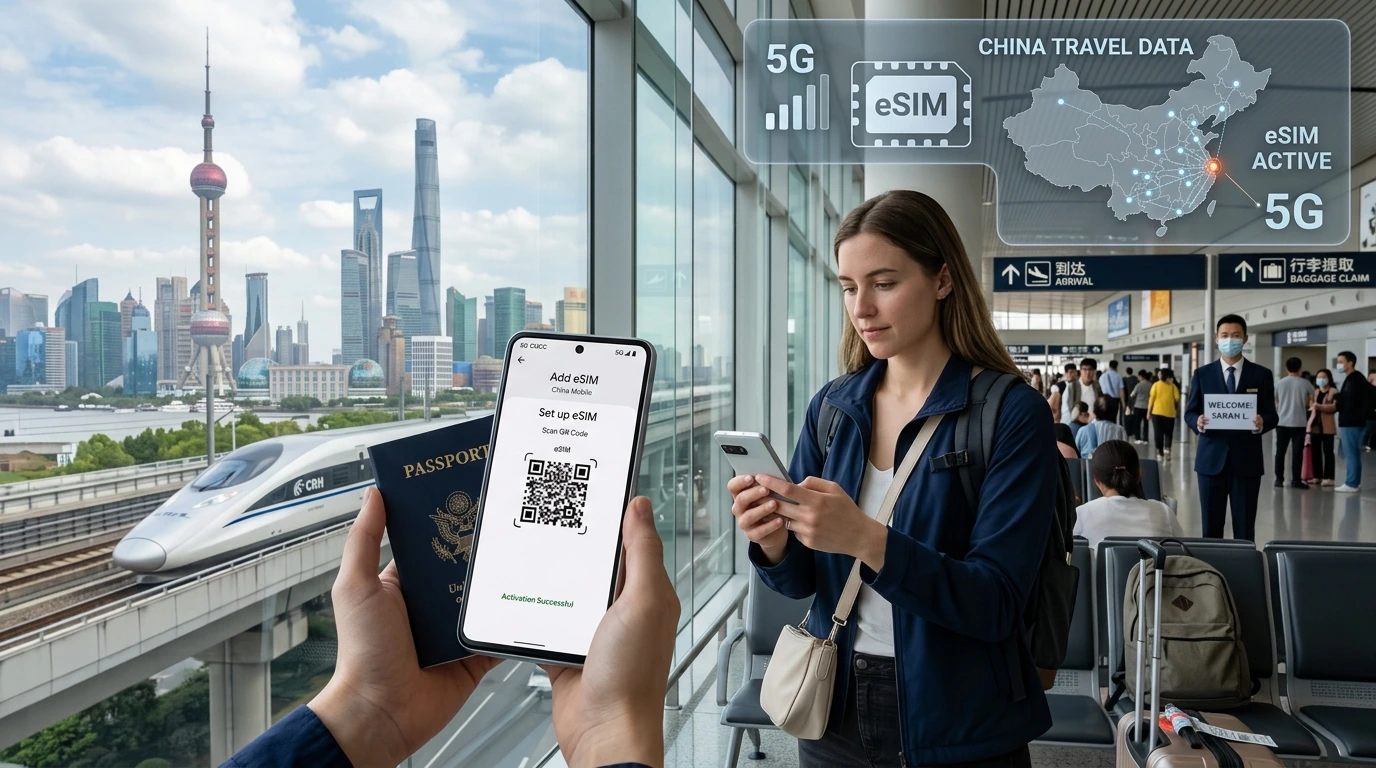
Yes — in most cases you’ll still receive SMS and OTPs on your home number while using a travel eSIM for data. Follow the quick checklist, device setup steps, and troubleshooting tips to avoid missed verification codes.
Quick answer
Can I receive SMS on travel eSIM? Yes — in most cases you will still receive SMS (including OTPs) on your home mobile number while using a travel eSIM for data, provided your home SIM remains active and can register on a foreign voice network (voice roaming enabled). Check VoLTE roaming for destinations that have retired 3G and set your phone so data uses the travel eSIM while voice/SMS stay on your home line.
How eSIMs and your home SIM work together
When you install a travel eSIM you typically keep your physical or home eSIM in the same phone. Modern phones support dual-SIM operation (physical + eSIM or dual eSIM). Each line can be set independently for data, voice, and SMS — which is how you can use local data without losing texts to your home number.
Data-only eSIM vs eSIM with phone number
- Data-only eSIM: provides internet only — no telephone number, no native SMS. Good for browsing, maps, apps.
- eSIM with number: some travel eSIMs can include a local number or add-on SMS service. That’s separate from your home number.
Dual-SIM logic: which line handles data / calls / SMS
- Set mobile data to the travel eSIM to avoid using roaming data from your home carrier.
- Keep your home line active and set it as the primary for Calls & SMS (or ensure roaming/voice on is enabled) so incoming SMS/OTPs arrive to your usual number.
Will using a travel eSIM stop OTPs, bank codes or incoming texts?
Not usually—OTP and incoming SMS delivery depends on whether your home SIM can register with a network abroad. Key requirements:
- Your home line must be active and not suspended for non-payment.
- Voice roaming (and SMS roaming) must be enabled on the home account.
- Your device and home carrier must support the required voice technology (VoLTE) in the destination if 3G is shut down there.
Common reasons you might not receive SMS
- Home SIM is deactivated, blocked, or has roaming disabled by the carrier.
- Carrier-to-carrier roaming agreements or VoLTE roaming incompatibility in that country.
- Device default line set incorrectly (data/voice priorities swapped).
- Banks or services block OTPs from roaming numbers — or flag them as suspicious.
Step-by-step setup: keep your home number for SMS while using a travel eSIM
Quick pre-travel checklist
- Confirm your home SIM is active and voice roaming is allowed.
- Back up and note your 2FA alternatives (Authenticator app, backup numbers).
- Install the travel eSIM and set it as Mobile Data only.
- Enable VoLTE & roaming on the home line if your carrier requires it.
- Test by asking someone to send an SMS before boarding.
iPhone setup (iOS)
- Settings → Cellular: add and activate the travel eSIM.
- Cellular → Cellular Plans: label your plans (e.g., “Home” and “Travel”).
- Cellular → Cellular Data: select the travel eSIM for data.
- Cellular → Default Voice Line: keep this set to your home number (or set calls/SMS to home).
- Settings → Cellular → Allow Cellular Data Switching: enable if you want automatic switching for calls when needed, but verify before travel.
See NexaEsim’s installation guide for step-by-step activation: NexaEsim installation guide.
Android setup (general)
- Settings → Network & internet → SIMs: add and enable the travel eSIM.
- Mobile data: choose the travel eSIM for data.
- Calls & SMS: keep default set to your home SIM for incoming SMS/voice.
- Some manufacturers (Samsung, Pixel, Xiaomi) place these settings in slightly different menus — verify in Settings → SIM & network.
Check device compatibility before purchase: Compatible devices.
Technical pitfalls and country/technology caveats
VoLTE and 3G shutdowns — why they matter
Many operators have turned off 3G. SMS and voice roaming often rely on IMS/VoLTE on 4G. If your home carrier doesn't support VoLTE roaming to the host network, your home SIM may not register for voice/SMS, and you won’t get OTPs.
Incoming calls vs incoming SMS: billing expectations
Incoming SMS are often free with many carriers, but policies vary — incoming calls while roaming commonly incur charges. Confirm roaming costs with your home operator before travel.
When internet messaging (iMessage/WhatsApp) is a reliable fallback
If your bank or service supports app-based push notifications or authenticator apps, these are more reliable than SMS while roaming. For iMessage: it works over data but may still show the phone number as an identity; test before travel.
Troubleshooting: if you’re not receiving SMS/OTP abroad
Quick checks
- Is the home SIM active and with sufficient balance (if prepaid)?
- Is voice/SMS roaming enabled in your account and on the device?
- Restart the phone and try manual network selection (Settings → Network operators).
- Temporarily swap default lines to confirm which line receives SMS.
Carrier-level issues
- Some carriers block SMS when your number is roaming on certain networks — contact your home carrier if problems persist.
- Ask your carrier if VoLTE roaming is supported in your destination.
When to contact your home carrier vs NexaEsim support
- Home carrier: account status, roaming permissions, VoLTE roaming support.
- NexaEsim: eSIM activation, device configuration help, or if you suspect the travel eSIM is interfering with dual-SIM settings. Contact us or view plans: Check NexaEsim plans.
Country-specific notes (quick highlights)
| Destination | Common risk | Recommended action |
|---|---|---|
| United States | VoLTE roaming can be carrier-dependent | Confirm VoLTE roaming with carrier; enable voice roaming |
| Japan | High 4G/VoLTE usage | Ensure carrier VoLTE compatibility |
| EU / Schengen | Generally good VoLTE support | Keep roaming enabled; prefer data-only eSIM for cost savings |
| Australia / Singapore | Strong VoLTE adoption | Verify home carrier roaming agreements |
These rows are summary guidance. For destination-specific plans and partners, see our country list and choose a travel plan: Find plans for your destination.
How NexaEsim helps
NexaEsim provides travel data eSIMs that you can install before departure and set as your phone’s data line, keeping your home number for SMS. We also offer live support to walk you through dual-SIM setup and activation.
How to choose a NexaEsim plan
- Pick a country or multi-country plan that matches your itinerary.
- Confirm device compatibility and activation instructions in our installation guide: NexaEsim installation guide.
- If you need help pre-checking OTP risk, contact support or read related tips on our blog.
Micro-CTA: Ready to buy a travel data plan? Check NexaEsim plans for your destination.
Frequently asked questions
Will a data-only eSIM give me a phone number to receive SMS?
No — data-only eSIMs provide internet access only. To receive SMS on your usual number, keep your home SIM active in the phone or use a virtual number or app-based 2FA.
Are incoming SMS/OTPs free when I’m abroad?
Often incoming SMS are free, but policies vary by carrier and country. Confirm with your home operator to avoid surprises.
Do I have to enable voice roaming to get SMS?
Yes — voice roaming must be enabled so your home SIM can register on a foreign voice network to receive SMS and calls. Check both account settings and device toggles.
What is VoLTE and why does it matter?
VoLTE (Voice over LTE) delivers voice and SMS over 4G. In countries with 3G shutdowns, VoLTE roaming support is required for receiving SMS; otherwise your home line may not register for voice/SMS.
How do I set my phone to use data from the travel eSIM but keep SMS on my home number?
On iPhone: set Cellular Data to the travel eSIM and Default Voice Line to your home number. On Android: set Mobile data to the travel eSIM and Calls & SMS default to the home SIM. Refer to our installation guide for screenshots.
I’m not receiving OTPs — what should I check first?
Confirm your home SIM is active, voice roaming is enabled, the device default line is correct, and restart. If still blocked, contact your home carrier about VoLTE roaming and NexaEsim for device configuration help.
Can I get a temporary phone number for SMS?
Yes — virtual numbers and some providers offer SMS-capable temporary numbers. NexaEsim sometimes offers add-ons or you can use third-party virtual number services as a fallback.
Editorial note / byline
By NexaEsim Support Team — updated May 20, 2026. This article is informational and not legal advice. For account-specific roaming fees or carrier limits, contact your home operator.