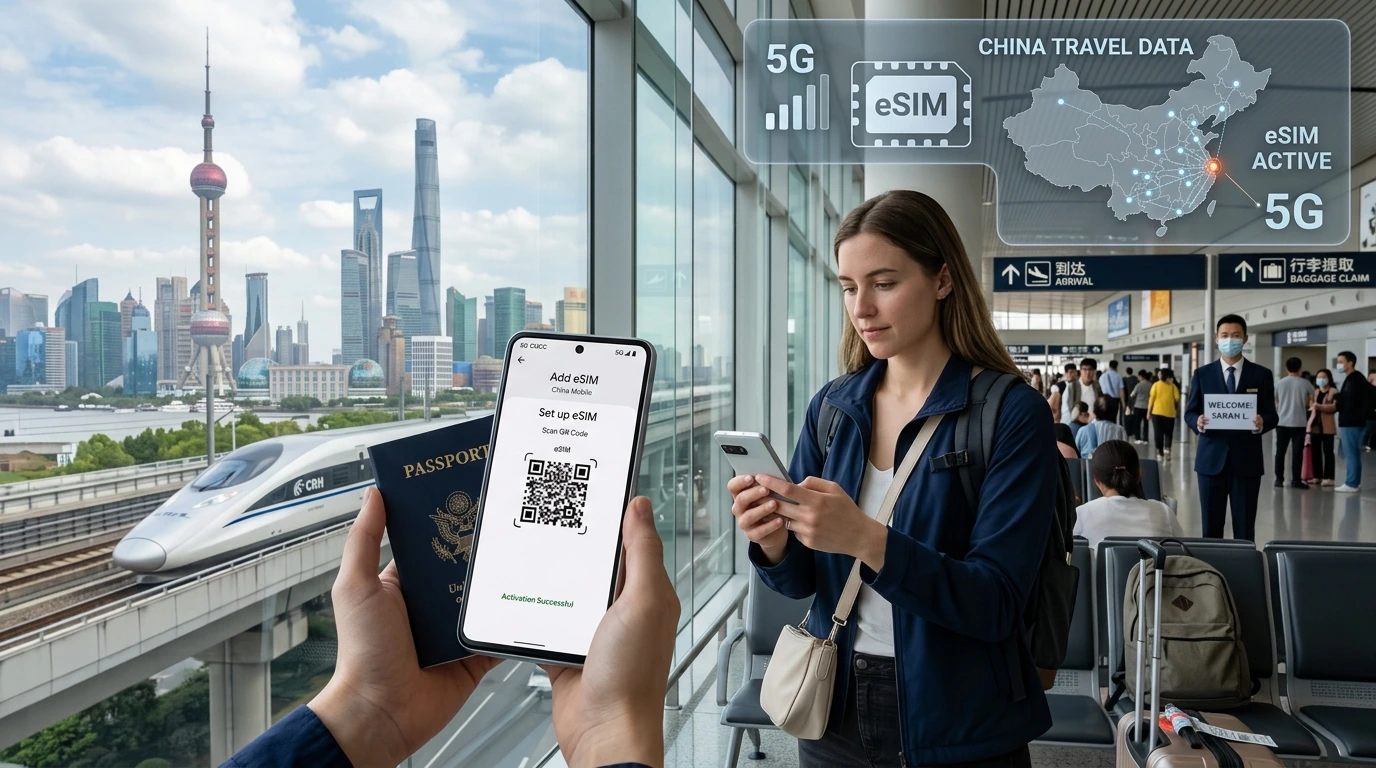
Yes — you can usually install a travel eSIM before flying. This guide explains install vs activate, when your plan starts counting days, safe pre-flight testing, and NexaEsim tips to avoid surprises.
Can I install travel eSIM before flying? Quick Answer: Yes — you can usually install a travel eSIM before flying, but installing (saving the eSIM profile) is not always the same as activating or starting the plan’s validity. Check your plan rules before downloading.
Quick answer
Installing an eSIM stores the operator profile on your phone. Activation (when data/validity starts) depends on the provider: some plans start on first network connection, others on installation or a chosen start date. Read the plan terms and test safely before departure.
Installing vs. activating an eSIM
What “install” means
Installing means downloading or scanning a QR code so the eSIM profile is saved to your device. No network usage is required after the profile is saved unless you switch data to that profile.
What “activate” / “start validity” means
Activation is when the plan begins consuming days or data — this can happen when the profile first connects to a local network, when you enable it for data, or immediately on install depending on the provider’s terms.
When you should install before flight (benefits)
- Be ready on arrival: instant data for maps, rides, and messages.
- Time-saver at the airport — avoid queues and unreliable Wi‑Fi.
- Test device compatibility and settings at home (Wi‑Fi available).
Risks of activating too early
- Loss of days: some plans start counting immediately on install.
- Network conflicts if your phone auto-selects a roaming network.
- Difficulty claiming refunds if activation occurred before travel — check provider policy.
How to install safely before your trip (step-by-step)
- Check device compatibility: confirm your phone supports eSIM and is unlocked. See Check device compatibility.
- Read the plan’s validity details on the plan page; if unsure, delay activation until arrival.
- Buy and install the eSIM profile using Wi‑Fi or mobile data following the provider instructions. For NexaEsim, follow the installation steps in our guide: How to install NexaEsim.
- After installation, leave the eSIM in your profiles list. Put your phone in Airplane Mode or disable mobile data/data roaming until you want to start the plan.
- Test at home: switch data to the eSIM while on Wi‑Fi to confirm the profile is active (but disable roaming to avoid starting a plan that counts on connection if the plan counts on network attach).
How to test an eSIM at home
- Install the eSIM over Wi‑Fi.
- Go to Settings → Cellular and select the eSIM profile for data while connected to Wi‑Fi to verify settings and APN (no roaming needed).
- Do not enable data roaming or turn off Airplane Mode if the plan starts on network attach.
- If you want an extra check, send a test message via an internet app (WhatsApp) on Wi‑Fi to confirm internet access via the eSIM profile without consuming the travel plan.
Common problems & fixes
eSIM not recognized
Restart your phone, re-scan the QR or re-download the profile, and confirm the device is running a supported OS version. See troubleshooting steps in our installation guide.
No mobile network when you arrive
Check APN and network selection settings, ensure the eSIM is enabled for voice/data, and try manual network selection. If still offline, contact support or switch to your physical SIM temporarily.
Plan started counting earlier than expected
Document timestamps and reach out to provider support with purchase/installation details. For NexaEsim purchases, visit your plan page on Browse NexaEsim plans for 200+ destinations and contact support via the plan dashboard.
Special cases
Carrier-locked phones
If your phone is locked to a carrier, eSIMs from other operators may be blocked. Confirm unlock status in device settings or with your carrier before purchasing an eSIM.
Dual‑SIM management
Most modern phones support an eSIM plus a physical SIM. Set your default voice/data preferences in settings and keep your home number active on the physical SIM if you need to receive calls or two-factor messages.
NexaEsim — practical tips (commercial)
NexaEsim delivers plans instantly after purchase; always review the plan’s validity and start rules on the plan page before installing. Ready to pick a plan? Browse NexaEsim plans for 200+ destinations.
Short pre-flight checklist
- Confirm device is eSIM-capable and unlocked (compatible devices).
- Read the plan’s validity/start rules on the product page.
- Install over Wi‑Fi and leave eSIM disabled until arrival.
- Keep a screenshot of the purchased plan and order ID for support.
FAQ
Can I install my eSIM before travelling?
Yes — you can install the eSIM profile before travel. Installing saves the profile; activation depends on the provider. See the step-by-step install guide: How to install NexaEsim.
Will my eSIM start using data before I arrive?
It depends: some plans start on first network connection, others on install. Check the plan terms and keep data roaming off until you want to activate.
How do I test my eSIM at home?
Install over Wi‑Fi, enable the eSIM for data while remaining on Wi‑Fi (or keep roaming off), and confirm connectivity with an app like WhatsApp. See full tests in our installation guide.
Does installing an eSIM require internet?
Yes — downloading or activating an eSIM profile requires Wi‑Fi or mobile data. Use trusted Wi‑Fi when installing before travel.
Will installing an eSIM affect my home SIM number?
No — installing an eSIM doesn’t remove your physical SIM. Use dual‑SIM settings to keep your home number active for calls and SMS while using eSIM for data.
What if my phone is carrier-locked?
Carrier-locked phones may block eSIMs from other operators. Check unlock status or contact your carrier; you may need the phone unlocked to use a travel eSIM.
Can I switch back to physical SIM mid-trip?
Yes — most phones let you switch which SIM handles data, calls, and messages. Configure preferences in Cellular settings to swap between eSIM and physical SIM.
How does NexaEsim handle refunds if validity starts early?
Refunds and exchanges depend on plan terms and evidence of early activation. Check the plan page or contact NexaEsim support via your order dashboard for help.