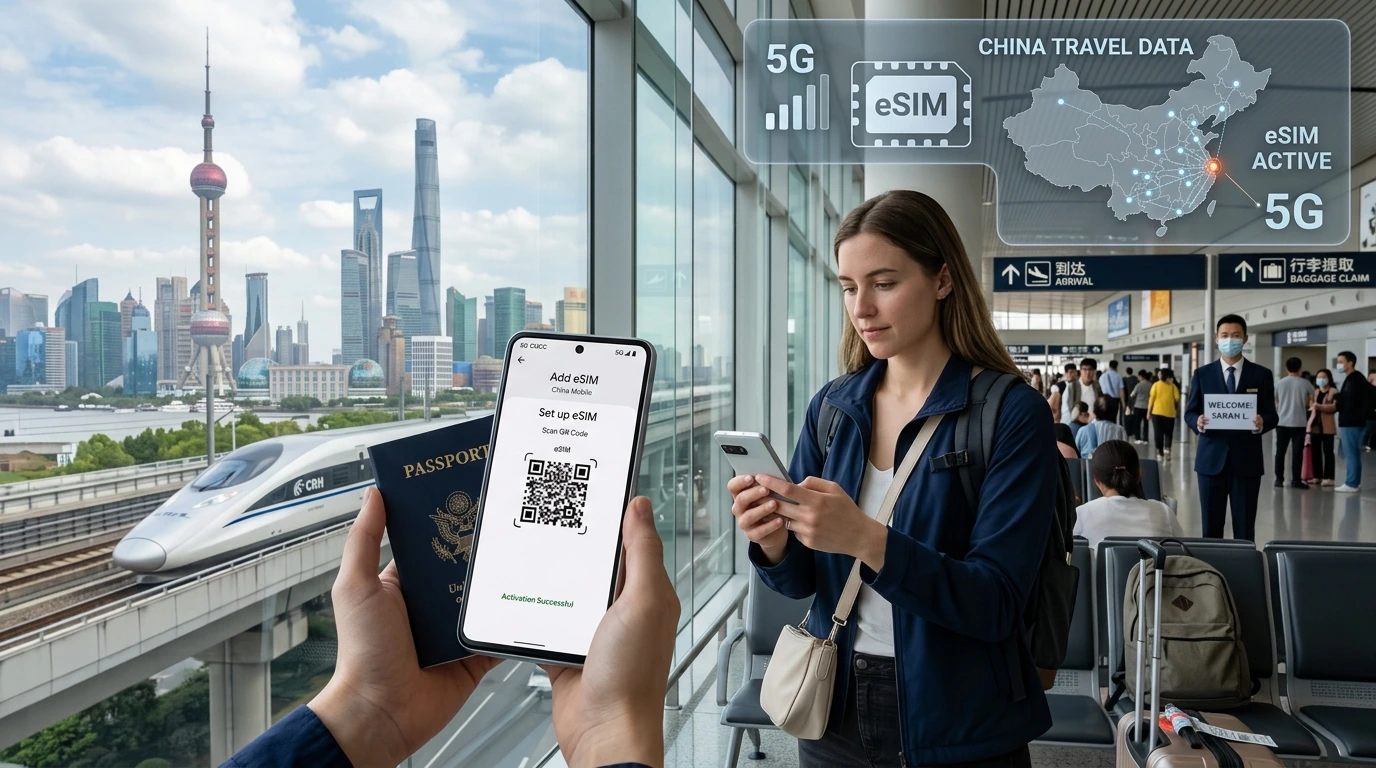
Quick, authoritative guide on how many eSIMs phones can store vs how many can be active, device-by-device limits, and traveler-friendly steps to install, switch and remove profiles.
How many eSIMs can I store on my phone is a common question for travelers, expats and digital nomads planning multi-country trips.
Quick Answer
Most modern phones can store multiple eSIM profiles, but the exact number depends on your phone model and carrier. Recent iPhones typically store up to 8 eSIMs and allow 1–2 active lines at once; Android limits vary by manufacturer and model (some Pixels and Samsung phones allow multiple stored profiles but only two active lines). Always check your specific device and carrier rules before installing travel eSIMs.
Why “store” vs “active” matters
What is an eSIM profile and what does “stored” mean?
An eSIM profile is the carrier credentials saved to your phone’s embedded SIM (eUICC). “Stored” means the profile’s data is kept on your device and can be re-activated later without scanning a new QR code.
What does “active” mean (simultaneous lines)?
“Active” means a profile is currently enabled for calls, SMS or data. Many phones can store several profiles but only let a limited number be active at the same time (commonly 1–2 active lines).
At a glance — typical limits by device family
| Device family | Typical stored profiles | Typical simultaneous active |
|---|---|---|
| Apple iPhone (recent models) | Up to ~8 profiles stored on many recent models | 1 physical + 1 eSIM or 2 eSIMs active (model-dependent) |
| Google Pixel | Several stored profiles (varies by model) | Usually up to 2 active eSIM lines (model-dependent) |
| Samsung Galaxy & other Android | Varies widely by model & carrier (some store many, some only a few) | Often 1–2 active lines; carrier rules may restrict |
| Country / variant notes | Some country-specific models (e.g., certain China/US variants) change eSIM/physical-SIM support — check your exact model. | |
Why limits vary — hardware, software, and carrier rules
Carrier / MVNO restrictions
Carriers or MVNOs can limit how many eSIMs they allow per account or may permit only one active eSIM per carrier at a time. If your phone is carrier-locked, that also affects which profiles can be activated.
eUICC memory and profile retention
The embedded SIM (eUICC) has a finite amount of secure storage and each manufacturer chooses how many profiles the OS will present to users. This is why different models show different storage limits.
How to check your phone’s eSIM capacity
On iPhone
- Open Settings > Cellular (or Mobile Data).
- Tap Add Cellular Plan to see if the option appears and how many active plans are listed.
- Apple support pages and your model notes show exact stored limits for your iPhone generation.
On Android (Pixel / Samsung)
- Open Settings > Network & Internet (or Connections) > Mobile Network.
- Look for Add carrier or eSIM settings to view stored/active profiles.
- Model and firmware differences matter — check the device compatibility page linked below.
If your phone is carrier-locked
Carrier-locked phones may prevent adding or activating third-party eSIMs. Contact your carrier or check unlock status before travel.
How to install, switch, and delete eSIMs
Install via QR code / app / manual
- Scan the QR code your eSIM provider sends, or use their app to install.
- On iPhone, accept the Add Cellular Plan prompt and label the plan.
- On Android, follow the Add carrier flow and confirm settings.
Switch active line and set defaults
- Set your default line for data, calls, and iMessage/FaceTime (iPhone) or designate preferred data SIM (Android).
- When roaming, manually select the travel eSIM as the data line to avoid charges on your home plan.
Delete safely (when to remove)
Delete a profile from Settings only after confirming your plan is paused or finished and you have any activation data saved. Some providers allow reactivation with the same QR or account; others require a new activation.
Best practices for travelers using multiple eSIMs
- Pre-install travel eSIMs before you travel so activation is instant on arrival.
- Label each eSIM clearly (e.g., "Spain - Data") to avoid accidental activation.
- Keep your home SIM active as a fallback if you need to receive SMS for banking or 2FA.
- Monitor validity and top-ups for each plan to avoid unexpected start/expiry.
- Check device compatibility and installation guidance: Check your device compatibility and see our installation guide.
Want to try it?
If you’re planning a trip, pre-installing NexaEsim plans makes switching between destinations fast. Browse NexaEsim plans for 200+ destinations and pre-install the ones you need before you fly.
Editorial note / Byline
Editor’s note: Updated May 2026. By the NexaEsim editorial team — we maintain device compatibility information and traveler workflows to help you manage multiple eSIMs with confidence.
FAQs
How many eSIMs can an iPhone store and how many can be active?
Many recent iPhones can store multiple (around 8) eSIM profiles, but typically only 1–2 lines can be active simultaneously depending on model and OS version.
How many eSIMs can a Samsung Galaxy store/use?
Samsung’s limits vary by model and firmware; some models let you store several profiles but carriers often restrict one active eSIM per carrier. Check your model’s settings and carrier rules.
Can I use two eSIMs at the same time?
Yes—many phones support two active lines (for example, two eSIMs or one eSIM + one physical SIM), but this depends on your device and carrier support.
Can I transfer an eSIM from one phone to another?
Some providers and devices support eSIM transfers; others require a new activation. If you plan to move a plan, check the provider’s transfer policy first and back up any needed activation details.
Will installing an eSIM start its validity period?
Often the validity period starts when the eSIM is activated, not merely installed—however, some plans begin on first use. Verify activation rules with the plan before installing.
Can an eSIM be used on two phones simultaneously?
No. An eSIM profile tied to active service typically cannot be used on two phones at the same time. Using the same credentials on multiple devices will usually require re-activation or transfer steps.
How do I remove an eSIM without losing my plan?
Check your provider’s policy. Some providers allow reactivation via your account; others treat deletion as termination. When in doubt, contact support before removing a profile.
How many NexaEsim travel plans can I store on my phone?
You can pre-install multiple NexaEsim plans (subject to your device’s stored-profile limit). Browse available plans and pre-install for convenience: NexaEsim plans for 200+ destinations.
Further reading
For step-by-step install guides and device checks, visit our installation guide and compatible devices page. Read more about managing eSIMs and travel tips on our blog.