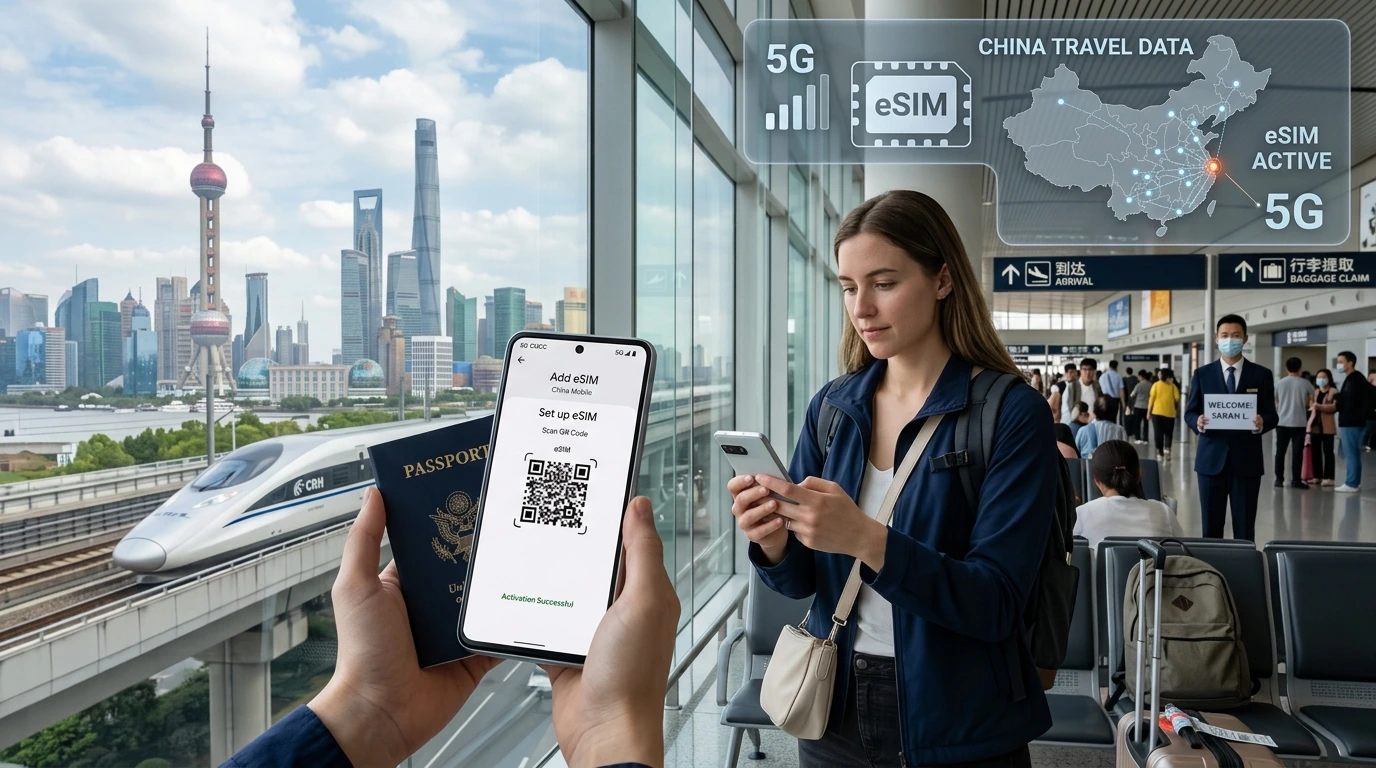
Learn where to buy an eSIM for overseas travel, how to check compatibility, step‑by‑step activation for iPhone and Android, and why buying before departure from a specialist like NexaEsim is often easiest.
Where to buy eSIM for overseas travel is one of the first questions every traveler asks — buy online from a specialist for convenience or get a local carrier SIM after arrival for long stays. This guide explains the best purchase channels, how to choose the right plan, and step‑by‑step activation so you’re connected when you land.
Quick answer
Short recommendation
The fastest, most reliable option for most travelers is to buy an eSIM online from a specialist provider and install it before you leave — for example, find and buy plans for your destination on the NexaEsim product hub: Browse plans for 200+ countries. Buy before departure for guaranteed coverage; buy local on arrival if you plan a long stay and want the cheapest long‑term data.
Best places to buy an eSIM for travel (comparison)
Buy online from a specialist marketplace or eSIM provider
Pros: instant delivery (QR code or in‑app install), multiple carriers and plan choices for a single trip, easy refunds or support channels. Cons: prices can vary by provider; check support hours and refund terms.
Buy direct from a local carrier
Pros: access to full local rates, long‑stay plans, and often better local support. Cons: you may need ID or registration, language barriers, and you must be physically in the country to buy and activate.
Buy at the airport, kiosks, or retail stores
Pros: immediate hands‑on help with setup and physical receipts. Cons: airport prices are often higher and queues can be long; kiosks may only offer a limited number of plan options.
Buy from your home carrier (roaming passes)
Pros: single billing stream and familiar support; keeps your home number active. Cons: often the most expensive option for data; check caps and roaming speed limitations before choosing.
How to choose where to buy (checklist)
Coverage & country support
- Confirm the eSIM provider lists your destination and the local networks used.
- Read recent user reviews for that country — network quality can vary by region inside a country.
Data vs unlimited / fair use policies
- Unlimited offers sometimes include a ‘fair use’ throttle after a data threshold — check the fine print.
- For short trips choose clear GB bundles; for multi‑country trips consider regional plans.
Hotspot and VoIP support
- Not every provider or plan allows hotspot tethering or VoIP; verify if you need to tether a laptop or use voice apps.
Compatibility: device, carrier lock, eSIM slots
- Make sure your phone model supports eSIM and that the device is unlocked if you plan to use local carrier profiles. Use our compatibility guide to check model support: Check device compatibility.
Step‑by‑step: How to buy and activate an eSIM
Before you buy — check device & unlock status
- Verify your phone model supports eSIM (dual SIM/eSIM capable).
- Confirm your carrier allows eSIM use while roaming or allows unlocking if needed.
- Back up important data and note any required APN settings for manual setup.
Buying on NexaEsim (or other reputable app)
- Open the product hub and select your destination or multi‑country itinerary: Find plans for your country.
- Choose the plan that matches your days and data needs, then proceed to payment.
- After purchase you’ll receive either a QR code or an in‑app install flow; save the confirmation email in case you need support.
Installing on iPhone (concise steps)
- Open Settings → Cellular → Add Cellular Plan.
- Scan the QR code or follow the provider’s app instructions to add the eSIM profile.
- Label the new plan (work/travel) and set data/voice preferences.
Installing on Android (concise steps)
- Settings → Network & internet → SIMs or Mobile network → Add eSIM (menu names vary by phone).
- Scan the QR code or use the provider’s app to install the profile.
- Assign the profile for data and set network priority if you keep a physical SIM.
Troubleshooting common activation problems
- Activation fails: toggle airplane mode, restart device, and retry install.
- No data after install: verify the eSIM is enabled for data and check APN settings.
- Still offline: contact provider support with your order ID and device model; NexaEsim’s support links are available on the product hub.
Pricing & value: where to get the best deal
Country vs regional vs global plans — when each is cheaper
Single‑country plans are usually cheapest for short trips; regional plans suit multi‑country trips with several nearby nations; global plans are convenient for many stops but can be more expensive per GB. Compare the options on the NexaEsim hub to match your itinerary with cost and coverage.
Airport markup, local SIM bargains, and long‑stay options
Airport kiosks provide immediacy at a premium. If you’re staying weeks to months, buying from a local carrier in‑market often gives the best long‑term price and local support.
Cost-per-GB calculator (suggestion)
Estimate your typical daily usage (maps + messages vs streaming) and compare cost per GB between plans. For multi‑stop trips, add the data needs per country to choose between regional bundles or separate country plans.
Safety, privacy & legal/regulatory notes
eSIM security basics
eSIM profiles are provisioned using secure industry standards. Treat QR codes and activation links like sensitive items — don’t share them publicly. If privacy is a concern, consider using a VPN when connecting to public Wi‑Fi.
Country-specific rules
Some countries have registration requirements or restrictions on certain services. Check official local telecom resources if you are unsure and contact support before travel if the destination has special rules.
Using a VPN with eSIM
VPNs work with eSIMs just as with physical SIMs. Use a trusted VPN provider to protect data on public networks and for services that require region‑specific access.
NexaEsim picks (commercial section)
For most travelers we recommend starting your search on our product hub. Use the destination selector to compare single‑country, regional and multi‑country plans and complete the purchase before you leave so you arrive online. Start here: Buy an eSIM for your destination on NexaEsim.
How to use the NexaEsim /allcountries page to find and buy
- Enter the country or countries you’ll visit.
- Filter by days, data volume, or plan type.
- Select, pay, and follow the included install instructions or visit our installation guide: How to install an eSIM.
Real‑user tips & quick checklist for arrival day
- Enable airplane mode for 10 seconds after install, then turn mobile data on.
- Set the eSIM as the preferred data line while keeping your home SIM active for calls if you need it.
- Download offline maps and critical apps before you land to avoid immediate data use while you test connectivity.
FAQ
Where can I buy an eSIM for travel?
You can buy eSIMs from specialist online providers, local carriers when you arrive, airport kiosks, or your home carrier’s roaming passes. For convenience and guaranteed pre‑trip activation, specialist providers are a common choice.
Should I buy before I leave or after arrival?
Buy before departure to ensure you have coverage on arrival and to avoid airport queues. Buy on arrival for potentially lower long‑stay rates from local carriers. Consider a short pre‑trip plan until you evaluate local options.
Will an eSIM work on my phone? How do I check compatibility?
Most recent iPhone and many modern Android phones support eSIM. Check your phone model and carrier restrictions using our compatibility page: Check device compatibility. The device must be eSIM‑capable and not blocked by a carrier lock.
Can I use my home phone number with an eSIM?
Yes — if you keep your physical SIM active or if your carrier supports dual‑SIM roaming with eSIM. Alternatively, use VoIP apps to keep in touch on a travel data plan.
Do eSIMs support personal hotspot?
Hotspot support depends on the eSIM plan and the underlying network policies. Confirm hotspot/tethering allowance in the plan details before purchase.
Are there hidden fees or roaming charges?
Reputable travel eSIM providers list all included data and any fair‑use or throttle policies. Check the plan terms to avoid surprises.
How do I install an eSIM?
Most providers deliver a QR code or an in‑app installation flow. For detailed steps see our installation guide: How to install an eSIM.
Can I get a refund if the eSIM doesn’t work?
Refund policies vary. Check the provider’s refund policy on the order page and contact support promptly if there’s an activation issue.
What about China and other restricted markets?
Certain markets have specific registration or service restrictions. Check local regulations and contact support if your destination may have special rules.
Editorial note: This guide is written by the NexaEsim editorial team to help travelers make informed eSIM purchase decisions. Updated: current editorial version. Byline: NexaEsim Content Team.
If you’re ready to compare plans and buy an eSIM, start here: Browse NexaEsim plans for your destination.
More resources: visit our blog for real‑world tests and travel tips: NexaEsim blog.