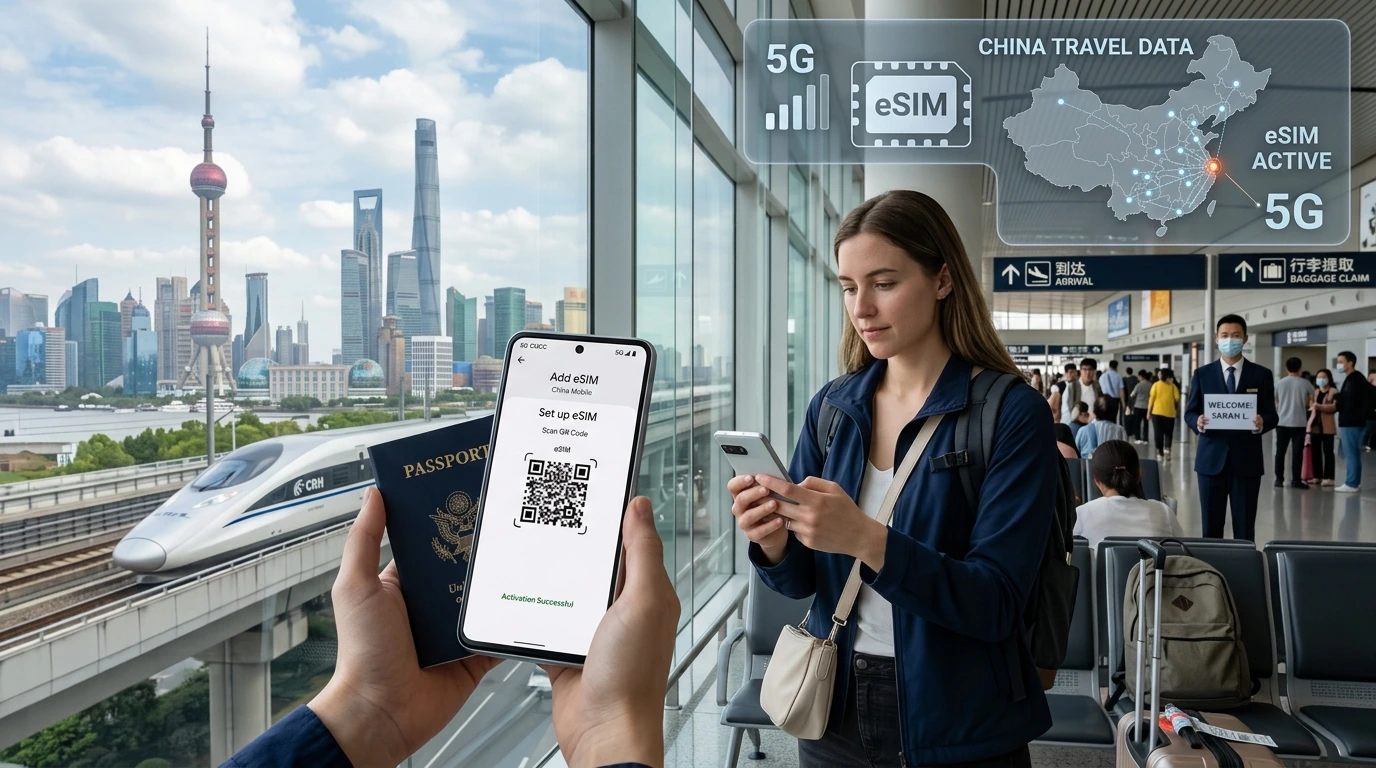
Clear, practical explanation of what “pre‑activated” means for travel eSIMs, when your data starts counting down, NexaEsim guidance, and steps to install without losing days.
Pre-activated travel eSIM meaning: a pre-activated eSIM is a profile provisioned to your device before departure — whether the plan’s validity starts immediately depends on the seller’s activation policy.
By NexaEsim Editorial Team
Quick Answer
Short definition
A pre-activated travel eSIM means the eSIM profile has been added to your phone ahead of travel, but the plan’s timer may start either on download, on first network registration at the destination, or on a scheduled date depending on the provider.
One-line actionable tip
If you can’t confirm the activation policy, install the eSIM now but keep cellular data off (or the eSIM disabled) and enable it only after landing — or choose a NexaEsim plan that explicitly “starts at destination.”
Plain-English explanation: install vs activate vs start date
What “pre-activated” commonly means
Different vendors use “pre-activated” differently: some mean the eSIM profile is ready on your device (installed), others mean the seller has triggered activation already. Always check the plan’s activation policy label on the product page before buying.
What “installed” means on your phone
Installed = the eSIM profile (eUICC) is provisioned to your device and appears in Settings under Cellular / Mobile Plans. Installed does not always equal started — the data plan may remain idle until the phone registers to a foreign mobile network.
What actually triggers the validity timer
Common triggers are: (A) first network registration in the destination country, (B) the moment the profile is downloaded/activated in Settings, or (C) a scheduled start date chosen at purchase. That trigger is determined by the seller’s activation policy.
How providers differ — activation policies explained (examples)
- Starts on first connection: the plan activates when your phone first connects to a local carrier at the destination.
- Starts on download/activation: the plan timer begins as soon as you enable or download the profile at home.
- Scheduled start: you pick a date/time during purchase or in your account to begin the plan.
Why it matters — real risks and benefits of pre-activation
Benefits
- Faster connectivity on arrival — no manual setup at the airport.
- Ability to test installation and confirm device compatibility before travel.
Risks
- If the plan starts on download, you could lose paid days before you travel.
- Some vendors don’t allow re-scheduling — early activation may be irreversible.
Edge cases
Multi-destination trips, timezone differences, and devices that auto-select roaming networks can all trigger activation unexpectedly. If you cross borders frequently, prefer plans with destination-based starts or scheduled starts.
How NexaEsim handles activation
NexaEsim activation policies — what to look for
NexaEsim lists each plan’s activation policy on the product card. Policies commonly state whether a plan “starts at destination,” “starts on first use,” or “starts on purchase.” Always confirm the label on the plan before checkout. To browse and filter plans by activation behavior, see our plans page: Browse NexaEsim plans for 200+ destinations.
Recommended purchase timing for popular use cases
- Short trip (≤3 days): buy a plan that explicitly states it “starts at destination” or schedule a start date close to arrival.
- Long trip (>7 days) & digital nomads: install early for convenience, but keep the eSIM disabled until you’re ready.
- Business / time-sensitive travel: buy a destination-start or scheduled-start plan to guarantee coverage on arrival.
How to schedule or delay activation
If the plan supports scheduled starts, choose the start date at purchase or in your account. If scheduling isn’t available, install the profile but keep the eSIM disabled in Settings until you want it to run. For device-specific steps, check our installation guide.
Step-by-step: Best practices for installing and activating a travel eSIM
Before you buy: check device compatibility and carrier lock
Confirm your device supports eSIM and is carrier-unlocked where required: see compatible devices for details.
After purchase: install but don’t enable
- Download the eSIM QR or use the provider app to add the profile.
- In Settings > Cellular (Mobile) Plans, confirm the profile is present but do not switch cellular data to that plan.
- Turn off automatic network switching or roaming detection when available.
On arrival: turn on eSIM and set plan priority
- Disable Wi‑Fi only if you need to force a mobile test; otherwise, enable cellular data for the eSIM.
- If you keep a home number, set the NexaEsim plan as a secondary data-only line or set data roaming rules.
Troubleshooting
- “Activation failure” — toggle airplane mode, restart phone, and retry.
- “Stuck on activating” — ensure you’re in the destination and the correct network is selected; switch to manual network selection.
- APN issues — most plans provision APN automatically; if not, check the plan details or consult our installation guide.
Decision matrix: Should you pre-install or wait?
Quick checklist
- Short city stop (≤3 days): Wait to enable until arrival or pick a destination-start plan.
- Long trip (>7 days): Pre-install, disable, and enable at arrival for convenience.
- Business travel: Use scheduled start or destination-start to guarantee coverage exactly when needed.
- Multi-country trip: Prefer flexible plans or purchase per-destination eSIMs that start on use.
Real examples & common user questions
Example 1: Pre-install safe
User A installed their eSIM at home, kept it disabled, and enabled it on arrival — plan started at destination as expected.
Example 2: Lost days from early activation
User B downloaded a plan that started on download; the validity began at purchase and shortened their trip coverage. Lesson: check the activation policy.
If you accidentally activate early
Contact NexaEsim support immediately from your account or via the site. Depending on the plan and timing, support may offer options or credits — always check the plan’s terms and contact support from your NexaEsim account page.
FAQ
1) What does “pre‑activated” mean?
Short: Profile provisioned but the plan’s validity may or may not have started depending on provider policy.
2) Will my data start counting down if I install the eSIM at home?
Short: Not always. Many travel eSIMs only start when your phone first connects to the destination network — but some start on activation or download; check the plan’s activation policy.
3) Can I install a NexaEsim now and only start it later?
Short: NexaEsim plans show the activation policy on each plan card. If a scheduled start is available, pick that; otherwise install and keep the eSIM disabled until you want it active. Browse plans: NexaEsim plans.
4) How do I avoid wasting days on my eSIM plan?
Short: Choose destination-start or scheduled-start plans, keep cellular data off until arrival, or install without enabling the profile.
5) What happens if an eSIM says “activating” while I’m still at home?
Short: It usually means the device can’t register to the destination carrier. Try toggling airplane mode, restarting the phone, or waiting until you’re in the destination network.
6) Will it work with my phone? (iPhone / Android / Pixel / Samsung)
Short: Verify eSIM compatibility and carrier lock status — see our compatible devices page: Compatible devices.
7) Can I test an eSIM before travel?
Short: You can install; testing often requires being in-network or using Wi‑Fi calling if supported. To test safely, install the profile, keep data off, then enable briefly in the destination or follow our installation guide.
8) What to do if I accidentally started my plan early?
Short: Contact NexaEsim support immediately from your account. Provide order details and the activation timestamp — support will advise next steps per the plan’s terms.
NexaEsim plans & where to buy
How to find plans that activate at destination vs immediately
Use the plan filters on our product listing to show activation policy labels. Start here to compare: Browse NexaEsim plans for 200+ destinations.
CTA
Ready to pick a plan? Find plans that start at your destination and use the activation label to match your travel needs.
Support
If you still have questions, our blog covers real-user scenarios and our support team can assist via your NexaEsim account.
Sources & further reading
For technical background, see GSMA eSIM specifications and device vendor support pages (Apple, Google, Samsung). For device setup and common issues, consult our installation guide and compatibility page.