Learn how to know if your phone supports eSIM with fast checks (Settings, *#06#, EID), brand-specific steps for iPhone/Samsung/Pixel, troubleshooting, and what to do next—buy a NexaEsim travel plan if compatible.
How to know if my phone supports eSIM: start with Settings—look for an EID or an “Add eSIM”/“Add Cellular Plan” option, or dial *#06# to display identifiers.
Quick Answer
Quick Answer: Open Settings. On iPhone go to Settings > General > About (look for EID) or Settings > Cellular > Add Cellular Plan. On Android open Settings > About phone or Settings > Network & internet / Connections and look for “EID”, “Add eSIM”, “Add carrier” or “Add cellular plan”. If you see EID or an eSIM menu, your phone supports eSIM. Next: choose a travel plan at NexaEsim – All Countries.
What is an EID and why it proves eSIM support
The EID (Embedded Identity Document) is a device identifier used specifically for eSIM programming. Unlike an IMEI— which identifies the device— the EID is tied to the eUICC (the embedded chip that stores eSIM profiles). If your phone shows an EID in Settings or after dialing *#06#, that’s a strong sign the hardware and firmware support eSIM profiles.
Fast checks you can do right now (30–60 seconds)
- Check Settings (universal): Search Settings for “EID”, “eSIM”, “Digital SIM”, “Add Cellular Plan” or “Add mobile plan”.
- Dial code: Enter *#06# — many phones show IMEI and, when applicable, EID on the same screen.
- Visual menu clue: If you have an “Add eSIM”, “Add Cellular Plan”, or “Mobile Plans” option, the phone supports eSIM provisioning.
- Model lookup: Confirm by checking your exact model number on the manufacturer’s support page or via our device list at NexaEsim: Compatible devices.
iPhone — exact steps
- Settings > General > About — look for “EID”.
- Settings > Cellular (or Mobile Data) — check for “Add Cellular Plan” or “Add eSIM”.
- If you have iPhone XS, XR or later (most later models support eSIM; some regional variants differ), you should see EID or the Add Cellular Plan option.
Samsung — exact steps
- Settings > About phone — search for “EID”.
- Settings > Connections > SIM card manager — look for “Add mobile plan” or “Add eSIM”.
- Some carrier-locked Samsung phones or region models may hide eSIM features—confirm the model and carrier firmware on Samsung support pages.
Google Pixel — exact steps
- Settings > Network & internet > Mobile network — tap the menu and look for “Advanced” or “Carrier” settings that mention eSIM or “Add carrier”.
- Settings > About phone may also display an EID on Pixel devices that support eSIM.
Other Android brands (Xiaomi, Oppo, Huawei, Motorola, etc.)
Menus vary by manufacturer and Android skin. Look under About phone, SIM settings, or Network & internet. If you don’t see EID or eSIM options, check your exact model on the manufacturer’s website or our device compatibility page: Compatible devices.
Region & carrier nuances (why a supported model may still not work)
Device support varies by region and carrier firmware. Example: a model sold in Country A may have the same model number but different firmware that disables eSIM. Carrier-locked phones can also restrict adding third-party eSIMs. If your phone model supports eSIM but the option is missing, contact the carrier or check the manufacturer’s model-specific support page.
How to activate an eSIM once your phone is compatible
Common activation methods:
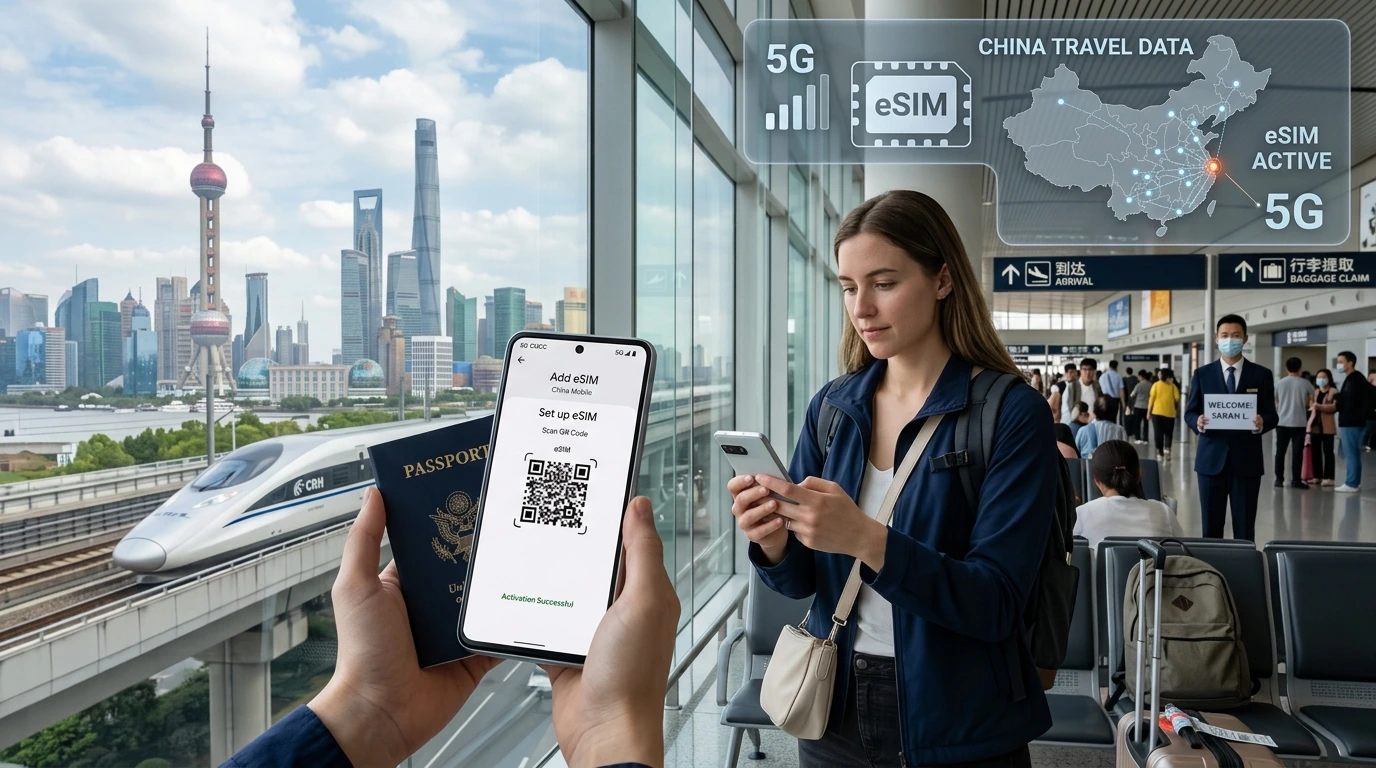
- Scan a QR code provided by the eSIM seller or carrier (most common for travel eSIMs).
- Enter activation details manually (SM-DP+ address and activation code) if required.
- Use the carrier’s app to provision the eSIM.
After confirming compatibility, browse NexaEsim travel plans and instant delivery at NexaEsim — All Countries to buy and receive a QR for immediate activation.
Troubleshooting: I can’t find EID or Add eSIM
- Restart the phone and re-check Settings.
- Install the latest OS update—eSIM support can be added in firmware updates.
- Verify your exact model number and region on the manufacturer site or our compatible devices page: Compatible devices.
- Contact your carrier if the phone is locked—ask whether they allow third-party eSIMs or require unlocking.
If your phone doesn’t support eSIM — alternatives
- Use a local physical SIM or a prepaid SIM while traveling.
- Buy an inexpensive eSIM-capable device for travel use (check compatibility first).
- Use a portable Wi‑Fi hotspot as a temporary workaround.
NexaEsim — what to do next
If your phone supports eSIM, browse instant travel plans for 200+ destinations and get a QR for fast activation: Compare NexaEsim plans. For step-by-step install guidance, see our installation guide: Installation Guide. For tips and latest device notes, visit our Blog.
Editorial note / Byline
By NexaEsim Editorial Team. Last updated: May 2026. This guide summarizes common checks and manufacturer behaviours; model and carrier policies change frequently—always confirm with the device maker or your carrier for definitive compatibility.
FAQ
How can I tell if my phone supports eSIM?
Check Settings for an EID or an “Add eSIM”/“Add Cellular Plan” option, or dial *#06# to display EID/IMEI. If present, the phone supports eSIM; otherwise verify model and region with the manufacturer.
Where do I find my phone’s EID?
On iPhone: Settings > General > About. On many Android phones: Settings > About phone. You can also dial *#06# to show identifiers on-screen.
Will a carrier-locked phone work with an eSIM?
Carrier locks may prevent adding third-party eSIMs. Check with your carrier—some carriers allow eSIMs only from themselves or require the phone to be unlocked.
Which iPhones support eSIM?
Most recent iPhones from XS/XR onward support eSIM, but regional model variants differ. Confirm your exact model on Apple’s support pages or our Compatible devices list.
How many eSIM profiles can my phone store?
Capacity varies by device. Many phones store multiple profiles (often 5+), but the number of simultaneously active lines is limited—check the manufacturer specs for your model.
Can I use eSIM and a physical SIM at the same time?
Yes—most modern phones support dual-SIM: one eSIM plus one physical nano‑SIM. How both lines behave (data priority, calling) depends on OS and carrier settings.
What if my phone is compatible but the eSIM option is missing?
Try restarting, updating the OS, and confirming the exact model and region. If it’s carrier-locked, contact the carrier. See our installation guide for activation steps: Installation Guide.
Sources & further reading
- Manufacturer support pages (Apple, Samsung, Google) — always check model-specific notes.
- GSMA eSIM specification overviews for technical background.
- NexaEsim device compatibility list: Compatible devices.