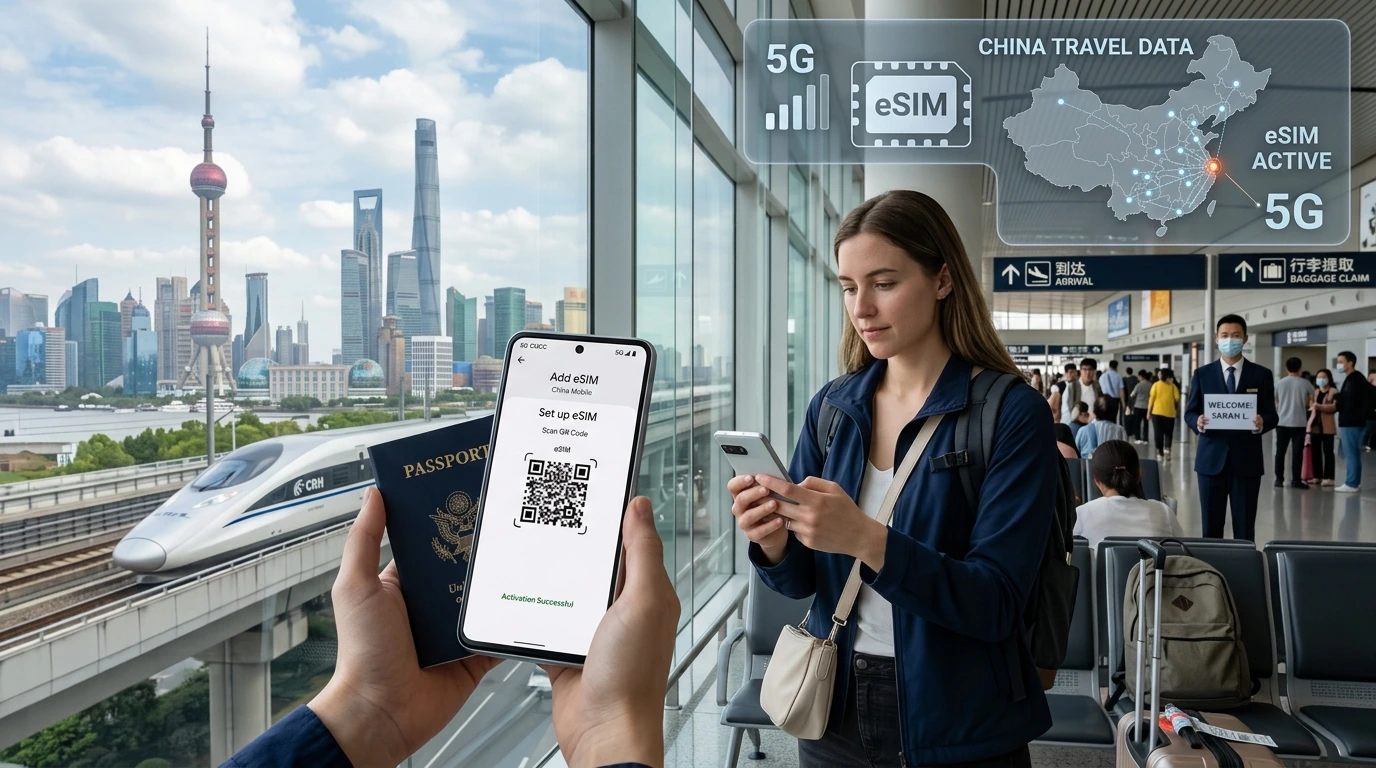
A clear, travel-focused guide explaining what an international eSIM is, how it’s provisioned and activated, device compatibility, troubleshooting tips, and how to pick a NexaEsim plan for your trip.
How does an international eSIM work? (NexaEsim guide)
How does international eSIM work — in short, it’s a digital SIM profile you install on your phone that lets you buy and activate local or regional data plans without swapping physical SIM cards, so your device connects to partner mobile networks at your destination.
Quick Answer
An international eSIM is a downloadable mobile profile (called an eUICC profile) that you install via QR code or app; once installed it provisions service on your device and connects to local carrier networks through NexaEsim’s partner agreements, giving you data (and sometimes voice) in the destination without a physical SIM.
What is an eSIM vs a physical SIM?
An eSIM is a programmable SIM built into your phone (the eUICC chip). Unlike a physical SIM card, an eSIM stores carrier profiles digitally and can hold multiple profiles at once. You switch between profiles in software instead of swapping plastic.
eUICC and how profiles are stored
The phone’s eUICC stores one or more carrier profiles. When you install a NexaEsim plan, a profile is downloaded or activated on that eUICC and the phone begins using network credentials supplied by the profile.
Dual‑SIM behavior
Most modern phones support Dual SIM Dual Standby (DSDS) with one physical SIM and one or more eSIMs. This lets you keep your home number active while using a travel eSIM for data and local calls (when included by the plan).
How an international eSIM actually works (plain language)
Under the hood, NexaEsim provisions a mobile profile that tells your phone how to authenticate and attach to approved local networks. That profile is delivered using standard eSIM provisioning methods (QR code, in-app activation, or SM-DP+ provisioning) and contains operator credentials and network settings.
How the eSIM profile is provisioned (QR, app, manual code)
- QR code: scan with your phone’s camera or Settings > Add Cellular Plan.
- NexaEsim app / activation link: tap the link or use the app to install the profile.
- Manual code: some devices allow entering activation details manually.
How NexaEsim connects you to local networks
NexaEsim partners with local carriers and wholesale providers across countries. When your device powers up with the active eSIM, the profile negotiates a connection to a partner network in that country — you are then routed as a local subscriber through that partner.
What happens when you arrive
- Your phone searches for known networks.
- The active eSIM profile authenticates and registers your device on a partner network.
- Data and (if included) voice begin working; you may need to toggle the line on in settings or switch off airplane mode.
Step‑by‑step activation: before travel and on arrival
Activate before you leave for faster connection on arrival, or buy and install after landing when you need local routing. Below is a short HowTo — for full device instructions see our installation guide linked below.
On iPhone
- Buy a NexaEsim plan and copy the activation QR or tap the activation link.
- Open Settings > Cellular > Add Cellular Plan and scan the QR or follow the link.
- Label the plan (e.g., "Travel") and set data/voice preferences if you keep a home line active.
- When you arrive, enable the travel line in Settings > Cellular and turn off airplane mode.
See our installation guide for screenshots and device-specific notes.
On Android
- Purchase and open the activation link or scan the QR.
- Go to Settings > Network & Internet > SIMs or Mobile Network > Add eSIM and follow prompts.
- Set the eSIM as the preferred data SIM if you want data on the travel profile.
- Toggle the line on at destination and verify mobile data connects.
Check device compatibility before buying to confirm support for your phone model.
Coverage, speed and data routing — what to expect
Coverage equals the partner network’s footprint in the country. NexaEsim sells country, regional, and global plans — each uses local partner networks where available. 4G/5G access depends on both the partner network and your device’s band support.
Regional vs country vs global plans
- Country plans: single-country coverage, often best value for longer stays.
- Regional plans: cover several nearby countries and are useful for multi-stop trips.
- Global plans: broadest coverage but may impose lower speeds or fair-use across many countries.
Hotspot/tethering and restrictions
Most NexaEsim data plans allow hotspot tethering, but a few partner networks enforce restrictions. If hotspot is critical, check the plan details and coverage page before purchase.
Cost comparisons: eSIM vs local SIM vs roaming
Costs depend on route and length of stay. eSIMs are typically most convenient and competitive for short multi-country trips or when you want instant activation. A local physical SIM can be cheaper for long single-country stays, while roaming with your home carrier is easiest but often more expensive.
Limitations & special cases
Locked devices & carrier restrictions
If your phone is carrier‑locked, confirm eSIM support with your carrier before buying. Some locked devices may block adding third‑party eSIM profiles.
Regulatory exceptions
Certain countries have restrictions on eSIM activation or require local ID procedures. Always check local rules for your destination; when in doubt, consult our country coverage list.
Check coverage for your destination: Find NexaEsim plans for 200+ countries.
Security & privacy: is eSIM safe?
eSIMs use the same mobile network security as physical SIMs. You control which profiles are installed; remove or delete a profile from device settings if you stop using it. Be mindful of app permissions tied to activation apps or accounts.
Troubleshooting common issues
No service after activation
- Toggle airplane mode on/off, ensure the eSIM line is enabled in settings, and reboot the phone.
- Confirm the plan is active in your NexaEsim account and that you’re in covered territory.
Data not working / APN
Most profiles set APN automatically. If data doesn’t work, try re-installing the profile or checking APN settings in Mobile Network settings.
Hotspot not working
Confirm hotspot is allowed on the plan and that your phone’s hotspot feature is active. Some partner networks limit tethering.
How to choose the right international eSIM plan (NexaEsim checklist)
- Check device compatibility: Which devices support eSIM.
- Check coverage for each stop: See plans & coverage.
- Decide data amount and validity (days) and whether you need hotspot or voice.
- Buy and install before travel for instant connectivity on arrival when possible.
NexaEsim features and how we make it easy
NexaEsim offers downloadable profiles for country, regional, and global plans and an activation flow that works with most modern phones. Start by checking coverage and plans on our All Countries hub, choose a plan, and install via QR or activation link.
Find plans for your trip — browse country and regional options.
FAQ
What devices support international eSIMs?
Most recent iPhones, Pixel phones, and many Samsung flagships support eSIM. Check your exact model on our device compatibility page.
Do I need to unlock my phone to use an eSIM abroad?
If your phone is carrier‑locked, you may need to request an unlock from your carrier. Unlocked devices give the widest eSIM compatibility.
Can an eSIM replace my home SIM while traveling?
Yes — if your phone supports multiple profiles you can keep your home SIM active and use the eSIM for data, or set the eSIM as the primary data line and keep calls/messages on your home number.
How do I activate an eSIM with NexaEsim?
Purchase a plan, scan the QR or tap the activation link, follow on‑screen prompts to add the cellular plan, then enable the travel line in your phone settings. See our installation guide for step‑by‑step instructions.
Will an eSIM work in China mainland?
Some countries have special rules for eSIMs. Availability and activation methods may differ; check legal and carrier rules for China before travel and confirm coverage on the NexaEsim coverage page.
Can I hotspot/tether with an eSIM?
Often yes, but it depends on the specific partner network and plan. Verify hotspot permissions on the plan details before purchase.
How long does NexaEsim activation take?
Activation is usually instant after installation, but network registration can take a few minutes on first connection.
Can I store multiple eSIMs and switch between them?
Yes — most devices let you store multiple eSIM profiles and switch which one is active, though some older models limit the number of installed profiles.
Is using an eSIM secure?
Yes — eSIMs use standard mobile network security. Remove unused profiles from device settings to prevent accidental use.
Next steps
Ready to try an international eSIM? Check coverage and available plans for your destination, confirm your device on the compatibility page, then buy and install a plan before your trip for the fastest on‑arrival connection.
Editorial note: This guide was prepared by the NexaEsim editorial team to explain eSIM basics and practical travel use. It does not substitute device manufacturer or local regulatory guidance; always check your device manual and local rules before purchase.
Related: NexaEsim blog — for real traveler tips and updates.