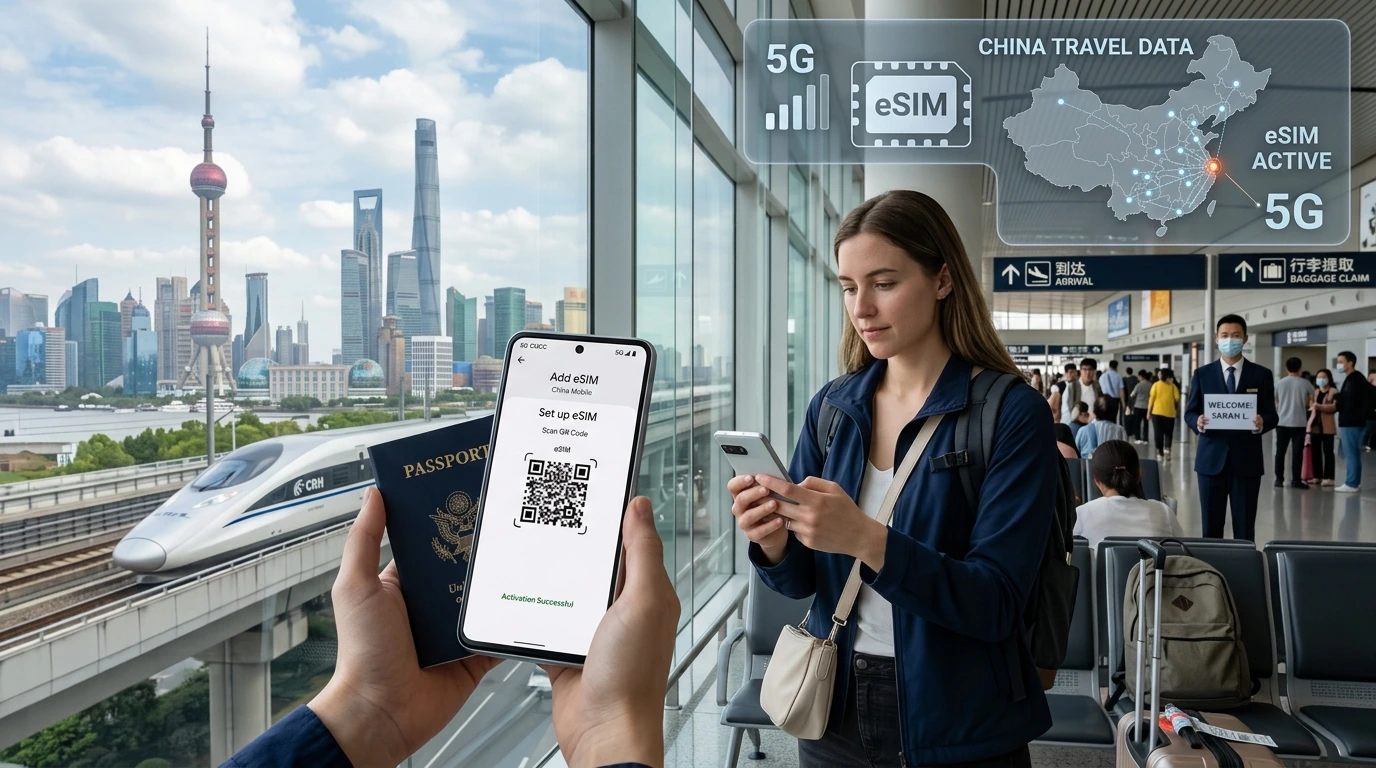
A practical comparison of eSIM vs physical SIM for travel: pros, cons, device compatibility, costs, activation steps, and quick recommendations so you choose the right connectivity for your trip.
eSIM vs physical SIM for travel is the question many travelers ask before every trip — the right choice depends on trip length, device support, and whether you’ll hop between countries.
Quick Answer — best choice by travel style
Quick Answer: For most multi-country and short trips, an eSIM is the fastest, most convenient option — it installs instantly, supports multiple profiles, and avoids physical queues. Choose a physical SIM if you're staying long-term in one country, need the lowest local rates, or use a device without eSIM support.
What is an eSIM and how is it different from a physical SIM?
eSIM = embedded profile; how profiles work
An eSIM is a small, programmable SIM profile embedded in your device. Instead of inserting a plastic card, you download and activate a profile (usually via QR code or app) that tells the phone which mobile network to use.
Physical SIM basics
A physical SIM is a nano‑SIM card that you insert or swap in a tray. It stores subscription credentials on the plastic chip and is widely supported by older and some budget devices.
Pros and cons — side-by-side comparison
| Feature | eSIM | Physical SIM |
|---|---|---|
| Activation speed | Instant via QR/app | Requires buying, inserting, sometimes registering |
| Multi-country trips | Easy — multiple profiles on one device | Need new SIM per country |
| Device support | Recent phones support eSIM; check model | Works on almost all phones |
| Price | Competitive and avoids roaming; can be slightly higher than the cheapest local SIM | Often cheapest long-term local rates |
| Backup & theft | Harder to remove physically; can be remotely deactivated | Can be swapped or stolen; physical loss risk |
Pros of eSIM
- Immediate activation — no airport queues.
- Multiple profiles: keep your home SIM and add a travel plan.
- No plastic waste or tiny SIM cards to lose.
- Useful for short trips and country-hopping.
Cons of eSIM
- Not all phones or carriers support eSIM — check compatibility.
- Some remote areas / small regional carriers may not offer eSIM profiles.
- Activation requires working Wi‑Fi or mobile connection at setup.
Pros of physical SIM
- Often the cheapest option for long local stays.
- Available everywhere — airports, shops, kiosks.
- Works on all phones with a SIM tray.
Cons of physical SIM
- You must swap cards (or carry a second phone) to change plans.
- Airport vendors often charge a premium.
- Physical loss or SIM-swap fraud risk when changing cards.
Costs compared — how to compare plans in practice
Comparisons depend on unit pricing (per GB vs daily), fair‑use caps, and tethering policies. Instead of fixed prices here, compare plan details: validity, included GB, speed caps after allowance, and whether tethering/hotspot is allowed.
Use-case examples (how to think about cost)
- 5-day city hop across 3 countries: eSIM short/regional passes save time and usually cost less than repeated airport physical SIM purchases.
- 30-day long stay in one country: a local physical SIM is often cheapest with generous local bundles.
- Business travel with heavy tethering needs: verify hotspot policy — some cheap plans throttle tethered traffic.
Hidden costs to watch
- Fair use and throttling after a data cap.
- Roaming surcharges if you keep your home SIM active for calls/data.
- Airport or hotel markup when buying physical SIMs on arrival.
Device compatibility & how to check your phone
Device support is the single biggest constraint for eSIMs. Always check before you buy.
Apple iPhone notes
Most iPhones since the XS/11 era support eSIM. Some newer iPhone models in certain regions are eSIM-only (no physical SIM tray). Check Apple Support and your model details, and review our device compatibility page for quick checks: Device compatibility.
Android & other devices
Many Samsung, Google Pixel, and other flagships support eSIM, but limits exist on how many active profiles you can store. Check manufacturer documentation and our compatibility guide.
If your phone is carrier-locked
You may need to unlock your phone before a foreign eSIM or physical SIM will register; contact your carrier in advance where possible.
How to buy and activate an eSIM vs physical SIM for travel
Step-by-step eSIM activation
- Choose a provider and plan (for NexaEsim, browse plans here: Find NexaEsim plans for 200+ countries).
- After purchase get a QR code or a direct install link via email/app.
- On your phone open Settings > Cellular > Add Cellular Plan, scan the QR, and install the profile.
- Set the eSIM as your data line or secondary line depending on needs.
- Test connectivity before leaving Wi‑Fi and save the provider’s support contact.
For step-by-step screenshots and troubleshooting, see our installation guide: eSIM installation guide.
Step-by-step physical SIM purchase & setup
- Buy at airport, local shop, or official operator store and keep purchase receipt.
- Insert the nano‑SIM into the tray, restart the phone, and set APN if required.
- Register SIM where local law requires ID or a passport.
Common activation troubleshooting
- Airplane mode on/off and Wi‑Fi restart often clear activation hiccups.
- Ensure your device software is up to date and the carrier isn’t blocked.
- If an eSIM doesn't activate, contact provider support and keep a screenshot of the error.
Practical tips for travel (security, hotspot, backups)
Using hotspots and tethering
Confirm hotspot policy before purchase; many providers allow tethering but may throttle after a threshold.
Security & SIM swap prevention
- Use strong account passwords and enable two‑factor authentication where possible.
- Keep eSIM provider details and activation QR in a secure cloud note, not just on-device.
Backup strategies
Carry a low-cost backup device or keep your home SIM in a dual-SIM phone. For long trips, a small local physical SIM as a backup can be useful.
When to choose NexaEsim — quick plan picker and CTA
If you want immediate connectivity on arrival, easy multi-country switching, and no physical SIM to lose, browse NexaEsim plans for 200+ countries. NexaEsim offers regional and country plans ideal for short trips and country hopping.
Recommended trip matches
- Short multi-country vacation (3–10 days): eSIM regional pass from NexaEsim.
- Long single-country stay: consider buying local physical SIM on arrival for best value.
- Business trips with tethering: check plan details and NexaEsim hotspot allowances before purchase.
Editorial note / Byline
By Alex Carter — Travel tech editor with 10+ years testing mobile connectivity for international travelers. Updated May 2026. This guide was built to help you choose the right SIM for your trip; if you need a personalized recommendation, visit our plans page or contact NexaEsim support.
FAQ
Below are common questions travelers ask; short answers help quick decisions.
Do eSIMs work for international travel?
Yes — many eSIM providers sell country, regional, and global plans that activate when you arrive; always check the specific coverage map for your destinations.
Are eSIMs cheaper than physical SIMs?
eSIMs avoid roaming fees and are convenient for multi-country trips, but a local physical SIM is often the cheapest option for long single-country stays.
Can I hotspot/tether with an eSIM?
Many eSIM plans allow tethering, but hotspot policies and fair-use limits vary — confirm before purchase with the plan details.
Which phones support eSIM?
Most phones released since ~2018 support eSIM (newer iPhones and many Androids); check your phone model on our compatibility page: Device compatibility.
Will an eSIM work in remote areas?
Coverage depends on local carrier partners; some remote regions may have limited eSIM support — a local physical SIM sometimes offers the broadest reach.
Is my eSIM profile locked if my phone is stolen?
eSIMs are embedded and harder to remove physically; many providers can remotely deactivate profiles, but eSIMs are not immune to fraud.
How do I switch between eSIMs and my home SIM?
Use your phone's cellular settings to select the active data line. Keep both profiles installed if your phone supports dual SIM for easy switching.
Can I buy an eSIM at the airport?
Some providers sell eSIMs at airports, but prices are usually higher — it's best to buy ahead to ensure coverage and better pricing.
Do eSIMs expire?
Plans have validity periods; the eSIM profile can often remain stored on the device but data/activation windows vary by provider.
What if my device is carrier-locked?
You may need to unlock your device before an alternative eSIM or physical SIM will register on local networks.
Further reading & resources
- NexaEsim blog — country guides and troubleshooting articles.
- Installation guide — step-by-step eSIM setup and screenshots.
- Manufacturer support pages (Apple, Google, Samsung) for model-specific eSIM instructions.
If you want a tailored suggestion, choose your trip length and number of countries and then browse NexaEsim plans for 200+ countries.