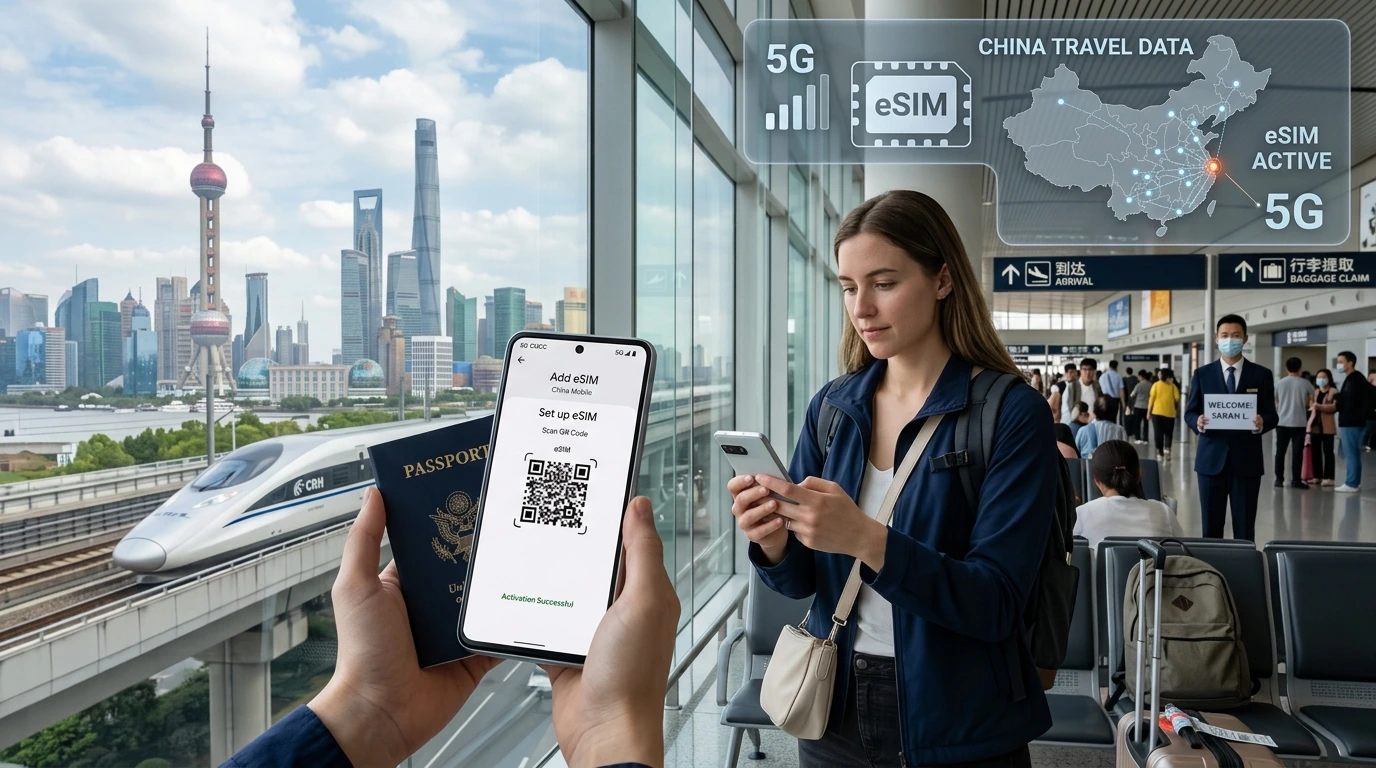
A practical guide to data-only travel eSIMs: how they work, who should use them, installation steps, compatibility checks, troubleshooting and recommended NexaEsim plans.
Data-only travel eSIM explained: a data-only travel eSIM is a digital mobile profile that provides internet access (no phone number or carrier voice/SMS) to a compatible, unlocked device so you can use maps, messaging apps and tethering while abroad.
By NexaEsim Editorial Team — practical travel advice and step-by-step help.
Quick Answer
Data-only travel eSIMs are digital SIM profiles that deliver mobile data—but not a voice number—to unlocked phones. Install via a QR code or our app before you go, or on arrival; choose single-country, regional or global plans depending on your route. Browse NexaEsim plans for 200+ destinations to find a fit: View NexaEsim plans for 200+ countries.
What is a data-only travel eSIM?
A data-only eSIM is an eSIM profile provisioned to provide mobile data (internet) only. Unlike voice-capable eSIMs or a physical SIM, it typically does not supply a permanent phone number for traditional calls or SMS. That makes it ideal for app-based communication (WhatsApp, Signal, FaceTime), navigation, streaming and remote work.
Data-only vs voice-capable eSIMs — key differences
- Phone number / SMS: voice-capable eSIMs can include a number and SMS/call services; data-only plans usually do not.
- Use cases: data-only plans are best for internet-first use (maps, email, messaging apps); voice plans suit travellers who need a local number.
- Activation & cost: voice-enabled plans may require registration and can be more expensive; data-only plans are usually faster to provision.
Data-only vs physical SIM — pros and cons
- Pros: no physical SIM swap, buy/activate before arrival, store multiple eSIMs, often better short-trip pricing.
- Cons: some phones or carriers may not support multiple eSIMs or certain features; local physical SIMs can be cheaper for long stays with lots of voice/SMS needs.
How a data-only eSIM actually works (simple tech explained)
Under the hood, an eSIM stores a carrier profile (a small file) on your device’s secure element. When you install a data-only plan via a QR code or the NexaEsim app, the carrier profile is provisioned and your phone uses it to authenticate on a local mobile network—just like a physical SIM, but without the plastic.
eSIM profiles, provisioning, and QR/app activation
- Buy a plan (web or app). You’ll receive a QR code, activation link or the plan appears directly in the NexaEsim app.
- Install the profile on your phone (Settings → Cellular → Add eSIM or open the app).
- Enable the eSIM and data roaming when you arrive (or keep it off until you need it).
When the plan starts
Different providers trigger start times differently: some start when the profile is installed, others when you first connect. With NexaEsim, check the plan details and recommended activation instructions on the purchase screen; if you want to start counting days only on arrival, install the profile but keep cellular data off until you land.
Who should use a data-only travel eSIM?
Data-only eSIMs suit many travellers—here are typical scenarios:
Short trips / weekenders
- Fast setup and often cheaper than roaming from your home carrier for a quick weekend.
Country-hoppers / regional travel
- Regional or multi-country plans let you stay online across borders without swapping SIMs.
Digital nomads & remote workers (hotspot needs)
- Choose plans with generous high-speed data or a clear hotspot policy; confirm tethering rules before purchase.
Families / multi-device use
- Buy a higher-GB plan and tether from one device, or add multiple eSIMs to each traveller’s phone where supported.
Pricing, limits and “unlimited” claims — what to watch for
Many eSIM vendors market “unlimited” plans—read the fine print. Most unlimited plans have a high-speed data cap (for example, X GB at full speed) and then proceed to a reduced speed (throttling). Always check the fair-use policy and hotspot allowance.
Fair-use policy examples and typical throttling thresholds
- Providers commonly throttle after 10–100 GB of high-speed use depending on the plan. Look for explicit high-speed caps in the plan description.
Hotspot allowances
Some plans allow tethering at full speed; others allow it only at reduced speed or not at all. If you need a stable hotspot for work, confirm the hotspot policy before buying.
When a local physical SIM is still cheaper
For long stays (several weeks to months) with heavy data and local calls, a local physical SIM may be more cost-effective. Use NexaEsim for convenience, short trips, and border-hopping.
Device compatibility & carrier issues (practical checks)
Before you buy, confirm your phone supports eSIM and is unlocked. NexaEsim keeps a compatibility reference—start here: Check device compatibility.
How to check your phone (iOS vs Android quick steps)
- iPhone: Settings → Cellular → Add Cellular Plan. If you see this option and your model supports eSIM, you're good.
- Android: Settings vary—look for Network & internet → SIMs or Mobile network → Add eSIM. On recent Pixel and Samsung models eSIM is supported.
Locked phones and carrier restrictions
If your phone is carrier-locked to a single provider, ask your carrier to unlock before travel—locked phones often can’t use foreign eSIM profiles. For many modern unlocked phones, multiple eSIMs and a physical SIM can coexist.
How to install a data-only eSIM — step-by-step
Follow our quick install flow. For complete visuals and app screenshots, see the NexaEsim installation guide.
Install with QR code (iPhone + Android)
- Open Camera and scan the QR code or tap the activation link from your purchase email.
- Follow on-screen prompts: Add Cellular Plan → Label the eSIM (e.g., Travel).
- Enable the new eSIM and set data/voice preferences if you keep your home SIM active.
Install from NexaEsim app / manual code
- Open the NexaEsim app, sign in, and tap your purchased plan to install. The app handles provisioning automatically.
- Manual installation: enter the SM-DP+ address and activation code only if instructed (advanced option).
Pre-travel checklist
- Confirm phone is unlocked and eSIM-capable.
- Install the eSIM before departure and test it over Wi‑Fi (do not enable data roaming until you arrive, if you want to delay activation).
- Screenshot activation codes and keep the purchase email handy.
Troubleshooting common problems
No network after arrival
- Toggle Airplane Mode on/off, ensure Data Roaming is enabled, and manually select a network if automatic selection fails.
Activation failed / profile not found
- Reinstall the profile from the activation email or app, restart the phone, and ensure the QR code wasn’t scanned twice. Contact NexaEsim support if the profile won’t provision.
Hotspot not working / APN fix
- Check the plan’s hotspot allowance; if tethering is allowed but not working, set the APN to the value provided by NexaEsim support or try a manual APN entry.
Two‑factor authentication / SMS workaround
Data-only eSIMs can receive app-based 2FA (like push notifications) but not SMS. For services that require SMS, use your home number via SMS forwarding, authenticate before travel, or add a temporary voice-enabled plan.
Choosing the right NexaEsim plan
Decide by trip length, the number of countries, and hotspot needs. Browse plans and filter by country or region: Browse NexaEsim plans for 200+ countries.
Single-country vs regional vs global — which to pick
- Single-country: best for focused trips and often the best per-GB price.
- Regional: convenient for neighboring countries (e.g., Schengen, Southeast Asia).
- Global: useful for long itineraries crossing many regions but usually pricier per GB.
Example itineraries and recommended plans
- Weekend city break: single-country 3–7 day plan.
- Two-week multi-country trip: regional plan covering those countries to avoid swapping.
- Long-term remote work: choose a plan with a clear hotspot allowance and easy top-ups.
To manage or top up a plan, sign into your NexaEsim account after purchase—see the plans page for top-up options and validity details.
Safety, privacy, and legal considerations
Is an eSIM traceable / data privacy tips
Like any mobile connection, use standard precautions: prefer HTTPS, consider a VPN for public Wi‑Fi, and avoid transmitting sensitive data on insecure networks. eSIMs do not inherently expose more personal data than physical SIMs.
ID requirements and country registration rules
Some countries require ID for local SIM registration; travel eSIMs for short stays usually avoid this, but check local rules if you need a local voice/SMS number.
Quick comparison — what to check before you buy
| Feature | Data-only eSIM | Local physical SIM |
|---|---|---|
| Phone number | No | Yes |
| Install before travel | Yes | No |
| Hotspot | Varies by plan | Often allowed |
| Best for | Short trips, multi-country | Long stays, calls |
FAQs
Below are common quick answers. For full support, visit our blog or contact support.
What is a data-only eSIM?
A data-only eSIM is a digital SIM profile that provides mobile internet but not a voice phone number. It enables apps, browsing and tethering where allowed.
Does a data-only eSIM give you a phone number?
No. Data-only eSIMs generally do not include a phone number for regular calls/SMS. Use app-based calling or add a voice-capable plan if you need a local number.
Can I receive SMS or calls on a data-only eSIM?
Not via the eSIM itself. For SMS-based two-factor authentication, use your home SIM, a secondary voice plan, or app-based 2FA.
Will a data-only eSIM work with my iPhone or Android?
Most recent iPhones and many Android models support eSIM. Check device compatibility before purchasing.
Do I need an unlocked phone for an eSIM?
Yes—if your phone is carrier-locked, it may prevent installing or using third-party eSIM profiles. Ask your carrier to unlock before you travel.
When does my eSIM plan activate?
Activation rules vary—some plans start when installed, others when you first use mobile data. Check the plan details and consider installing before travel but enabling data only on arrival. See our installation guide for best practices.
Ready to get data for your trip?
Find the right NexaEsim plan and install in minutes — no SIM swap needed. Browse NexaEsim plans for 200+ countries and pre-install your data plan before you fly.
Editorial note: This guide explains data-only travel eSIMs in plain language. We reference general industry standards (GSMA) and device vendors (Apple, Google) for technical setup; see the NexaEsim installation guide for app screenshots and live support links.