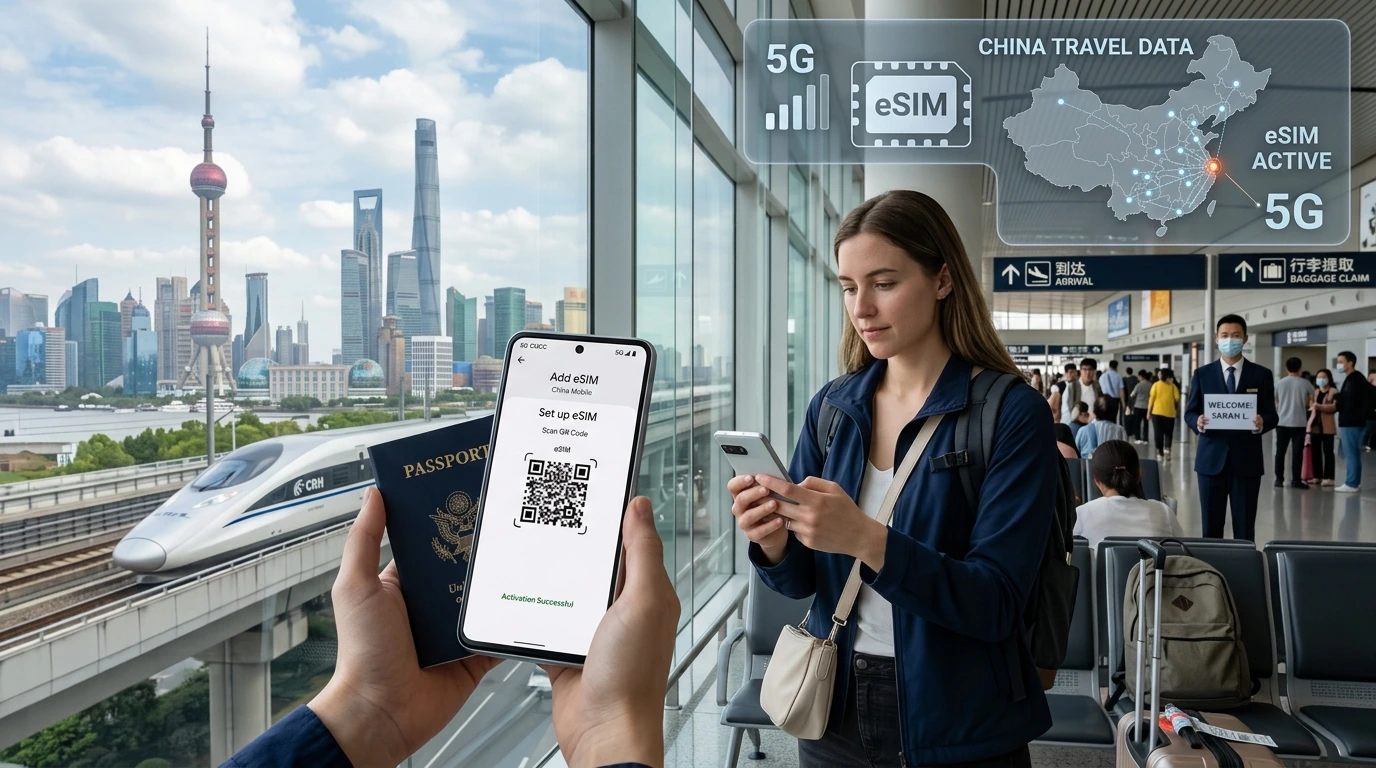
Some travel eSIMs include voice and SMS, but many are data-only. This guide explains options to call abroad — native voice eSIMs, VoIP, Wi‑Fi calling, and how to pick the right NexaEsim plan.
Does travel eSIM include voice calls? Short answer: some travel eSIM plans offer native voice and SMS, but many are sold as data-only — so always check the plan details before buying.
Quick answer: Do travel eSIMs include voice calls?
Quick Answer: A travel eSIM may or may not include voice calls. Plans labeled “voice” or “call & SMS” give a phone number and native cellular calling; most economy and tourist eSIMs are data-only and require VoIP or Wi‑Fi calling for voice.
What kinds of travel eSIM plans exist?
Understanding the plan type helps choose the right solution for your trip.
Data-only eSIM: pros and cons
- Pros: cheaper, simple activation, great for maps, streaming, messaging apps.
- Cons: no native phone number or regular cellular calls/SMS; OTPs or carrier SMS may not work reliably.
Voice-enabled eSIM / eSIM with phone number: what that means
Voice-enabled eSIMs provide a phone number and use the carrier's voice network (GSM/VoLTE). They let you make/receive regular cellular calls and SMS without third-party apps — ideal for business travelers or when you need to receive verification codes.
Hybrid options and add-ons
Some providers offer add-on call credit, virtual numbers (SIP), or bundles with limited minutes. If NexaEsim lists voice plans, look for explicit “voice” or “call & SMS” labels when browsing plans.
How to make and receive calls if your eSIM is data-only
If you buy a data-only eSIM, there are four common ways to handle voice:
Use VoIP apps (WhatsApp, FaceTime, Skype, Google Voice)
Apps let you call over data. Pros: low cost or free; works widely. Cons: both parties need the app (except Google Voice/Skype numbers) and calls use mobile data. For business calls, prefer stable Wi‑Fi or a high-quality LTE/5G data connection.
Wi‑Fi calling: when it works and how to enable it
Wi‑Fi calling uses your carrier number over Wi‑Fi. It depends on your home carrier and device — many carriers permit Wi‑Fi calling while an eSIM provides data, but this behavior varies. Enable Wi‑Fi calling in device settings and test before travel. See device compatibility: Device compatibility.
Use your home SIM for voice (dual-SIM setup and roaming risk)
Keep your home physical SIM in the phone for calls while the eSIM handles data. This keeps your number reachable but may trigger roaming charges — check your home carrier's roaming policy.
Buy a voice-enabled eSIM or local physical SIM / virtual number
If native calls and SMS are essential (receiving OTPs, business continuity), purchase a voice-enabled eSIM or local SIM. To browse NexaEsim's plans for destinations, see: Browse NexaEsim plans.
Device-specific quick setup
Below are quick pointers; for full activation instructions, see our installation guide.
iPhone: add eSIM & enable calls / Wi‑Fi calling / preferred line
- Install the eSIM profile (scan QR or use activation code).
- In Settings > Cellular, assign default voice & data lines (Primary/Secondary).
- Enable Wi‑Fi Calling in Settings > Phone if supported by your carrier.
- Test placing a call and receiving SMS before you rely on it abroad. For detailed steps see: Installation Guide.
Android: add eSIM & enable calls / data preferred SIM
- Install eSIM profile via QR or activation code in Network & Internet > SIMs.
- Set preferred SIM for data and voice. Some Android phones let you choose which SIM handles calls and texts.
- Enable Wi‑Fi calling in network settings if available.
Common troubleshooting tips
- Restart the phone after eSIM activation.
- Check cellular mode (VoLTE) if calls drop.
- If SMS/OTP fails, try forwarding to your home SIM or use app-based authentication.
Cost comparison: voice-enabled eSIM vs data-only + VoIP vs roaming
Costs depend on plan structure, call rates, and data consumption. Generally:
- Voice-enabled eSIM: predictable per-minute or included minutes; like a local SIM for calls.
- Data-only + VoIP: pay for data only; voice cost depends on app and data use (good for app-to-app free calls).
- Home-SIM roaming: often the most expensive for voice — check your carrier's roaming rates.
Decide by use-case: tourists often prefer data-only + VoIP; business travelers may need a voice-enabled plan.
Which option should I choose? (Quick decision checklist)
- If you need to receive SMS OTPs or a local phone number: choose a voice-enabled eSIM or local SIM.
- If most calls are to other app users: data-only eSIM + VoIP is cheaper.
- If you must keep your home number active: keep your physical SIM and monitor roaming costs.
How NexaEsim helps: find the right plan for calls & data
NexaEsim lists plans for 200+ destinations with instant activation and support. If you’re unsure whether a plan includes voice/SMS, contact support or browse plans here: Browse NexaEsim plans.
Support & compatibility checks
Our support team can confirm plan features and help with activation. For device setup tips, visit our installation guide and compatible devices page.
FAQs
Can I make phone calls with a data-only eSIM?
Yes — using VoIP apps (WhatsApp, FaceTime, Skype) or Wi‑Fi calling where supported. You won't get a cellular phone number for native calls unless the plan includes voice.
Do travel eSIMs give you a phone number?
Only voice-enabled eSIM plans include a phone number. Data-only plans do not provide a native number or regular SMS service.
Will SMS verification codes arrive on a data-only eSIM?
Often no. OTPs sent via SMS may not reach data-only eSIMs reliably; use app-based authentication or a voice-enabled plan if you need SMS OTPs.
Will voice-enabled eSIM calls incur roaming charges?
Voice-enabled travel eSIMs function like local plans in the coverage country; roaming charges apply only if the provider routes calls as international roaming — check plan details.
Can I use my regular phone number while using an eSIM?
Yes, with a dual-SIM phone: keep your physical SIM active for your regular number and use the eSIM for data or local calls, but watch for roaming fees on your home SIM.
How do I enable Wi‑Fi calling with an eSIM?
Enable Wi‑Fi calling in your phone’s network/phone settings. Availability depends on your home carrier and device compatibility.
Do eSIMs support emergency calls?
Most devices allow emergency calls on any active SIM profile or when a cellular network is available, but behavior varies by country and device — test and verify locally.
How to choose between a voice eSIM and data-only eSIM?
Choose voice eSIM for native calling/SMS and OTPs; choose data-only for cheaper browsing and app-based calls. Consider your need to receive SMS and call reliability.
Are there countries that block VoIP or call-enabled eSIMs?
Some countries restrict VoIP or require local registration for voice services. Check local telecom rules before travel.
What devices support voice-enabled eSIMs?
Many modern iPhones and Android phones support voice on eSIM, but check the model-specific compatibility page: Compatible devices.
Editorial note / Byline: By NexaEsim Editorial Team — practical guidance from our support and product specialists.
Need voice calls on your trip? Browse NexaEsim plans and filter by features to find voice or data-only options: Browse NexaEsim plans.