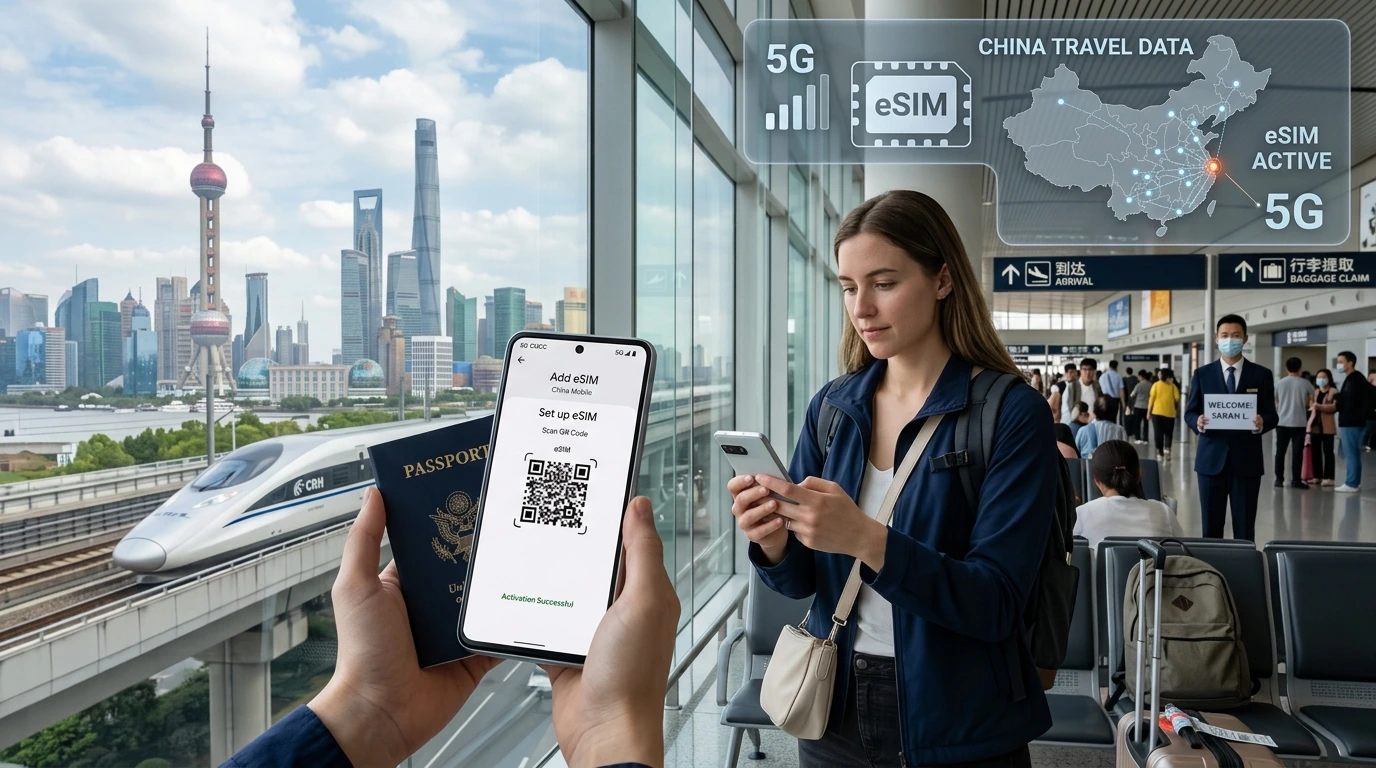
Deciding between eSIM, a local SIM or roaming for your next trip? This guide explains when eSIMs save time and money, what their limits are, and how to pick the right plan — with a simple NexaEsim CTA to check plans for your destination.
Is eSIM better for international travel? Quick answer: for most short trips and multi-country itineraries, yes — eSIMs are faster to set up, eliminate SIM swaps and let you keep your home number active while using local data plans.
Quick Answer
Yes — for travelers who value convenience, pre‑activation and multi‑country coverage, an eSIM is usually the better choice. If you’re staying long‑term in one country, need guaranteed coverage in very remote areas, or your phone is carrier‑locked, a physical local SIM may still be the cheaper or more reliable option.
What is an eSIM?
An eSIM (embedded SIM) is a programmable digital SIM profile built into modern phones and devices. Instead of inserting a physical card, you download a carrier profile (via QR code or provider app) and activate service instantly — no tray, no tiny pins, no lost cards.
Embedded vs physical SIM — technical basics
Physically, nothing is changed in your device: eSIM is a secure chip inside the phone. Functionally, it behaves like a regular SIM with network credentials, but you can store multiple eSIM profiles and switch between them in software.
Devices that support eSIM
Many recent iPhone and Android models support eSIM alongside a physical SIM for dual‑SIM use. Always check your exact model and carrier status — see our device compatibility page for details and a quick checklist.
How carriers deliver eSIMs
Providers usually supply eSIMs via a QR code or an in‑app profile. Download and confirm activation in your phone’s settings. Some carriers also let you pre‑purchase and activate before you leave home.
Pros of using eSIM for international travel
- Convenience: Buy and install before departure — no airport SIM queues or tools needed.
- Multi‑country travel: One provider can offer regional or global plans so you avoid repeated SIM swaps.
- Keep your home number: Use data on the eSIM while keeping SMS/calls on your physical SIM.
- Security: If your phone is lost, eSIM profiles can be remotely disabled more easily than replacing a removed physical SIM.
- Instant backup: Buy and activate a plan mid‑trip if coverage or speed drops.
Cons & limitations of eSIM for travel
- Device compatibility & carrier locks: Older phones and some carrier‑locked devices do not support eSIM.
- Regulatory or country restrictions: A few countries require physical SIM registration or limit eSIM activations — check before you travel.
- Hotspot and VoIP caveats: Not all eSIM plans permit tethering or full VoIP service — review plan terms if you rely on a hotspot for remote work.
- Remote coverage gaps: In very remote areas local terrestrial coverage may be limited; a local carrier with specialized roaming might perform better.
Cost comparison: eSIM vs local SIM vs roaming
Costs vary by destination, trip length and data needs. Short multi‑stop trips often favor eSIMs because you can purchase only the data you need, ahead of time. Long single‑country stays may be cheaper with a local physical SIM purchased on arrival. For predictable pricing, compare live plans and local carrier offers — or check NexaEsim plans for your destination.
When an eSIM is cheaper
- Short trips (a few days) where roaming rates are high.
- Multi‑country itineraries where buying multiple local SIMs would be time‑consuming or expensive.
When a local SIM may be cheaper
- Long stays (weeks or months) in one country with competitive prepaid offers.
- When you need local phone numbers or carrier‑specific services such as local number verification for banking apps.
Activation & usage: step‑by‑step for travelers
Pre‑trip checklist
- Confirm your phone model supports eSIM and is unlocked (check compatible devices).
- Backup your current SIM settings and note any two‑factor authentication that uses your phone number.
- Download the provider app (if required) and secure your account credentials.
How to install an eSIM
- Purchase the plan from the provider (online or in‑app).
- Receive the QR code or activation link.
- On iPhone: Settings → Cellular → Add Cellular Plan → scan QR or use provider app. On many Android phones: Settings → Network & Internet → SIMs → Add eSIM.
- Label the profile (e.g., Home / Travel) to manage dual‑SIM priorities.
Common activation issues & fixes
- If the profile fails to install, toggle airplane mode, restart the phone and retry scanning the QR.
- Check APN settings if data connects but the internet is slow or MMS won’t work.
- For persistent problems, consult the provider’s activation guide or our installation guide for screenshots and troubleshooting steps.
Best practices for remote workers & families
- Hotspot strategy: Confirm tethering is allowed on the chosen plan and test speeds before important calls.
- Managing multiple eSIMs: Keep a short label list and set data priority so your device uses the travel eSIM for data while keeping the home line for voice/SMS.
- Backup plan: Carry a low‑cost physical SIM adapter or a second device if you rely on guaranteed local coverage.
How to choose the right eSIM provider
- Check coverage maps and local operator partners for your exact destination.
- Compare speed expectations, data caps and whether tethering is allowed.
- Review support, refund and expiration policies — fast customer service is critical when you’re abroad.
- Look for transparency on unlimited plans and fair‑use policies.
NexaEsim: how we compare
NexaEsim offers travel data plans across many destinations and lets you buy and install a plan in minutes. To explore available options for your itinerary, check NexaEsim plans for your destination and use the device checker to confirm compatibility.
How to find a plan on NexaEsim
- Visit the All Countries page and select your destination.
- Choose a plan that matches trip length and data needs.
- Buy, download the QR or open the app, and follow the activation steps.
Real traveler examples & mini case studies
Short‑haul multi‑country trip
For a 10‑day trip across several nearby countries, an eSIM can avoid repeated local SIM purchases and provide consistent billing and support.
Long‑term stay
If you’re settling in one country for months, compare long‑term local prepaid plans for the best per‑GB value — sometimes a physical SIM wins on price.
Remote‑work scenario
Test a provider’s tethering policy and run a quick speed test in the specific city/neighborhood where you’ll work. If speeds and hotspot limits are adequate, an eSIM simplifies location changes.
Frequently asked questions
Is eSIM cheaper than roaming or buying a local SIM? — Read more
It depends. For short trips or multi‑stop itineraries, eSIMs often cost less than international roaming and save you time versus buying multiple local SIMs. For long stays, local prepaid SIMs can offer better per‑GB rates. Compare live plans for your destination.
Can I activate an eSIM before I travel? — Read more
Yes. Many eSIM providers let you buy and install a profile before departure so you arrive with data active. Check activation windows and time zones when scheduling activation.
Do all phones support eSIM? How do I check? — Read more
Not all phones support eSIM. Recent iPhones and many newer Android models do. Check your model’s specs or visit our compatible devices page to confirm support and unlocking requirements.
Can I use hotspot with an eSIM? — Read more
Some eSIM plans allow tethering and others do not. Always check the plan terms. If you rely on a hotspot for remote work, test speeds and tethering in advance.
Will I lose my home number if I use an eSIM? — Read more
No — with dual‑SIM phones you can keep your physical SIM active for calls and SMS while using the eSIM for data. Label profiles clearly to avoid accidentally disabling your home line.
How do I switch back to my home SIM when I return? — Read more
In settings, reselect your home SIM or set it as the default for voice and data. Remove or archive the eSIM profile if you no longer need it.
Are eSIMs secure? Can they be tracked? — Read more
eSIM profiles are stored in secure hardware and managed with carrier authentication. Like any mobile connection, location can be inferred from network data; use privacy tools if needed.
What countries do eSIMs not work in? — Read more
Some countries have registration rules or limited eSIM support. Always verify local rules for your destination and consult the plan provider for any country‑specific restrictions.
Conclusion & CTA
Decision matrix: choose an eSIM for short trips, multi‑country itineraries and convenience; choose a physical SIM for very long stays, guaranteed local services or when your device is not eSIM‑ready. To see live plans and check device compatibility, find NexaEsim plans for your destination.
Editorial note: This article was prepared by the NexaEsim Editorial Team to help travelers compare options and choose the right connectivity for international trips.
Byline: NexaEsim Editorial Team