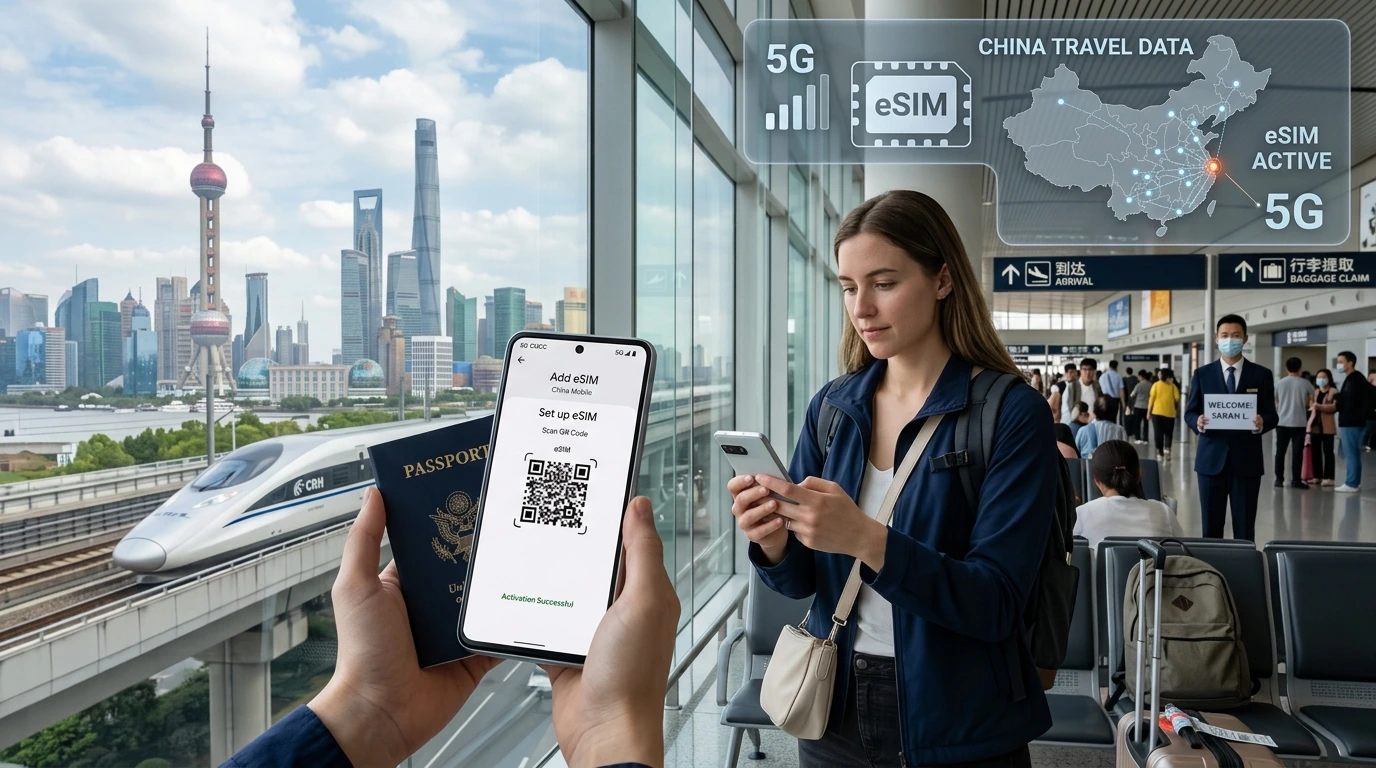
A practical guide to the best way to get internet while traveling — clear comparisons, when to pick eSIM vs local SIM vs pocket Wi‑Fi, activation steps, security tips and NexaEsim plan links.
Best way to get internet while traveling: choose an eSIM for most solo and short trips for instant activation and data-only plans; use local physical SIMs for long single-country stays and pocket Wi‑Fi for groups or many devices.
By NexaEsim editorial team. Editorial note: This guide synthesizes common industry guidance and competitive practices to give practical recommendations; if you need live price comparisons or plan filtering, check NexaEsim's plans below.
Quick Answer — the best option in one sentence
Quick Answer: For most travelers, eSIMs offer the best balance of convenience, speed and cost — buy and activate data instantly without swapping SIM cards. Use a local physical SIM for the cheapest long-term local number; pocket Wi‑Fi for groups or heavy multi‑device use; and your home carrier’s roaming only for very short trips when keeping your home number active is the priority.
- Best for solo short trips: eSIM
- Best for multi-device groups: pocket Wi‑Fi
- Best for long single-country stays: local physical SIM
- Keep your home number: roaming or keep home SIM + eSIM
Why staying connected matters when you travel
Reliable internet is essential for navigation, real-time bookings, contact with family, and work or banking tasks. Offline maps and pre-downloaded documents help, but most travelers benefit from persistent mobile data for convenience and safety.
The options explained (overview)
eSIMs
eSIMs are digital SIM profiles installed on a compatible phone or device. They let you buy data plans in advance, activate via QR or link, and switch profiles without a physical card.
Pros: no SIM swap, instant activation, many multi-country options. Cons: requires eSIM-capable device and a basic familiarity with profile management.
Local physical SIM cards
Buy at airports, shops or kiosks in destination countries. They can be the cheapest option for long stays and provide a local phone number.
Pros: often cheapest per-GB locally, local number. Cons: requires unlocking/physical swap, registration rules in some countries, limited to one country per SIM.
International roaming from your carrier
Roaming keeps your home number active and is simple but can be costly unless you have a travel add-on from your carrier.
Pros: no reconfiguration, keep your home SIM active. Cons: pricing varies; sometimes expensive for data-heavy use.
Pocket Wi‑Fi / portable hotspots
Battery-powered devices that provide a local Wi‑Fi network for multiple devices. Good for families or teams traveling together.
Pros: share a single data plan across devices, simple login via Wi‑Fi. Cons: extra device to charge, rental logistics, per-device speed limits.
Public Wi‑Fi and Internet cafes
Free or inexpensive, but often slower and less secure. Use only for low-risk tasks or when combined with a VPN.
Tethering / phone hotspot
Use your phone’s data to share with other devices. Practical when you have a robust mobile data plan and only a laptop or tablet to connect.
Side-by-side comparison: cost, convenience, coverage, security, device requirements
| Option | Cost | Convenience | Coverage | Best for |
|---|---|---|---|---|
| eSIM | Competitive (pay for data only) | High (no physical swap) | Depends on plan/networks | Solo travelers, short trips, digital nomads |
| Local SIM | Often lowest for long stays | Moderate (buy on arrival) | Strong local coverage | Long-term single-country stays |
| Pocket Wi‑Fi | Higher for multi-day rentals | Moderate (rental logistics) | Depends on local networks | Families/groups, multi-device use |
| Roaming | Can be expensive | Very convenient | Home network partners | Short trips, urgent use |
Which option is best for your trip? (decision matrix)
Pick by traveler type:
Short weekend or business trip
Choose an eSIM pre-activated before you fly so you land with data. If keeping your home number is essential, enable roaming for calls and use an eSIM for data.
Multi-country backpacking trip
Use a regional or multi-country eSIM to avoid buying a new SIM in each country. If you plan long stays in one place, buy a local SIM there.
Digital nomad or long-term stay
For stays of several months, a local SIM with a local plan is usually cheapest and gives the best long-term support. Combine with a secondary eSIM for travel days.
Traveling with family / group
Pocket Wi‑Fi can be cost-effective when several devices need simultaneous access. Otherwise, each traveler can get an eSIM for personal convenience.
Why eSIMs are a game changer (but not always perfect)
Instant activation & pre-flight setup
With eSIMs you can buy and install data before departure and avoid airport queues. To try NexaEsim plans for your destination, visit our plans page: Browse NexaEsim plans for 200+ destinations.
Regional & global eSIM plans vs local SIMs
Regional eSIMs cover multiple adjacent countries on one profile; single-country local SIMs may still be cheaper for long stays.
Device compatibility & what to check
Confirm your device supports eSIM and is unlocked. See NexaEsim's compatibility notes: Compatible devices.
How to buy and activate an eSIM (NexaEsim step-by-step)
Before you buy: check device & carrier locks
- Confirm your phone/tablet supports eSIM and is unlocked.
- Find the model-specific setup steps on NexaEsim's installation guide: Installation guide.
Buying: picking country/region & data amount
Choose a plan that covers your travel dates and countries. Use NexaEsim's country list to compare plans and coverage: See plans by country.
Installing: QR code and profile management
- Purchase a plan and receive a QR code or activation link by email.
- On your device, add the eSIM profile via Settings → Mobile/Cellular → Add eSIM and scan the QR.
- Label the profile (e.g., “Travel – Spain”) and set data roaming or preferred line as required.
Switching between profiles & keeping your home number (dual SIM tips)
Use dual SIM functionality to keep your home SIM for calls/SMS and set the eSIM as the data line. If you need help, reach NexaEsim support or follow the device-specific instructions under our installation guide.
Security & privacy: staying safe on the road
- Use a reputable VPN for banking or sensitive login on public Wi‑Fi.
- Prefer mobile data for sensitive transactions over unsecured Wi‑Fi.
- Keep device OS and apps updated; enable remote-find and a strong lock screen.
Troubleshooting common issues (no signal, activation fails, slow speeds)
- No service after activation: toggle airplane mode, restart device, confirm eSIM profile is enabled.
- Activation error: re-scan activation QR or contact NexaEsim support with your order ID.
- Slow speeds: check if you’re roaming on a partner network with 3G only; switch networks or contact support.
Cost examples and sample itineraries (mini case studies)
For precise plan pricing for your route and travel dates, compare NexaEsim plans here: Browse NexaEsim plans. (Use the site tool to filter by country and dates.)
NexaEsim plans — how we make travel internet simple
NexaEsim offers plans across hundreds of destinations with instant activation and easy profile management. To compare plans for your trip, go to: NexaEsim — all countries.
FAQs
Below are quick answers to common questions — scroll each entry to expand.
Is an eSIM better than a physical SIM for travel?
An eSIM is usually more convenient for short and multi-country trips because it avoids swapping cards and can be installed before travel. For long single-country stays, a local physical SIM can be more cost-effective.
Can I use an eSIM and my physical SIM at the same time?
Yes—many modern phones support dual SIM: one physical SIM and one eSIM. You can keep your home number active while using the eSIM for data.
Which phones support eSIMs?
Most recent iPhones and many Android models support eSIM. Check device-specific compatibility on our Compatible Devices page: Compatible devices.
How much data do I need for a 7‑day trip?
Data needs vary by usage: light users may get by with 1–3 GB; frequent map use, streaming or video calls will need 5–20+ GB. Use NexaEsim plan filters to choose the right amount.
Are eSIMs secure on public Wi‑Fi?
eSIMs provide mobile data, which is typically more secure than public Wi‑Fi. When using public Wi‑Fi, always use a VPN for sensitive tasks.
What happens if my eSIM won’t activate?
Try restarting the device, re-scanning the QR code, and ensuring the profile is enabled. If issues persist, contact NexaEsim support with your order details.
Can I share eSIM data with other devices?
Yes—use tethering/hotspot on your device to share data, or choose pocket Wi‑Fi for multiple devices without draining your phone battery.
Do I need a passport to buy a local SIM?
Some countries require ID or passport registration for physical SIM purchases. eSIM purchases through reputable providers generally only require online verification.
Further reading & sources
For device setup and troubleshooting, visit our installation guide: Installation guide. For blog deep dives and travel tips, see the NexaEsim blog: NexaEsim blog.
Editorial note: Confidence note — this article was created using a recent SERP snapshot to shape recommendations. If you need live price or network partner verification for a specific itinerary, use the NexaEsim plans page linked above.