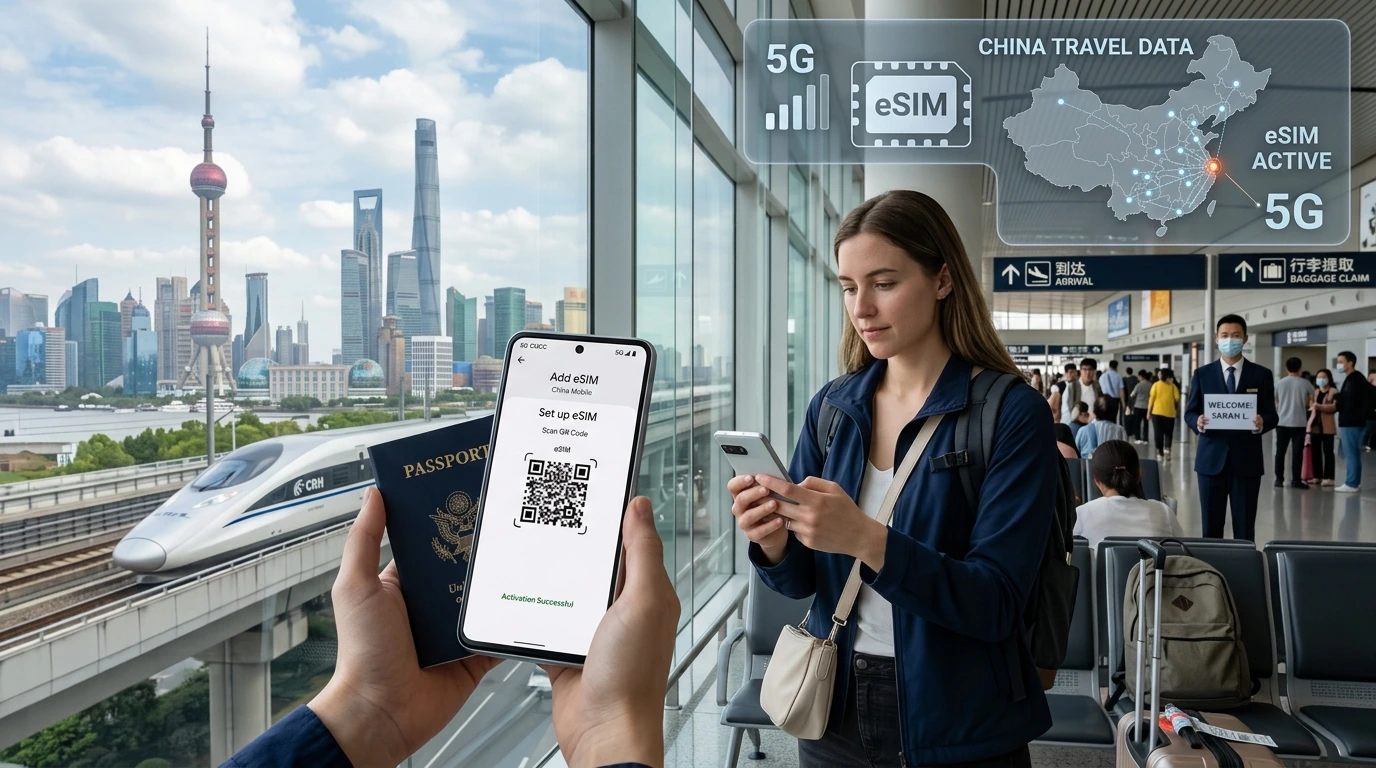
Quickly decide if an eSIM is right for your trip: pros, limits, when to choose physical SIM, and a simple activation checklist. Links to NexaEsim plans and device compatibility.
Do I need an eSIM for traveling abroad — this short guide helps you decide fast and shows practical steps if you choose one.
By NexaEsim Editorial Team
Quick Answer
Most short-trip travelers and multi-country visitors benefit from an eSIM because it’s fast to buy and activate; if you’ll stay long-term (>1 month) in one country or need the absolute cheapest local rates, a physical prepaid SIM may be better. Before you decide, check device compatibility, carrier lock status, and whether your chosen eSIM plan allows hotspot/VoIP.
What is an eSIM and how is it different from a physical SIM?
An eSIM is a programmable SIM profile embedded in your phone that you download and activate instead of inserting a plastic card.
How it works (short)
- Providers send a QR code or activation link you install in Settings → Cellular (iOS) or Network & Internet → Mobile network (Android).
- You can keep your home SIM active and run a travel eSIM as a second data line on dual-SIM phones.
Device compatibility & lock status
Not every phone supports eSIM. Check Settings or our device compatibility list before buying. Your phone must also be unlocked if you want to use a non-home carrier eSIM.
Dual-SIM and eSIM-only phones
Many modern phones offer one physical SIM + one eSIM, while some newer models are eSIM-only. That affects how you manage calls and data when traveling.
Main benefits of using an eSIM for travel
- Buy & activate before you fly: arrive connected without airport queues.
- Easy multi-country plans: choose regional/global plans without swapping cards.
- Safer if phone is lost: no physical SIM to remove or reuse.
- Keep home number active: receive SMS/OTP on your original SIM while using travel data.
Limitations & risks
- Some phones or carriers (locked devices) don’t allow third-party eSIMs.
- Coverage gaps still depend on local towers—remote areas may need local physical SIMs with better rural coverage.
- "Unlimited" plans often have fair-use policies that throttle speeds after a data threshold.
- Certain countries have specific regulations for eSIMs—always check local rules for the country you’ll visit.
When you SHOULD choose an eSIM (decision scenarios)
- Short trips (3–14 days): eSIMs are convenient and usually cost-effective.
- Multi-country itineraries: an eSIM with regional coverage avoids swapping SIMs at borders.
- Business travel: keep your personal SIM active and use a dedicated data eSIM for work.
When a physical SIM may be better
- Staying in one country for months — local prepaid SIMs can be cheaper and offer longer-valid packages.
- Need guaranteed hotspot speeds for heavy tethering — confirm provider terms or opt for a local plan.
Cost comparison — simple examples (no exact prices)
| Trip type | Typical winner | Why |
|---|---|---|
| Weekend city break (7 days) | eSIM | Buy online + activate before arrival, avoid airport lines |
| Business trip (10–14 days) | eSIM | Fast setup, keep home number for calls/OTP |
| Extended stay (>1 month) | Physical SIM | Local long-term promos and refill options |
| Backpacking multiple countries | Regional/global eSIM | One plan covers several borders |
How to buy & activate an eSIM — step-by-step
- Check your phone is eSIM-capable and unlocked. See compatible devices.
- Choose a plan that covers your destination on NexaEsim: View eSIM plans for 200+ destinations.
- Purchase and save the QR code or activation link; some providers send an app.
- Install: iPhone — Settings → Cellular → Add Cellular Plan (scan QR). Android — Settings → Network & Internet → Add mobile plan.
- When you arrive, disable roaming on your home SIM (if needed) and select the eSIM data line.
Troubleshooting quick tips
- If the eSIM doesn’t connect, toggle airplane mode, then restart.
- Confirm APN settings with provider support or documentation.
- If hotspot doesn’t work, check the plan’s terms and the phone’s APN/tethering settings.
Country-specific notes (examples)
- EU/Schengen: many eSIMs offer regional plans that work across member states.
- United States: eSIMs widely supported but check whether the provider supports your required data speeds.
- China, Turkey and a few other markets have special rules—confirm local restrictions before purchase.
Why consider NexaEsim for your trip
NexaEsim lists plans that cover 200+ destinations and lets you compare regional and country packages quickly. If you want to check current options and activation times, view NexaEsim plans for your destination. Our help pages also include an installation guide to walk you through activation.
Quick checklist — 6 things to do before you fly
- Confirm your phone supports eSIM and is unlocked.
- Decide trip type (short vs long) and hotspot needs.
- Compare regional vs country plans on NexaEsim: View plans.
- Buy and save activation QR or link.
- Install and test before boarding (if possible).
- Keep backup: screenshot QR and note support contact.
Conclusion — should you get an eSIM?
Do I need an eSIM for traveling abroad? For many travelers the answer is yes: eSIMs are fast, flexible, and ideal for short trips or multi-country routes. If you plan a long stay in one country, compare local physical SIM prices before deciding. When ready, check plans and activate through NexaEsim to be connected on arrival: See available eSIM plans.
Frequently asked questions
1. eSIM works on every phone?
No — your phone must support eSIM and be unlocked. Check Settings or our compatibility list.
2. Can I use an eSIM as a hotspot?
Often yes, but hotspot allowance depends on the specific plan’s terms; check the provider’s fair-use policy.
3. Should I buy an eSIM before I travel or after arrival?
Buying before travel is convenient (you arrive connected). Buying locally can be cheaper for long stays—choose based on your trip type.
4. Are unlimited eSIM plans truly unlimited?
Usually they include fair-use caps; speeds may be throttled after a threshold. Always read the plan’s usage rules.
5. What if the eSIM won’t connect at my destination?
Try airplane mode toggle, restart phone, verify APN settings, and contact the provider’s support. Our installation guide covers common fixes.
6. Can I keep my home number and use an eSIM?
Yes — most dual-SIM phones let you keep the physical SIM active for calls/SMS while routing data through the eSIM.
7. Can I transfer an eSIM between phones?
Not directly. eSIM profiles are tied to the device; to move service you typically need to re-provision the plan on the new device via the provider.
Editorial note: This guide is written by the NexaEsim Editorial Team to help travelers choose between eSIM and physical SIM options. For up-to-date plan coverage and activation support visit NexaEsim’s plans page or our device compatibility and installation guides linked above.