High-speed 4G LTE data — instant delivery via email
| Partner networks | Digicel |
|---|---|
| Network speed | 4G LTE |
| Wi-Fi sharing (Hotspot) | Supported |
| Validity | 1–30 days of data — activate within 180 days of purchase |
| SIM type | Data only (no phone number) |
| Coverage | Papua New Guinea |
| Delivery | Instant QR code by email |
Before you buy, check that your phone supports eSIM. Below is a quick list of eSIM-compatible phones — iPhone, Samsung, Google Pixel, Oppo and more.
iPhone XR / XS and every newer model support eSIM:
Note: iPhones bought in mainland China use a physical dual-SIM and may not support eSIM. US iPhone 14 and later are eSIM-only.
iPad models with Wi-Fi + Cellular that support eSIM:
iPad eSIM provides mobile data only — no phone calls or SMS.
Availability varies by region — some carrier variants ship without eSIM.
On Pixel 2 and 3, eSIM support depends on the region and carrier.
The safest check: open Settings and search for "eSIM" or "Add eSIM". If the option appears, your phone is eSIM-ready.
Activate your travel eSIM in minutes — choose your device below
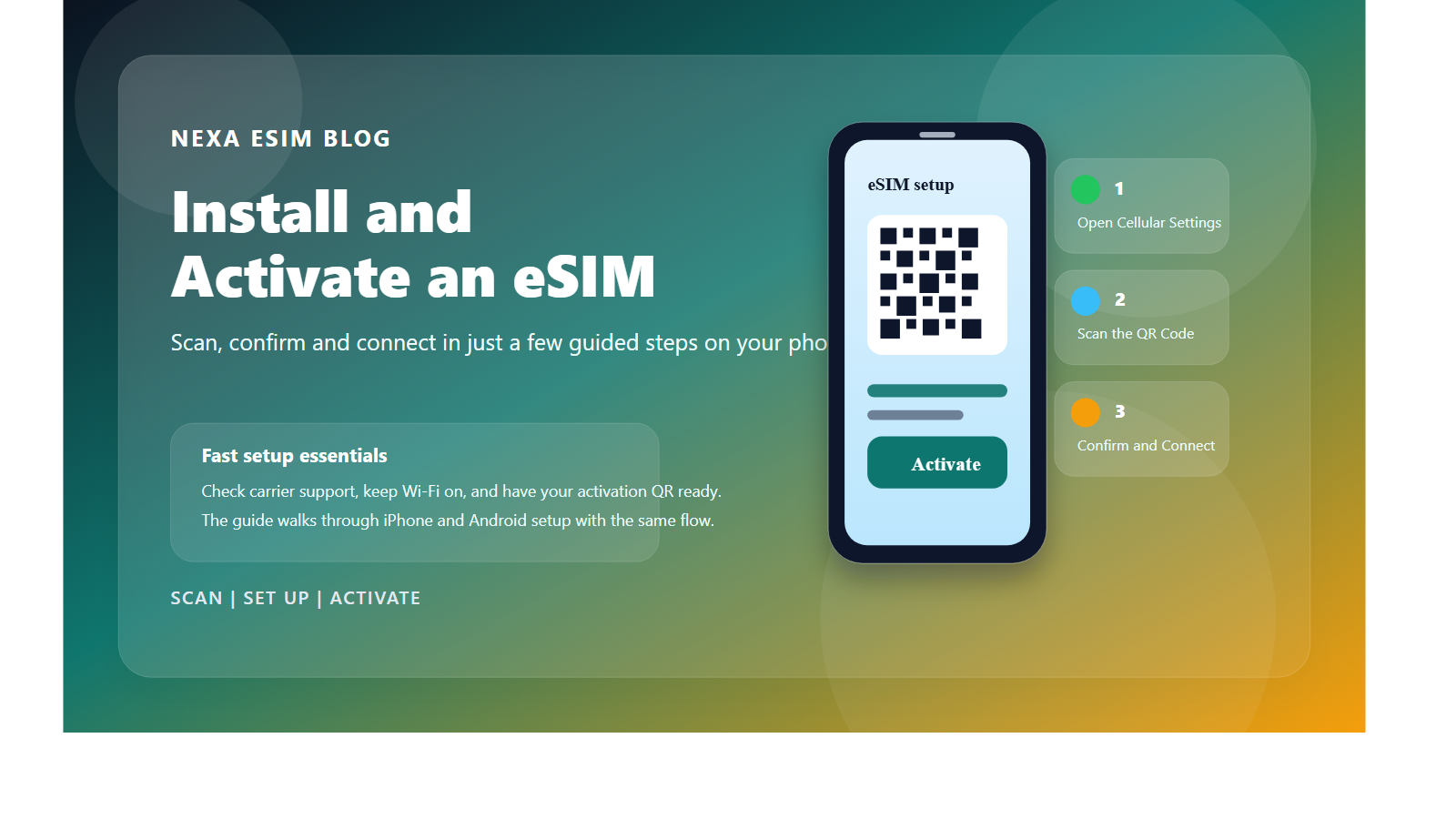
Go to Settings → Cellular → Add eSIM → Use QR Code, then scan the QR code from your confirmation email.
Tap Add Cellular Plan and label the new line (e.g. "Travel"). Keep your primary line for calls if you wish.
Select the travel eSIM as your data line and enable Data Roaming for it. You're connected — no extra charges apply.
Open Settings → Connections / Network → SIM manager → Add eSIM, then scan the QR code from your email.
Confirm and wait for the eSIM profile to download. Name the line so it's easy to identify.
Set the travel eSIM as the mobile-data SIM and turn on Data Roaming for it. You're ready to go.
Tip: install the eSIM at home with Wi-Fi before you fly. On arrival, just switch it on.
Activated the eSIM as soon as I got to Papua New Guinea with zero hassle. Coverage was excellent from the airport to the countryside. Made staying connected abroad completely effortless.

Grabbed this before heading to Papua New Guinea and it saved me a lot of money. The data lasted exactly as advertised. Great value for the price.
This was my first time using an eSIM in Papua New Guinea and it was so easy. The QR code arrived by email within a minute of paying. Could not have asked for a smoother experience.
My go-to eSIM for visiting Papua New Guinea. Customer support replied quickly when I had a question. A must-have for any traveller heading to Papua New Guinea.
Relied on this eSIM for my whole Papua New Guinea itinerary. The speeds easily handled uploading photos and videos. Will definitely buy again for my next trip.
This was my first time using an eSIM in Papua New Guinea and it was so easy. Speeds were great for maps, messaging and streaming. Thank you for such a reliable service.
Activated the eSIM as soon as I got to Papua New Guinea with zero hassle. No dropouts, no throttling, just reliable data. Will be my first choice for future travels.
Landed in Papua New Guinea and was online within a couple of minutes. It was far cheaper than roaming with my home carrier. Will be my first choice for future travels.
Relied on this eSIM for my whole Papua New Guinea itinerary. Speeds were great for maps, messaging and streaming. Thank you for such a reliable service.
Got this for a business trip to Papua New Guinea and it did not let me down. I kept my regular number active for calls and used this for data. Five stars, would use this service again in a heartbeat.
Installed it at home and switched it on when I reached Papua New Guinea. Tethering to my laptop worked without any issues. Highly recommend it to anyone visiting Papua New Guinea.
Used the Papua New Guinea eSIM across several cities and stayed connected throughout. It connected automatically every morning without prompting. Brilliant from start to finish.
Showing 12 of 480 reviews