W
Dependable connection
Used it daily during my month in Algeria. Setup took less than five minutes from start to finish. Five stars, would use this service again in a heartbeat.

High-speed 4G / 5G data — instant delivery via email
Showing 12 of 12 plans
Unable to load more plans. Please try again.
Carrier and technology data is published per coverage. Multi-country plans should be checked against the plan detail modal. Actual 4G/5G connectivity depends on device, location, and signal quality.
| Partner networks | Varies by local carrier and location |
|---|---|
| Network speed | 4G / 5G |
| Wi-Fi sharing (Hotspot) | Supported |
| Activation deadline | Within 60 days from purchase |
| Package start time | Validity counts from the first network connection at destination. |
| SIM type | Data only (no phone number) |
| Coverage | Algeria |
| Delivery | Instant QR code by email |
Choosing the right eSIM for your trip to Algeria ensures you stay connected for navigation, communication, and sharing your experiences. This guide helps you compare available plans and understand network capabilities to make an informed decision for your travel needs.
NexaEsim offers a range of data-only eSIM plans for Algeria, catering to various trip lengths and data usage patterns. Plans are available with fixed data allowances or "unlimited" data with a daily high-speed cap.
| Plan Type | Data Allowance | Validity | Post-Quota Policy | Ideal For |
|---|---|---|---|---|
| Fixed Data Plans | 1 GB | 7 days | Provider has not specified the post-quota policy. | Short trips (up to 7 days) with light usage like messaging and basic navigation. |
| 2 GB | 15 days | Provider has not specified the post-quota policy. | Medium trips (up to 15 days) for essential communication and occasional browsing. | |
| 3 GB | 30 days | Provider has not specified the post-quota policy. | Longer trips (up to 30 days) for light daily use, email, and social media. | |
| 5 GB | 30 days | Provider has not specified the post-quota policy. | Longer trips (up to 30 days) for moderate browsing, social media, and some photo sharing. | |
| 10 GB | 30 days | Provider has not specified the post-quota policy. | Longer trips (up to 30 days) for regular social media, navigation, and light streaming. | |
| 20 GB | 30 days | Provider has not specified the post-quota policy. | Longer trips (up to 30 days) for heavy social media, frequent navigation, and moderate video streaming. | |
| Unlimited Data Plans | Unlimited (3GB high-speed/day) | 3, 5, 7, 10, 15, 30 days | After exceeding 3GB of high-speed data per day, speed is reduced to 1 Mbps for the remainder of the day. | Travelers requiring consistent connectivity for streaming, video calls, or remote work, without worrying about running out of data. Suitable for all trip lengths. |
When selecting an eSIM plan for Algeria, consider your daily data consumption. Fixed data plans provide a set amount of data for the entire validity period, ideal for budget-conscious travelers or those with predictable, lighter usage. For these fixed-gigabyte plans (1GB, 2GB, 3GB, 5GB, 10GB, 20GB), the provider has not specified the post-quota policy; once the allocated data is fully consumed, service may cease or be throttled. It is recommended to monitor your usage.
Unlimited data plans offer peace of mind, ensuring you always have connectivity. These plans include 3GB of high-speed data per day. After this daily allowance is used, the speed is reduced to 1 Mbps until the next day. This 1 Mbps speed is generally sufficient for standard web browsing, messaging, and basic email, but may be slow for high-definition video streaming or large downloads.
Your eSIM for Algeria connects to local networks, supporting 4G and 5G technology. Understanding the network landscape is key to managing your expectations.
| Country | Carrier(s) | Supported Technology | APN |
|---|---|---|---|
| Algeria | Not specified | 4G, 5G | globaldata |
NexaEsim's service in Algeria utilizes 4G and 5G network technologies. The specific local mobile network operator(s) partnered with NexaEsim in Algeria are not specified. Therefore, manual network selection by the user is not guaranteed.
While 4G and 5G technologies are supported, actual internet speeds and coverage can vary significantly. Factors influencing your real-world performance include:
Typical expected speeds are not provided, but with 4G and 5G support, users can generally expect speeds suitable for HD video streaming in cities, and sufficient for browsing, messaging, and standard definition video calls in most populated areas. Speeds may vary in less populated regions.
Activating and managing your eSIM in Algeria is designed to be straightforward, but a few key details can enhance your experience.
globaldata. In most cases, this setting will be configured automatically upon activation. However, if you encounter connectivity issues, you may need to manually enter this APN in your device's cellular settings. Username and password are not typically required unless otherwise specified by support.For detailed installation steps and troubleshooting, please refer to the Installation Guide and eSIM Support Center sections on this page.
Used it daily during my month in Algeria. Setup took less than five minutes from start to finish. Five stars, would use this service again in a heartbeat.
Used this on a recent visit to Algeria. Video calls and social media loaded without a hitch. Thank you for such a reliable service.
My go-to eSIM for visiting Algeria. 5G was available in most places I visited. Easily the best travel eSIM I have used.
Showing 3 of 237 reviews
Check your phone. Estimate your data. Choose an eSIM with confidence.
Select the exact model and sales market to check whether it can use eSIM.
Choose the trip length and adjust your daily internet habits.
Move each slider to match your habits.
This is an estimate. Content quality, apps, devices and background activity can change actual usage.
Set it up correctly the first time and fix connection issues quickly
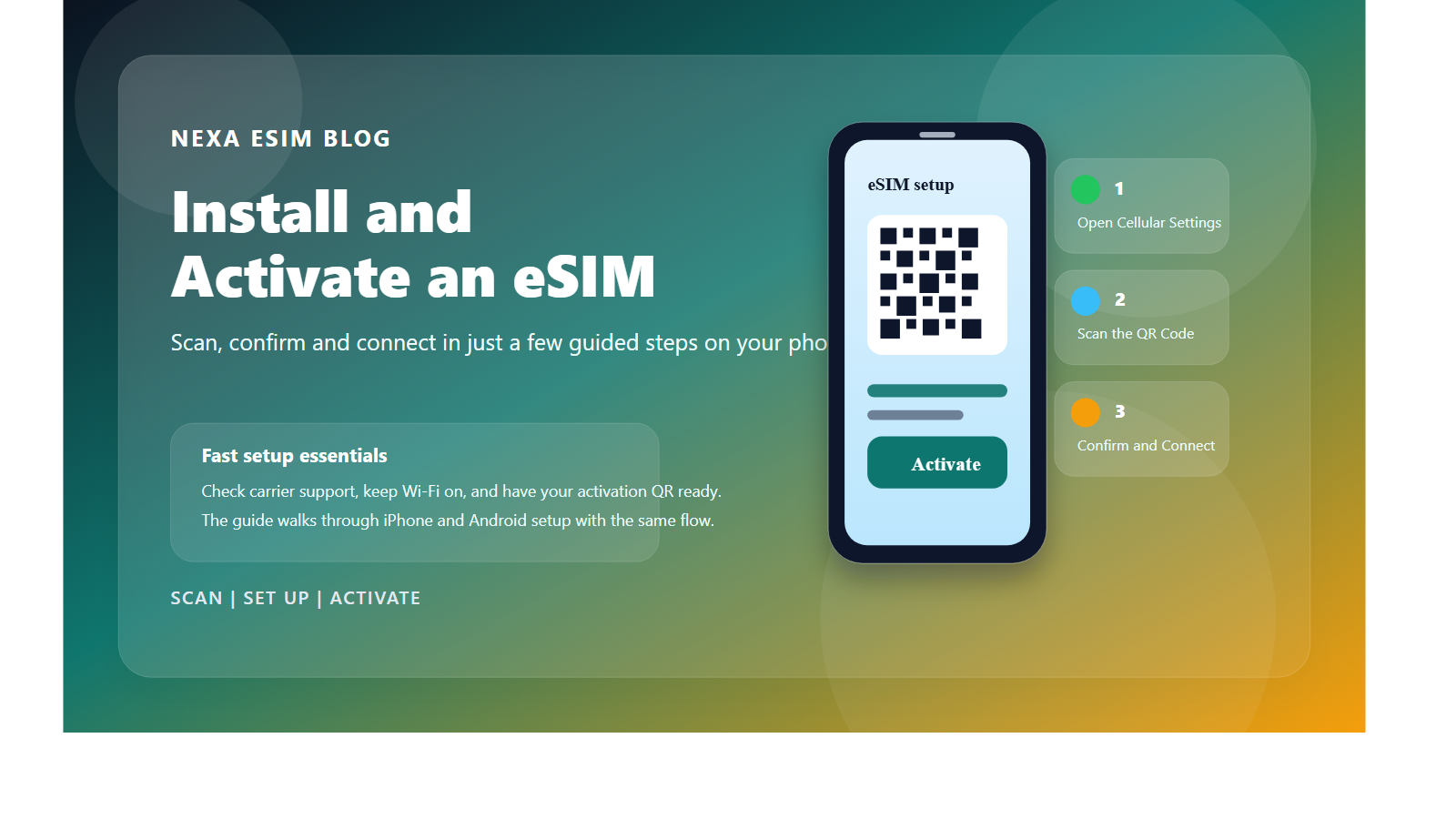
These instructions apply to Algeria eSIMs on iPhone and Android. Menu names may vary slightly by operating-system version and phone manufacturer.
A stable Wi-Fi connection is required to download the eSIM profile. Open the QR code on another device or print it before you begin.
After installation, keep the travel eSIM turned off until arrival if the plan should not start yet. Most plans connect automatically when they first reach a supported network in Algeria or the purchased coverage area.
Follow these steps in order so you change only one setting at a time. After each step, wait 30–60 seconds and check the signal indicator and Internet access again.
The most common cause is that the phone is still using the primary SIM for data or Data Roaming is disabled on the eSIM.
Make sure you are in a country included in the plan. Open Network Selection, choose Automatic and wait 1–3 minutes.
If there is still no signal, turn off Automatic and try the carriers listed in the plan details. Wait at least one minute after each selection.
Move to an open area, toggle Airplane Mode, restart the device and search for networks manually again. Confirm that your current country is included in the exact plan you purchased.
If other SIMs also have no signal, local coverage may be the cause. Try another location before changing the APN or deleting the profile.
Make sure the phone has Wi-Fi, supports eSIM, is carrier-unlocked and the QR code was not installed on another device. Check the SIM list because the eSIM may already exist under Travel, Secondary or the provider name.
Do not keep scanning the code and do not delete an eSIM that already appears. Capture the error and contact support with your order number. Never post the QR code publicly.
Check remaining high-speed data, switch between 5G Auto and 4G/LTE, and move away from basements, trains or crowded areas. Speed depends on the device, location, network load and plan policy.
Temporarily disable VPN or custom DNS apps. On a multi-country plan, network registration after crossing a border can take several minutes.
No. Many QR codes allow only one installation. Deleting the eSIM may make it impossible to reinstall. Keep the profile and contact NexaEsim before resetting network settings or deleting it.
Hand-picked articles to help you plan your trip