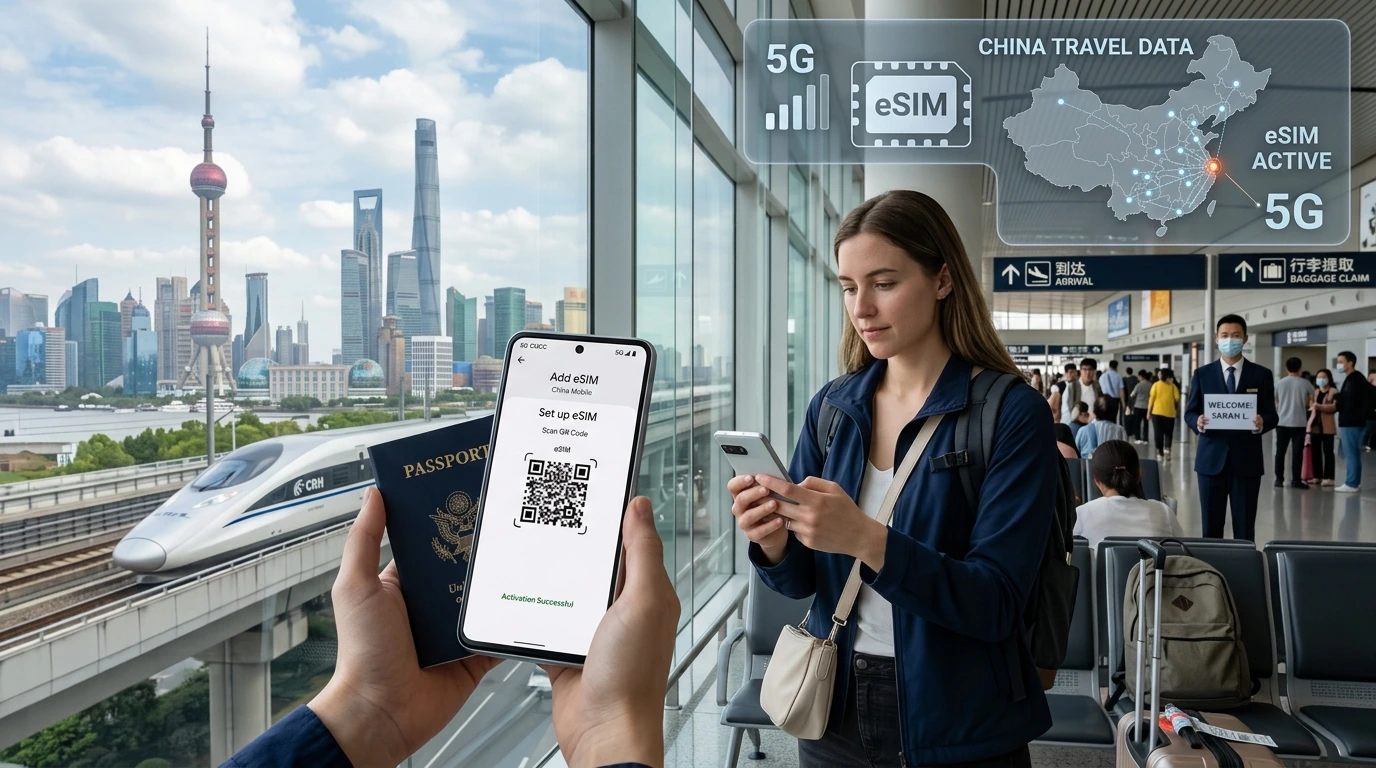
Learn when and how you can reuse a travel eSIM. This NexaEsim guide explains top-ups, device and country limits, step-by-step reuse, troubleshooting, and when to buy a new eSIM.
Can I reuse a travel eSIM? Quick answer: Yes — you can often reuse a travel eSIM if the provider allows top-ups and you keep the eSIM profile on your device; if a plan is one-time-use or the eSIM doesn’t support the destination, you’ll need a new plan.
By NexaEsim Support — editorial note: this article explains common reuse scenarios, NexaEsim steps, device notes, and troubleshooting. For account-specific rules always check your NexaEsim dashboard or contact support.
Quick Answer
Quick Answer: Most travel eSIMs are reusable when the provider allows top-ups or sells additional packages on the same eSIM profile. If a plan is sold as a single-use bundle or doesn’t cover your next destination, you must buy a new plan.
What “reuse” actually means for travel eSIMs
Reusing the eSIM profile vs reusing data packages/top-ups
Reusing an eSIM profile means keeping the eSIM record on your phone so you can add new data packages later. Reusing data packages means topping up the same profile with more data, validity, or add-on plans. Some providers let you do both; others sell single-use bundles only.
One-time-use eSIMs vs reusable (top-upable) eSIMs
One-time-use eSIMs expire when their data or validity ends and do not accept top-ups. Top-upable eSIMs let you purchase new packages for the same profile. Check your NexaEsim order or account to confirm which type you bought.
When you can reuse a travel eSIM (common scenarios)
You can reuse if top-ups are available
If NexaEsim offers top-ups or additional plans for your original eSIM, you can add data and extend validity without installing a new profile.
You left the eSIM installed and deactivated between trips
Keep the eSIM profile stored on your device. Instead of deleting it after a trip, turn it off in settings. Deleting the profile removes the stored QR/profile and may prevent reactivation from the same profile.
Your eSIM supports the destination (local vs regional vs global)
Reusable eSIMs still rely on supported networks. A regional or global eSIM may work in many countries; a single-country eSIM will not. Check supported destinations on the NexaEsim plans page.
When you cannot reuse a travel eSIM (limits & gotchas)
No top-up options (one-time packages)
Some plans are sold as single-use bundles. If no top-up option is listed for your purchased plan in your NexaEsim account, you must buy a new plan for the next trip.
Country not supported by that eSIM
If the eSIM profile was provisioned for networks that are unavailable in a new country or if regulatory rules block that operator, the profile won’t provide service there.
Device/carrier/regulatory restrictions
Certain countries (or older devices) may impose registration or provisioning rules for eSIMs. Check device compatibility and local rules before assuming reuse will work.
How to reuse your NexaEsim — step-by-step
1. Check plan and top-up availability
- Sign in to your NexaEsim account and open your active eSIM or recent order.
- Look for options labeled top-up, add data, or buy additional days. If available, follow the purchase link.
2. Buy a top-up and install it on the same eSIM
- Choose a package that matches your destination and needs. Use the NexaEsim plans list to compare countries and regions — See NexaEsim plans by country.
- Complete the purchase in your account. If the top-up is applied to the existing eSIM profile, you’ll receive activation instructions in the dashboard or by email.
- If instructed, reinstall or refresh the profile per the installation guide: How to install or remove an eSIM.
3. Best practices: deactivate vs delete; managing multiple eSIMs
- Turn the eSIM off in device settings rather than deleting it if you plan to reuse it.
- Use descriptive labels for multiple eSIMs so you can quickly pick the right line when traveling.
- Check device capacity and compatibility: Check device compatibility.
4. Reuse across multiple trips & region coverage
If your eSIM is regional/global, a single top-up may work across covered countries. For country-specific plans, buy the country plan each time or switch to a regional/global plan if available.
Device-specific notes (iPhone & Android)
iPhone: storing multiple eSIMs, switching lines, iOS behavior
iPhones can store multiple eSIM profiles and let you switch between them in Settings. Do not delete an eSIM profile you plan to reuse; simply disable it to avoid losing the profile details.
Android: device differences (Pixel, Samsung, other OEMs)
Android behavior varies. Some phones allow multiple eSIM profiles and easy switching; others are more limited. Check the NexaEsim compatible devices page for model-specific notes.
Can you transfer an eSIM to another phone?
Transferring is generally restricted. Many eSIM profiles are tied to the device they were installed on. If you need to move service, contact NexaEsim support for account-specific options.
Troubleshooting common issues when reusing an eSIM
No network after reactivation
- Confirm top-up or new package applied in your NexaEsim account.
- Restart your phone and toggle airplane mode.
- Ensure data roaming is allowed for the eSIM line in settings.
Top-up didn’t apply
Check your order history and email confirmation. If the dashboard shows no active top-up, contact NexaEsim support and include your order ID.
APN/roaming settings
If you have signal but no data, confirm the APN settings or allow automatic network selection. See detailed install steps in our installation guide.
Costs, privacy and convenience — why reuse can save money
Reusing an eSIM often avoids pay-per-day or new activation fees, and keeps your travel number and settings intact. eSIMs also improve privacy over temporary physical SIMs because there’s no physical swap and fewer chances to lose the SIM.
When to buy a new eSIM instead of reusing
- No top-up option for the original plan.
- Original eSIM does not cover your next destination.
- Device or regulatory limitations prevent reuse.
- Cheaper or simpler to buy a fresh regional/global plan for a multi-country trip.
Summary decision table
| eSIM type | Top-ups available? | Can you reuse? |
|---|---|---|
| Single-country single-use | No | No — buy a new plan |
| Regional / Global | Often | Yes, if top-ups supported and destination covered |
| Top-upable plan | Yes | Yes — add data to the same profile |
Next steps with NexaEsim
Ready to reuse or buy a new plan? Check supported destinations and available top-ups on our plans page: See NexaEsim plans by country. For device-specific install steps and troubleshooting see our installation guide and compatible devices page.
Frequently asked questions
Can I reuse a travel eSIM after the data plan expires?
If your provider allows top-ups and the eSIM profile remains on your device, usually yes. If the plan was single-use or no top-ups exist, you must buy a new plan.
How do I top up an eSIM (NexaEsim)?
Sign in to your NexaEsim account, open your eSIM order or active profile, and select available top-ups or add-ons. Follow checkout and activation instructions in your dashboard.
Can I use the same eSIM for different countries?
Only if the eSIM plan covers those countries (regional or global plans). Country-specific plans do not roam outside their listed country.
Can I transfer an eSIM to another phone?
Most eSIM profiles cannot be transferred between devices. Contact NexaEsim support for alternatives or to reissue a new profile if available.
Should I delete my eSIM after my trip?
No — don’t delete if you plan to reuse it. Simply disable it in settings to preserve the profile for future top-ups.
How many eSIMs can my phone store?
Storage limits vary by make and model. Check your device manual or our compatible devices page for model-specific limits.
Will my home carrier be charged if I leave a travel eSIM on?
Leaving a travel eSIM installed does not change charges from your home carrier. Ensure mobile data or roaming is off for your home line when you want to avoid charges.
Does NexaEsim allow multiple top-ups on the same eSIM?
Many NexaEsim plans support multiple top-ups; check your account or the plan details. If unsure, contact NexaEsim support before traveling.
What if my NexaEsim top-up doesn’t work?
Confirm the order and activation in your account, restart the device, and check roaming/data settings. If it still fails, contact NexaEsim support with your order number.
Need help? Visit our blog for tips on managing multiple eSIMs while traveling: NexaEsim blog, or browse plans by country: See NexaEsim plans by country.