Guatemala flag

eSIM Guatemala

High-speed 5G/4G LTE data — instant delivery via email

24 Plans 5G/4G LTE Instant Email
24
Available Plans
5G/4G LTE
Network Speed
2 min
Activation
1
How many days will you travel?
Select your trip duration in Guatemala

Choose the eSIM plan for your trip

1 DAYS
Unlimited
Unlimited/day
Data only
$6.11
  • 5G/4G LTE
  • Unlimited Hotspot
  • Activate within 180 days
1 DAYS
Unlimited Plus
Unlimited/day
Data only
$14.24
  • 5G/4G LTE
  • Unlimited Hotspot
  • Activate within 180 days
3 DAYS
Unlimited
Unlimited/day
Data only
$14.92
  • 5G/4G LTE
  • Unlimited Hotspot
  • Activate within 180 days
3 DAYS
Unlimited Plus
Unlimited/day
Data only
$35.37
  • 5G/4G LTE
  • Unlimited Hotspot
  • Activate within 180 days
5 DAYS
Unlimited
Unlimited/day
Data only
$23.72
  • 5G/4G LTE
  • Unlimited Hotspot
  • Activate within 180 days
5 DAYS
Unlimited Plus
Unlimited/day
Data only
$56.51
  • 5G/4G LTE
  • Unlimited Hotspot
  • Activate within 180 days
7 DAYS
1GB
146MB/day
Data only
$5.68
  • 5G/4G LTE
  • Unlimited Hotspot
  • Activate within 180 days
7 DAYS
Unlimited
Unlimited/day
Data only
$32.53
  • 5G/4G LTE
  • Unlimited Hotspot
  • Activate within 180 days
7 DAYS
Unlimited Plus
Unlimited/day
Data only
$77.64
  • 5G/4G LTE
  • Unlimited Hotspot
  • Activate within 180 days
10 DAYS
Unlimited
Unlimited/day
Data only
$45.74
  • 5G/4G LTE
  • Unlimited Hotspot
  • Activate within 180 days
10 DAYS
Unlimited Plus
Unlimited/day
Data only
$109.35
  • 5G/4G LTE
  • Unlimited Hotspot
  • Activate within 180 days
15 DAYS
2GB
137MB/day
Data only
$9.20
  • 5G/4G LTE
  • Unlimited Hotspot
  • Activate within 180 days
15 DAYS
Unlimited
Unlimited/day
Data only
$67.75
  • 5G/4G LTE
  • Unlimited Hotspot
  • Activate within 180 days
15 DAYS
Unlimited Plus
Unlimited/day
Data only
$162.19
  • 5G/4G LTE
  • Unlimited Hotspot
  • Activate within 180 days
30 DAYS
1GB
34MB/day
Data only
$4.55
  • 5G/4G LTE
  • Unlimited Hotspot
  • Activate within 180 days
30 DAYS
3GB
102MB/day
Data only
$9.71
  • 5G/4G LTE
  • Unlimited Hotspot
  • Activate within 180 days
30 DAYS
3GB
102MB/day
Data only
$12.27
  • 5G/4G LTE
  • Unlimited Hotspot
  • Activate within 180 days
30 DAYS
5GB
171MB/day
Data only
$15.35
  • 5G/4G LTE
  • Unlimited Hotspot
  • Activate within 180 days
30 DAYS
5GB
171MB/day
Data only
$18.22
  • 5G/4G LTE
  • Unlimited Hotspot
  • Activate within 180 days
30 DAYS
10GB
341MB/day
Data only
$27.38
  • 5G/4G LTE
  • Unlimited Hotspot
  • Activate within 180 days
30 DAYS
10GB
341MB/day
Data only
$28.13
  • 5G/4G LTE
  • Unlimited Hotspot
  • Activate within 180 days
30 DAYS
20GB
683MB/day
Data only
$45.65
  • 5G/4G LTE
  • Unlimited Hotspot
  • Activate within 180 days
30 DAYS
20GB
683MB/day
Data only
$45.74
  • 5G/4G LTE
  • Unlimited Hotspot
  • Activate within 180 days
30 DAYS
25GB
853MB/day
Data only
$164.18
  • 5G/4G LTE
  • Unlimited Hotspot
  • Activate within 180 days

How to Use eSIM in Guatemala

1
Choose Plan
Select the right plan for your trip
2
Checkout
Pay securely online
3
Get QR Code
Instant email delivery
4
Activate
Scan QR and connect

Supported Carriers in Guatemala

Claro Guatemala
5G 4G 3G
Orange
4G 3G
Telecomunicaciones de Guatemala, S.A. (TELGUA)
4G 3G
Tigo Guatemala
5G 4G 3G
TIGO/COMCEL
4G 3G
Quick Order
Duration 1 days
Data Unlimited
Price $6.11
Secure PaymentSSL Encrypted
100% RefundIf not activated
24/7 SupportAlways here to help
Need Help?

Our team is available around the clock

support@nexaesim.com

Guatemala eSIM Specifications

Partner networks Claro Guatemala, Orange, Telecomunicaciones de Guatemala, S.A. (TELGUA)
Network speed 5G/4G LTE
Wi-Fi sharing (Hotspot) Supported
Validity 1–30 days of data — activate within 180 days of purchase
SIM type Data only (no phone number)
Coverage Guatemala
Delivery Instant QR code by email
Compatibility

Is my phone eSIM compatible?

Before you buy, check that your phone supports eSIM. Below is a quick list of eSIM-compatible phones — iPhone, Samsung, Google Pixel, Oppo and more.

iPhone XR / XS and every newer model support eSIM:

  • iPhone XR, XS, XS Max
  • iPhone 11, 11 Pro, 11 Pro Max
  • iPhone SE (2nd gen, 2020), SE (3rd gen, 2022)
  • iPhone 12, 12 mini, 12 Pro, 12 Pro Max
  • iPhone 13, 13 mini, 13 Pro, 13 Pro Max
  • iPhone 14, 14 Plus, 14 Pro, 14 Pro Max
  • iPhone 15, 15 Plus, 15 Pro, 15 Pro Max
  • iPhone 16e, 16, 16 Plus, 16 Pro, 16 Pro Max

Note: iPhones bought in mainland China use a physical dual-SIM and may not support eSIM. US iPhone 14 and later are eSIM-only.

iPad models with Wi-Fi + Cellular that support eSIM:

  • iPad Pro 11″ (1st gen, 2018) & newer
  • iPad Pro 12.9″ (3rd gen, 2018) & newer
  • iPad Air (3rd gen, 2019) & newer
  • iPad (7th gen, 2019) & newer
  • iPad mini (5th gen, 2019) & newer

iPad eSIM provides mobile data only — no phone calls or SMS.

  • Galaxy S20, S20+, S20 Ultra, S20 FE
  • Galaxy S21, S21+, S21 Ultra, S21 FE
  • Galaxy S22, S22+, S22 Ultra
  • Galaxy S23, S23+, S23 Ultra, S23 FE
  • Galaxy S24, S24+, S24 Ultra, S24 FE
  • Galaxy S25, S25+, S25 Ultra
  • Galaxy Note 20, Note 20 Ultra
  • Galaxy Z Fold 2, 3, 4, 5, 6
  • Galaxy Z Flip, Flip 3, 4, 5, 6
  • Galaxy A54, A55 (selected regions)

Availability varies by region — some carrier variants ship without eSIM.

  • Pixel 2, 3, 3 XL, 3a, 3a XL
  • Pixel 4, 4 XL, 4a, 4a 5G
  • Pixel 5, 5a
  • Pixel 6, 6 Pro, 6a
  • Pixel 7, 7 Pro, 7a
  • Pixel 8, 8 Pro, 8a
  • Pixel 9, 9 Pro, 9 Pro XL, 9 Pro Fold
  • Pixel Fold

On Pixel 2 and 3, eSIM support depends on the region and carrier.

  • Oppo Find X3 Pro, X5, X5 Pro, X8, X8 Pro
  • Oppo Reno 5A, 6 Pro+, 9A, 11 F
  • OnePlus 11, 12, 13, Open
  • Huawei P40, P40 Pro, Mate 40 Pro
  • Honor Magic 4 Pro, Magic 5 Pro, Magic 6 Pro
  • Xiaomi 12T Pro, 13, 13 Pro, 14, 14 Pro
  • Motorola Razr (2019), Razr 5G, Razr 40 / 40 Ultra
  • Motorola Edge 40 / 50, Edge+ (2023)
  • Sony Xperia 1 IV / V / VI, Xperia 5 IV / V, Xperia 10 V
  • Nokia X30, G60
  • Rakuten Mini, Big, Big-S, Hand
  • Microsoft Surface Pro (LTE / 5G), Surface Duo 1 / 2

The safest check: open Settings and search for "eSIM" or "Add eSIM". If the option appears, your phone is eSIM-ready.

Setup Guide

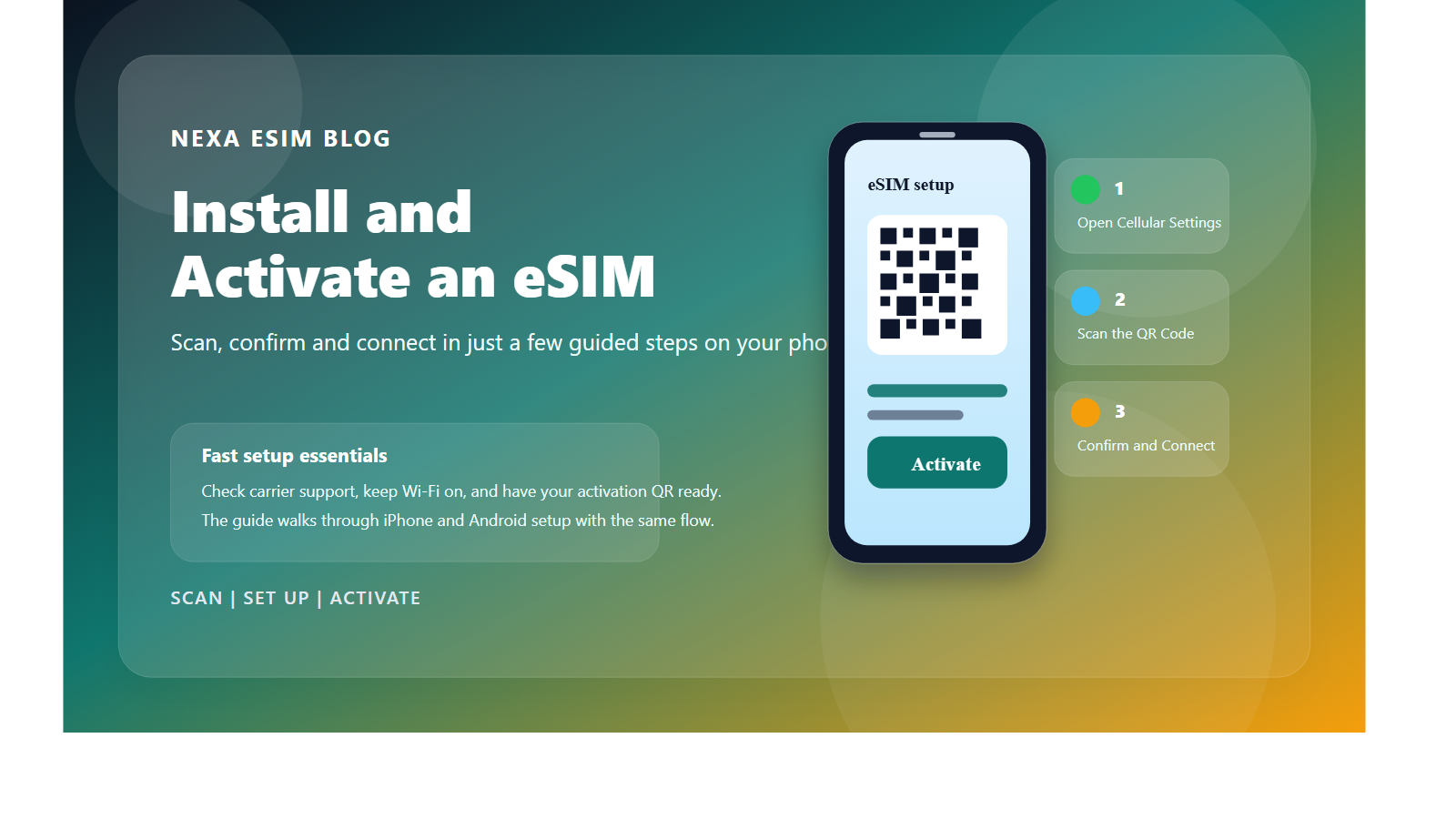
How to install your Guatemala eSIM in 3 steps

Activate your travel eSIM in minutes — choose your device below

Install eSIM on iPhone

1

Scan the QR code

Go to Settings → Cellular → Add eSIM → Use QR Code, then scan the QR code from your confirmation email.

2

Add the cellular plan

Tap Add Cellular Plan and label the new line (e.g. "Travel"). Keep your primary line for calls if you wish.

3

Turn on Data Roaming

Select the travel eSIM as your data line and enable Data Roaming for it. You're connected — no extra charges apply.

Install eSIM on Android

1

Scan the QR code

Open Settings → Connections / Network → SIM manager → Add eSIM, then scan the QR code from your email.

2

Download the eSIM

Confirm and wait for the eSIM profile to download. Name the line so it's easy to identify.

3

Enable mobile data & roaming

Set the travel eSIM as the mobile-data SIM and turn on Data Roaming for it. You're ready to go.

Tip: install the eSIM at home with Wi-Fi before you fly. On arrival, just switch it on.

Reviews

What travelers say about our Guatemala eSIM

4.8
Based on 226 reviews
5
184
4
42
3
0
2
0
1
0
A
Arjun Novak Vienna, Austria

Great value

Activated the eSIM as soon as I got to Guatemala with zero hassle. Customer support replied quickly when I had a question. Thank you for such a reliable service.

Jun 08, 2026
A
Anna Sato Zurich, Switzerland

Excellent coverage

Used it daily during my month in Guatemala. The QR code arrived by email within a minute of paying. Brilliant from start to finish.

Jun 01, 2026
J
James Schmidt Kuala Lumpur, Malaysia

Dependable connection

Picked this up before my Guatemala adventure and it was a great decision. Video calls and social media loaded without a hitch. Will be my first choice for future travels.

Jun 01, 2026
O
Olivia Davis Manila, Philippines

No more roaming bills

Picked this up before my Guatemala adventure and it was a great decision. It connected automatically every morning without prompting. Two thumbs up from me.

May 31, 2026
L
Laura Kim Warsaw, Poland

Could not be easier

Used this eSIM on my trip to Guatemala and it worked flawlessly. 5G was available in most places I visited. Smooth, fast and dependable.

May 26, 2026
A
Arjun Taylor Bangkok, Thailand

Exactly as described

Set up the eSIM before flying to Guatemala and it activated the moment I arrived. I had strong signal in the cities and decent coverage in rural areas. Could not have asked for a smoother experience.

May 23, 2026
F
Fatima Garcia Dublin, Ireland

Strong signal everywhere

Bought the Guatemala plan for a family holiday and it covered all of us. The hotspot worked perfectly for my tablet and a second phone. Saved me time and stress, exactly what I needed.

May 23, 2026
P
Peter Dubois Zurich, Switzerland

Perfect for travel

Travelled around Guatemala for two weeks with this eSIM. Streaming maps and music used barely any battery. Worth every penny.

May 23, 2026
A
Aiko Suzuki Toronto, Canada

Quick and simple

Connected instantly when I arrived in Guatemala. Reception held up even in busy tourist spots. Two thumbs up from me.

May 12, 2026
A
Andre Martinez Amsterdam, Netherlands

Top-notch service

Connected instantly when I arrived in Guatemala. Coverage was excellent from the airport to the countryside. Brilliant from start to finish.

May 12, 2026
M
Mei King Mumbai, India

So easy to set up

Activated the eSIM as soon as I got to Guatemala with zero hassle. Video calls and social media loaded without a hitch. Will be my first choice for future travels.

May 09, 2026
G
Grace Lopez Amsterdam, Netherlands

It just works

First eSIM I have ever bought and Guatemala was the perfect test. I never once lost connection during the trip. Easily the best travel eSIM I have used.

May 08, 2026

Showing 12 of 226 reviews

FAQ

Frequently Asked Questions about Guatemala eSIM

An eSIM for Guatemala is a digital SIM that lets you connect to local mobile networks without a physical SIM card. Simply scan a QR code to install it on your compatible device and enjoy high-speed data in Guatemala.

After purchase, you will receive a QR code via email. On iPhone: go to Settings > Cellular > Add eSIM and scan the code. On Android: go to Settings > Network > SIMs > Add eSIM and scan. The entire process takes about 2 minutes.

Your plan validity begins when the eSIM first connects to a network in Guatemala. You can install the eSIM at home before your trip — it will not start counting until you arrive and enable data roaming.

Most modern smartphones support eSIM, including iPhone XR/XS and newer, Samsung Galaxy S20+, Google Pixel 3+, and many others. Your device must be carrier-unlocked. Check the full list of compatible devices.

Yes! Most devices support Dual SIM (physical SIM + eSIM). You can keep your home SIM for calls and SMS while using the Guatemala eSIM for data. Just set the eSIM as your mobile data line in settings.

Many of our Guatemala eSIM plans support hotspot/tethering, allowing you to share your data connection with other devices such as laptops and tablets. Check the plan details for specific hotspot availability.

Our Guatemala eSIM connects to top-tier local carriers providing 5G/4G LTE speeds. Actual speed depends on your location, network congestion, and carrier coverage in Guatemala.

If your data runs out, you can simply purchase a new eSIM plan from NexaEsim. The new plan can be installed alongside or replace your current one. Some plans may also throttle speed instead of cutting off completely.

Yes, we offer a 100% refund if your eSIM has not been activated or installed. Once the eSIM is activated, refunds are not available. refund policy.

Yes, you need to enable Data Roaming for your eSIM profile in your device settings. This does not incur additional charges — it simply allows the eSIM to connect to partner networks in Guatemala. Make sure to disable data roaming on your primary SIM to avoid unexpected charges.

We recommend installing the eSIM at home with Wi-Fi before your trip. When you land in Guatemala, simply turn it on — no scanning needed at the airport.

No problem — your QR code is always available in your order confirmation email. You can re-open it anytime, or contact our 24/7 support and we'll resend it.