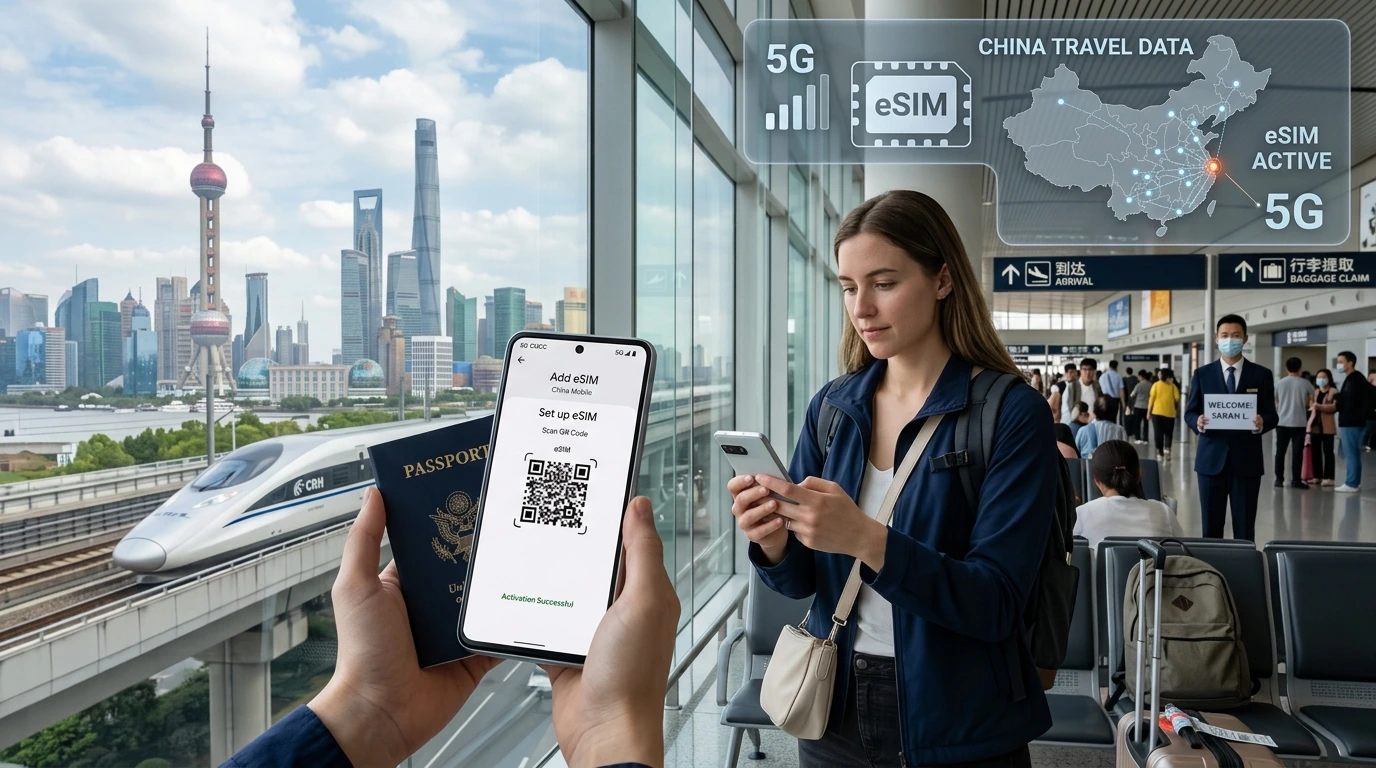
Como escoller, activar e usar unha eSIM en Puskás Aréna na xornada final da UEFA Champions League: do aeroporto ao estadio, transporte local, aplicacións de entradas e mensaxería.
Puskás Arena Budapest fan eSIM — quick overview
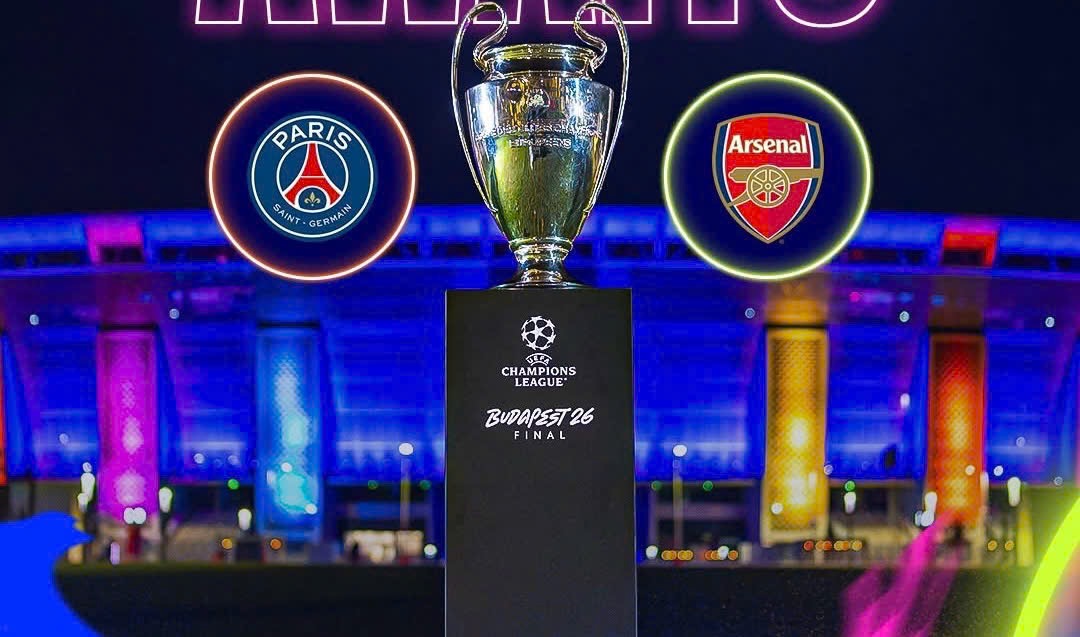
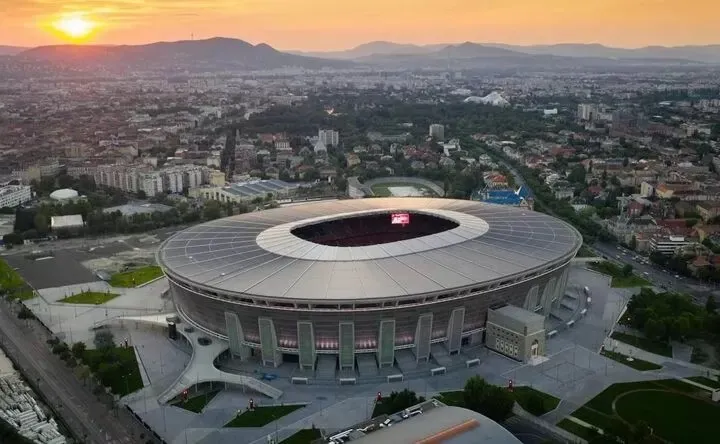
If you’re heading to Puskás Aréna for the UEFA Champions League Final on May 30, 2026, a dedicated travel eSIM makes arrival, navigation and match‑day coordination far easier. Instant QR delivery, prepaid 4G/5G data and hotspot support keep you online for maps, tickets and messaging without roaming surprises.
Why use a Puskás Arena Budapest fan eSIM
- Immediate internet for directions, digital tickets and live updates.
- No local SIM swap or roaming charges — buy before you travel.
- Hotspot support to share data with friends while en route to the stadium.
Buy and activate
Purchase a Hungary eSIM before travel (instant QR code). Most fixed plans activate within 180 days; highlighted unlimited plans require activation within 30 days. Use QR Code or manual setup (APN: globaldata). Buy here: Puskás Arena Budapest fan eSIM — Hungary eSIM and find device compatibility at compatible devices.
Coverage and typical speeds around Puskás Aréna
Networks in Budapest (Telekom, Telenor, Vodafone) deliver strong 4G and widespread 5G in central districts and major transport corridors. Expect solid coverage on main roads, metro exits and in surrounding bars; inside the stadium, coverage may vary during peak loads, so pre‑download passes or screenshots of tickets.
Getting from Budapest Airport (BUD) to Puskás Aréna
Fast options
- Taxi / rideshare: 30–40 min depending on traffic; mobile apps and maps rely on data.
- Public transport: take the 100E bus/shuttle into city centre then Metro M2 and M4 — plan with real‑time data.
Tip
Buy your eSIM at arrival or before boarding so Google Maps/Waze and ride apps work immediately for door‑to‑door routing.
Activación e configuración do dispositivo
Before the game
- Screenshot your ticket and transport route; download any venue apps or maps for offline use.
- Share a meeting point and ETA via messaging — set up a hotspot if travelling in a group.
At the stadium
- Expect congested cells near gates; use messaging over data (WhatsApp, Telegram) rather than voice calls.
- If you must stream highlights, choose lower resolution to avoid throttling during peak load.
Plan comparison table
| Plan | Days | Data | Price (USD) | Hotspot |
|---|---|---|---|---|
| Starter | 5 days | 1GB | $3.99 | Unlimited |
| Weekend Fan | 5 days | 5GB | $5.99 | Unlimited |
| Short Trip | 10 days | 5GB | $6.99 | Unlimited |
| Month Light | 30 days | 3GB | $9.99 | Unlimited |
| Unlimited Match | 5 days | Unlimited | $14.99 | Unlimited |
Trip‑scenario table — choose based on your match plan
| Scenario | Who | Recommended plan | Why |
|---|---|---|---|
| Same‑day visitor | Fans arriving morning and leaving night | Weekend Fan (5GB / 5 days) | Enough data for navigation, streaming highlights and messaging. |
| Group meetups | Friends sharing locations and hotspot | Unlimited Match (5 days) | Hotspot and unlimited data reduce frustration during congestion. |
| Extended stay | Tourists combining sightseeing + match | Month Light (30 days / 3GB) | Longer validity with moderate data use for maps & apps. |
Practical check‑list for Puskás Arena visitors
- Buy and install your Hungary eSIM before travel: Hungary eSIM page.
- Screenshot tickets and transport routes for offline access.
- Use messaging apps with read receipts for meeting planning; prefer data messages to calls.
- If you need setup help, see device guidance: compatible devices.
Final tips
For the big match day, prioritize a plan with hotspot and quick activation. That ensures you can coordinate with friends, use rideshare apps, and access digital tickets even when cell traffic spikes near Puskás Aréna.